LogoImage To Video AI
  • Create
  • Agent
  • AI Image
  • AI Video
  • Pricing
Resources
  • Blog
  • Create
  • Scenes
  • Works
  • Prompts
  • Image to Prompt
  • Batch Image to Prompt
Company & Legal
  • About
  • Contact
  • Privacy Policy
  • Terms of Service
  • Refund Policy
Image Models
  • Z-Image
  • GPT-4o
  • Flux 2
  • Flux 2 Pro
  • Flux 2 Klein
  • Qwen Image 2
  • Seedream 4.0
  • Seedream 4.5
  • Seedream 5.0
  • Grok Imagine
  • Nano Banana Pro
  • Nano Banana Flash
  • Nano Banana 2
Video Models
  • Google Veo 3.1
  • Google Veo 3.1 Lite
  • Google Veo 3.1 Pro
  • Seedance 1.5 Pro
  • Seedance Fast
  • Seedance Quality
  • Seedance 2.0
  • Hailuo 02
  • Kling v2.6
  • Kling v2.5 Turbo
  • Kling v2.1
  • Kling v2.1 Master
  • Kling O1
  • Kling v3.0
  • Kling v3.0 Pro
LogoImage To Video AI

Powered by Image To Video AI | Fast & Flexible AI Video Generation | Professional Quality

TwitterX (Twitter)DiscordEmail

This website is an independent AI video generation platform. We provide access to multiple state-of-the-art image-to-video AI models. All model names and trademarks belong to their respective owners.

© 2026 Image To Video AI All Rights Reserved. DREAMEGA INFORMATION TECHNOLOGY LLC

출시November 2025

Centralized AI Image Creation & Editing Workspace

Generate polished, professional AI images in less than 60 seconds. Start with a text prompt or reference photo, switch between leading image models mid-project, and tweak outputs without leaving your active work tab.

로딩 중...

Prompt:

auto

1:1

2:3

3:2

3:4

4:3

4:5

5:4

9:16

16:9

21:9

Model:
Resolution

로딩 중...

장면 예시 1
Streamlined Sequential Image Generation

Select Your Model, Refine Your Creative Vision, Generate Images Quickly

Start by outlining your visual goal, then choose the image model that fits your prompt workflow, editing depth, and desired output style.

01

Define Your Visual Goal

Start by outlining your subject, layout, and intended use case—from product photography, event posters, social media graphics, to concept art.

02

Upload Reference Images for Enhanced Accuracy

Add one or more reference photos whenever product identity, exact framing, unique style, or text placement calls for more intentional, targeted control over your final output.

03

Generate Drafts and Switch Models Seamlessly

Create your initial draft, then switch to another model family if you need sharper text, a specific realism level, or more powerful editing tools.

Core Benefits of This Image Creation Workspace

Create AI Images Without Committing to One Model Too Early

Use this workspace when your visual goal is clear but you’re unsure which image model will deliver the best results. Create quickly, compare outputs smoothly, and explore more detailed options only once you’ve found a model that fits your exact requirements.

Unified Generator for Top Image Model Families

Switch between GPT-4o, Seedance, Seedream, Flux, Qwen, and Z-Image without restarting your full generation workflow.

Compare leading image model families all within one unified workspace.
Switch models quicker when an initial output doesn’t meet your standards.
Stick to practical model choices, rather than just theoretical alternatives.

Text-Only and Reference-Driven Workflows in One Central Hub

Start with a prompt, or add reference photos when exact shape, framing, or product identity needs extra creative control.

Use text-to-image for a sharp, unguided initial draft.
Use image-to-image once you have a clear visual direction.
Make sure your prompt and reference photos work together smoothly.

Ideal for Layout, Text, and Campaign Design

Some projects need clear, easy-to-read text or strict prompt compliance, while others call for a cinematic or highly polished visual tone.

Choose GPT-4o for text-focused visual projects.
Pick Seedream or Flux for varying levels of visual polish.
Compare model families before locking in your campaign creative vision.

Hosted Simplicity First, Advanced Model Tools Later On

If a specific image model fits your needs, you can head to its dedicated page for more detailed prompt examples, validation, and customized workflow support.

Stay focused on flexibility when speed is your highest priority.
Refine your workflow later when model-specific accuracy is most critical.
Keep your initial generation process simple and intuitive.
Key Creative Use Cases

Core Creative Use Cases for This All-In-One AI Image Generation Tool

These are the most commonly used AI image generation tasks for creators who opt for a unified workspace over single-model standalone tools.

Product & Packaging Imagery

Build product hero shots, retail mockups, e-commerce still lifes, and core campaign visuals.

Posters & Social Media Graphics

Design launch posters, ad layouts, and platform-specific graphics where text readability and intentional layout are your highest priorities.

Reference-Driven Image Edits

Start with one or more reference photos and refine style, materials, color palette, framing, or background to fit your creative vision.

Concept Boards & Art Direction

Use multiple models to compare mood, finish, and visual tone before locking in your core creative vision.

Prompt Prompt Examples

Prompt Templates for Common AI Image Creation Tasks

Use these prompts as starting points for your AI image creation, then switch models if your output needs sharper text, adjusted realism, or more powerful editing tools.

Product Photography

좋음 prompt fit

Ideal for sharp product still lifes and high-end e-commerce visuals.
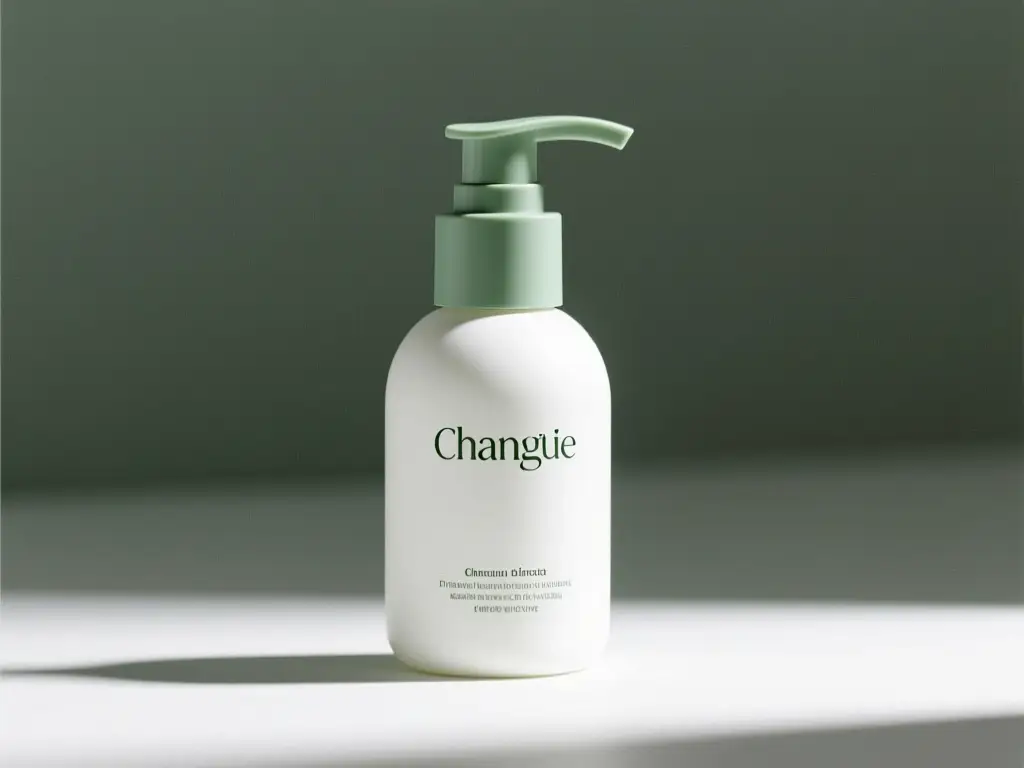
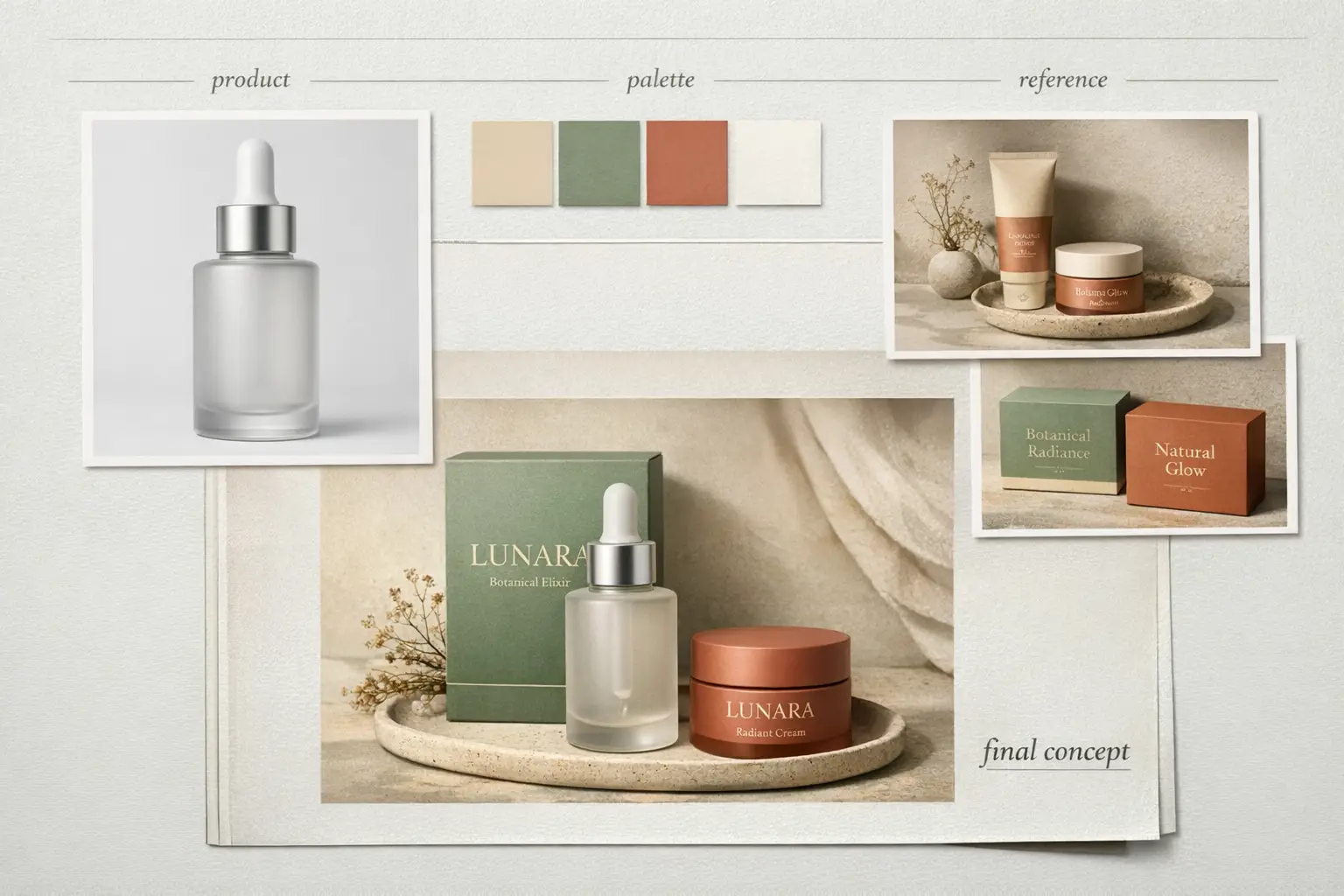
Luxury Packaging Hero Shot

Luxury Packaging Hero Shot

Prompt 수식

[product] + [surface/background] + [lighting] + [finish] + [usage context]

prompt 세부정보 보기Expand

Full prompt

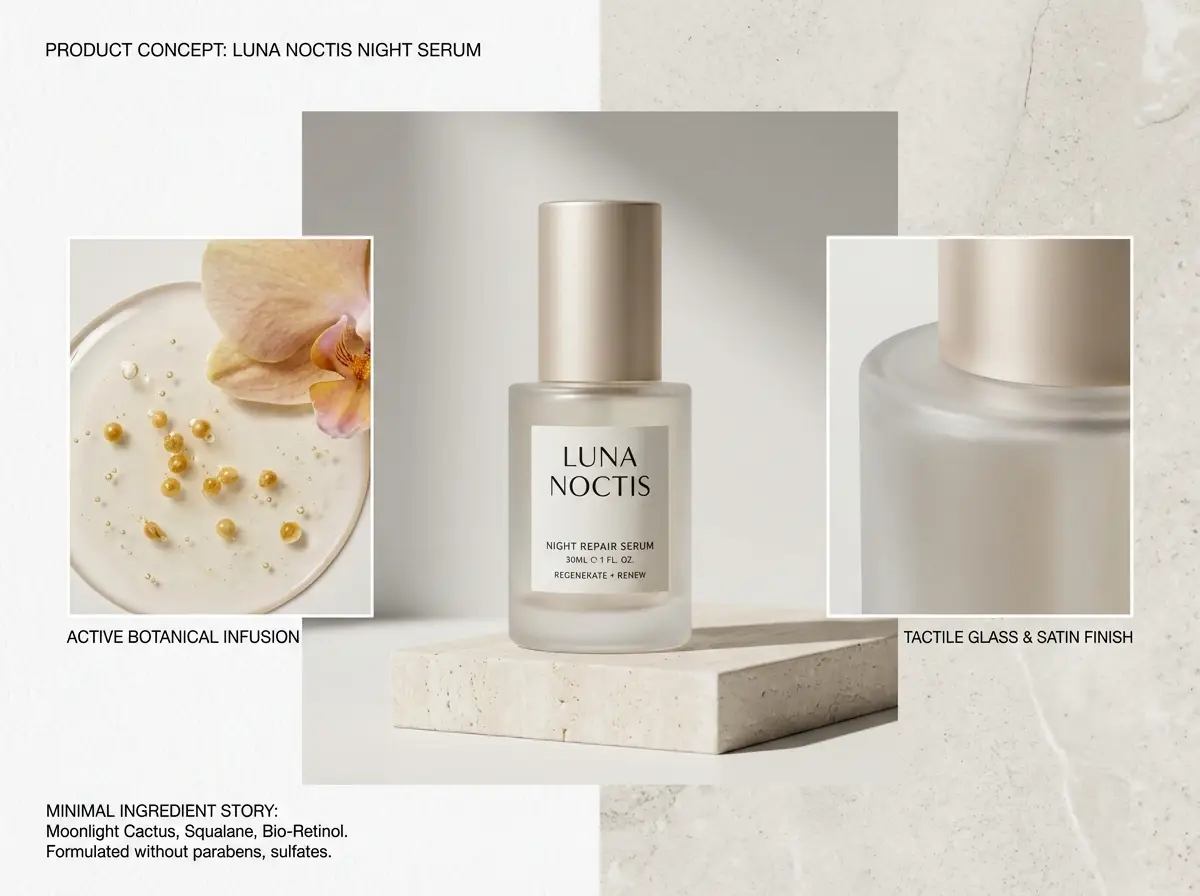
A luxury skincare bottle resting on a warm stone plinth, soft directional studio lighting, subtle shadow gradient, clean e-commerce hero shot, realistic surface reflections, modern luxury packaging, minimalist background, polished commercial photography finish

작동 이유

This prompt is detailed, material-focused, and clear about lighting and commercial finish requirements.

출력 목표

A polished product shot ideal for a landing page hero, product detail page, or ad mockup.

팁

  • Pinpoint your product and surface first before setting the overall mood.
  • Add material-specific terminology like glass, matte, brushed metal, or paper stock.
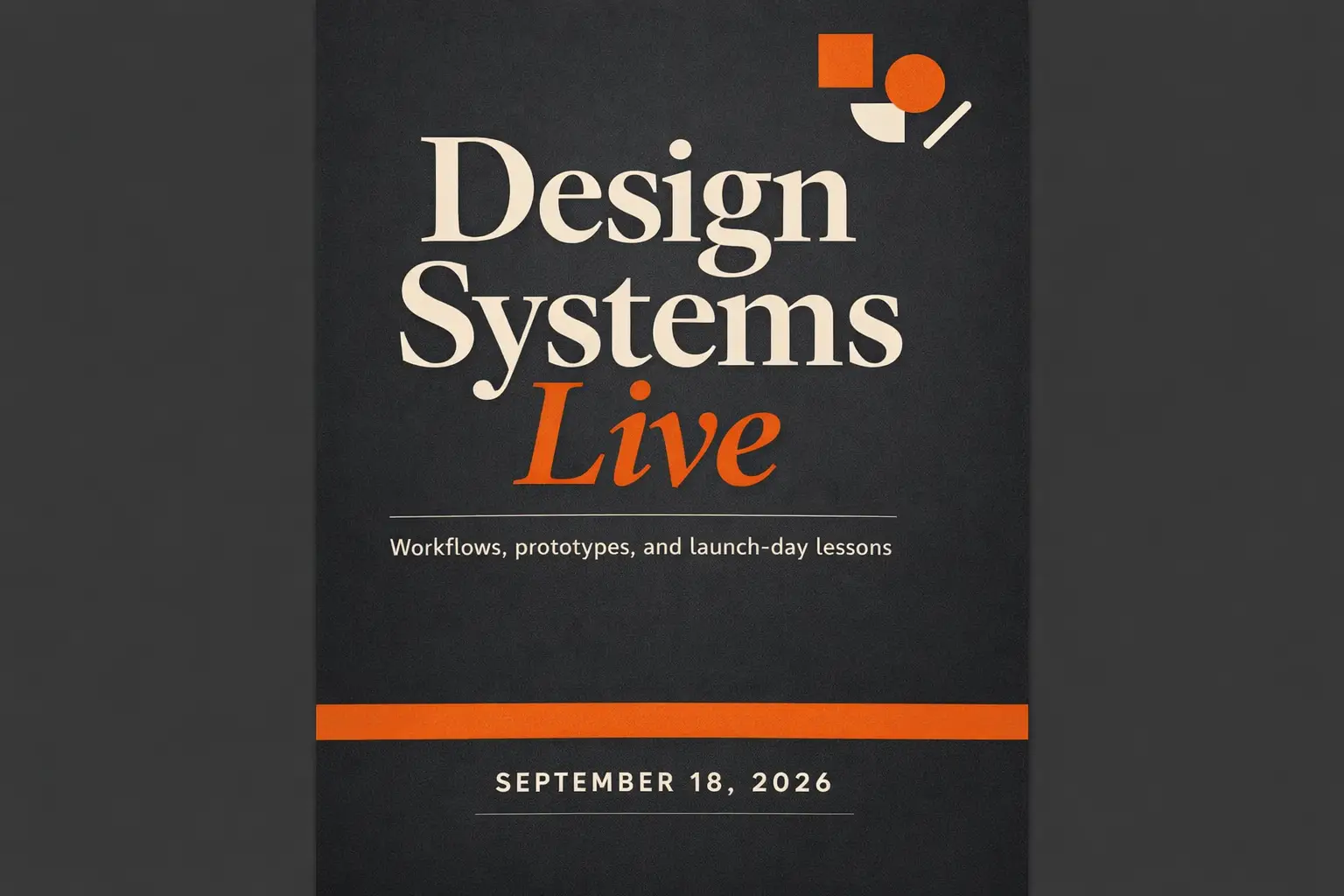
Text-Heavy Poster

좋음 prompt fit

Perfect when your headline, text hierarchy, and poster layout are equally important to the visual artwork.

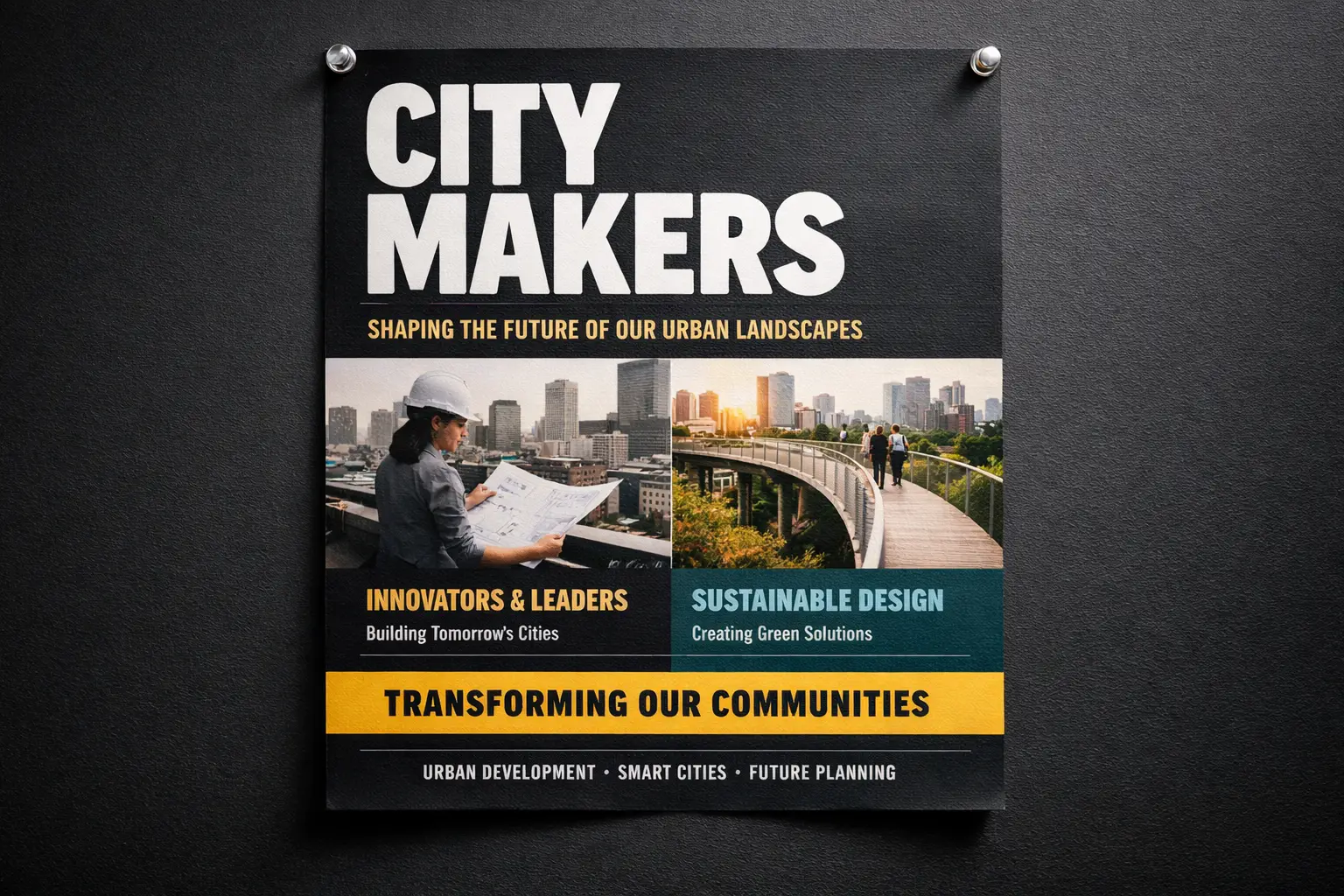
Conference Launch Poster with Sharp, Easy-to-Read Headline

Conference Launch Poster with Sharp, Easy-to-Read Headline

Prompt 수식

[subject] + [headline text] + [layout hierarchy] + [background style] + [poster intent]

prompt 세부정보 보기Expand

Full prompt

Modern design conference launch poster, bold headline "Design Shift 2026", smaller subhead "Creative Systems for Teams", prominent centered text hierarchy, black background with neon cyan and silver accents, premium editorial poster layout, easy-to-read typography, balanced spacing

작동 이유

This prompt breaks down poster content, text hierarchy, and visual treatment instead of grouping all details into generic style language.

출력 목표

A text-focused poster concept with tighter layout guidance and sharper typography.

팁

  • Add exact text in quotation marks when wording is critical to your project.
  • Map out text hierarchy separately from colors and overall tone.
Image-to-Image Edit

좋음 prompt fit

Ideal for targeted edits where your base object or layout needs to stay instantly recognizable.

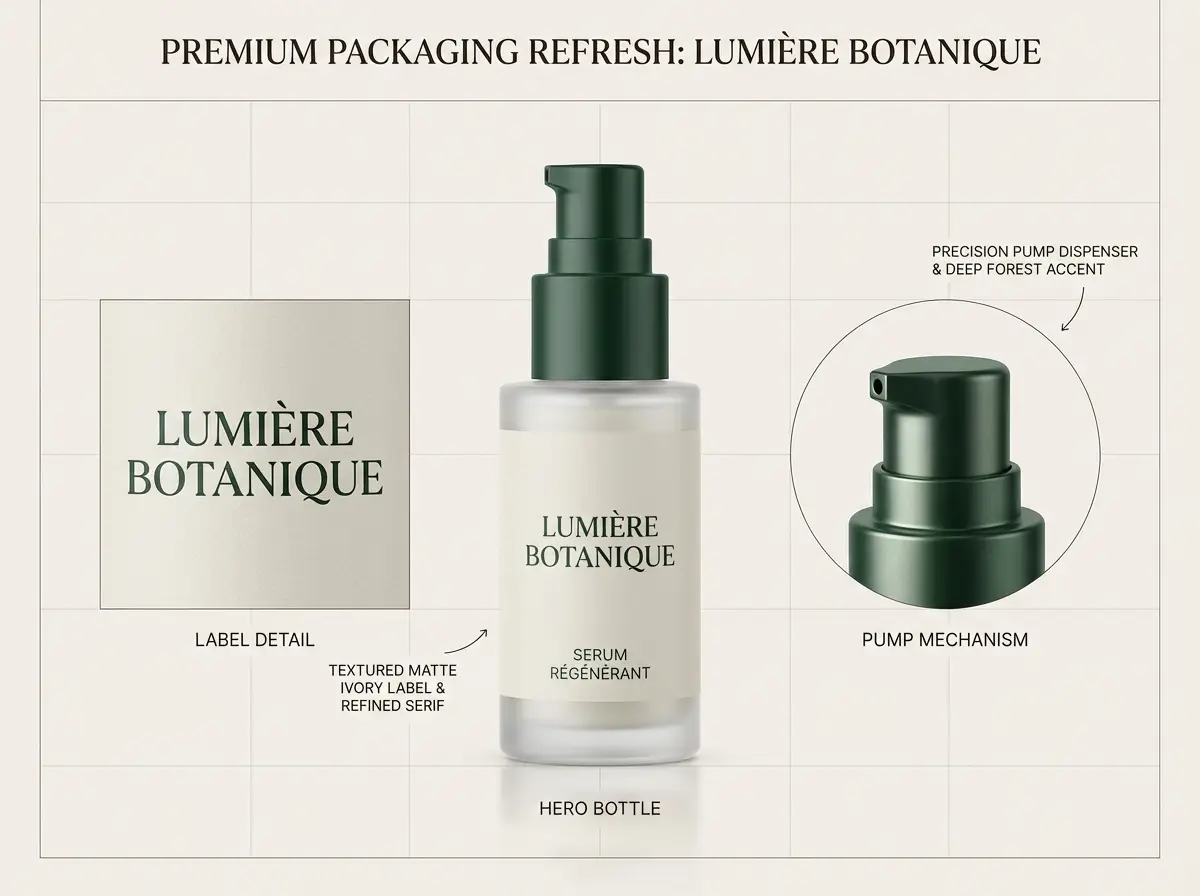
Reference-Driven Packaging Refresh

Reference-Driven Packaging Refresh

Prompt 수식

[what stays] + [what changes] + [new style/material/color direction]

prompt 세부정보 보기Expand

Full prompt

Keep the bottle shape, front-facing layout, and cap structure from the reference photo. Tweak the packaging to matte white with desaturated sage accents, softer editorial studio lighting, elevated premium skincare branding, cleaner retail presentation, and subtle shadow control

작동 이유

This prompt first lists which elements need to stay consistent before requesting the edit, reducing unintended visual adjustments.

출력 목표

A targeted refresh that preserves product identity intact while upgrading the overall visual system.

팁

  • Prioritize consistent elements first in your prompt.
  • Write your edit request with greater detail than your initial creative concept.
Campaign Creative

좋음 prompt fit

Perfect for polished editorial campaigns where mood, finish, and styling shape the overall visual impact.

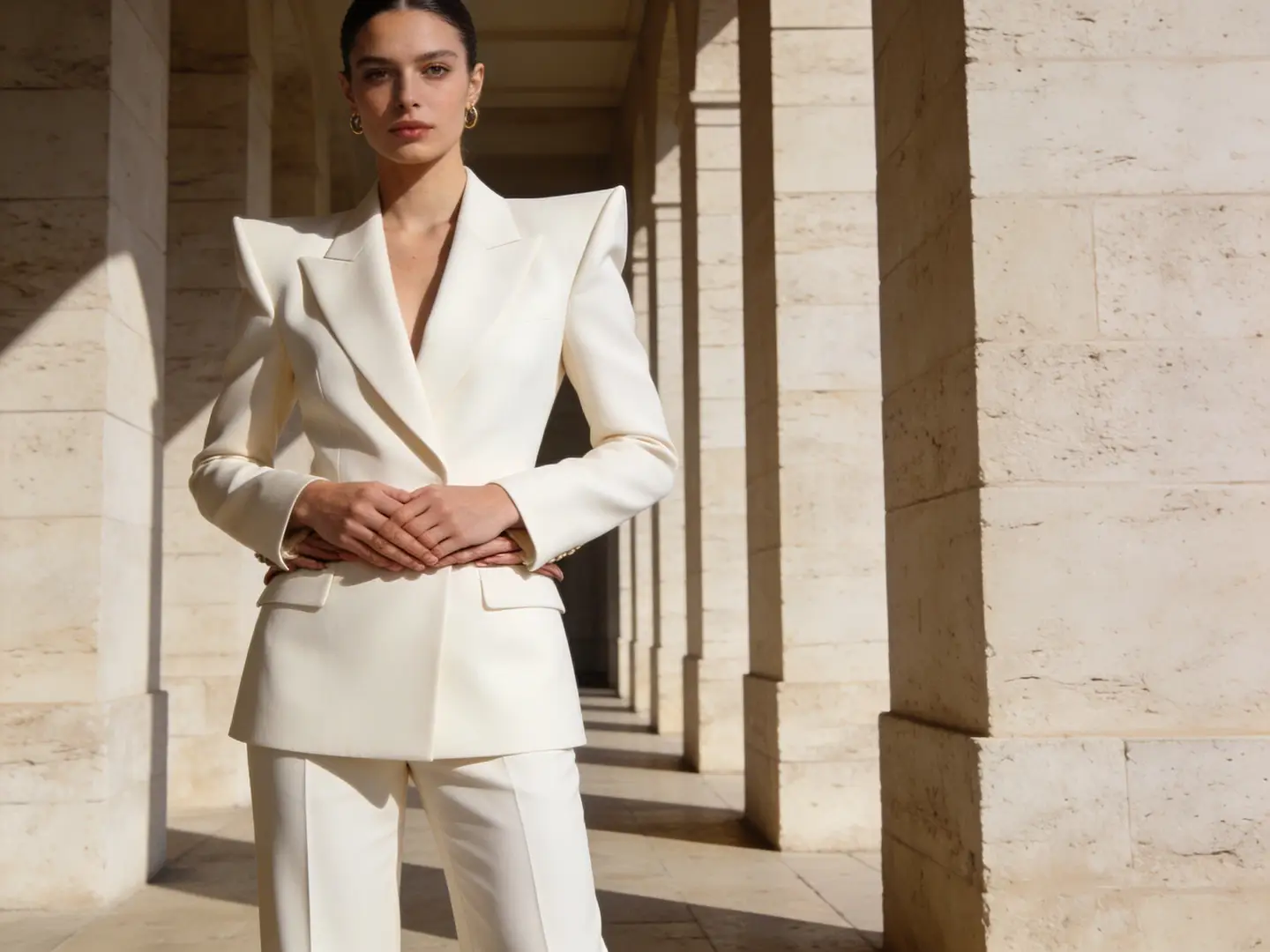
Luxury Fashion Campaign Shot

Luxury Fashion Campaign Shot

Prompt 수식

[subject] + [styling] + [camera feel] + [lighting] + [campaign finish]

prompt 세부정보 보기Expand

Full prompt

Editorial fashion campaign shot, self-assured model in structured cream tailoring, medium frame, luxury boutique lighting, subtle shadow falloff, glossy magazine-grade finish, premium styling, muted color palette, high-resolution campaign image for a luxury brand launch

작동 이유

This prompt gives the model a clear editorial use case, limited color palette, and premium finish goal.

출력 목표

A polished campaign-style shot you can repurpose for lookbooks, ads, or hero banners.

팁

  • Focus on one strong fashion or commercial context instead of multiple overlapping ideas.
  • Stick to a limited color palette for a luxurious, cohesive final output.
When to Use This Image Creation Workspace

Use This Workspace to Compare Models & Create Images Quickly

Use this workspace when your workflow is clear but you’re unsure which model will deliver the best results. Start with a broad approach, then narrow your focus once a model family fits your exact requirements.

Use This Workspace for Unified AI Visual Generation

Perfect if you want to switch between text-to-image and image-to-image quickly, compare multiple model families, and keep a streamlined workflow.

Use a Dedicated Model Page Once You’ve Picked Your Tool

Head to a model-specific page when you’ve already settled on using GPT-4o, Z-Image, Seedream, Flux, or Seedance and need more detailed prompt templates or model-specific validation.

Creator Community Insights

Community Examples & Model Talks for AI Image Generation

These videos, X posts, and Reddit threads show how creators compare image models in real-world workflows, instead of just reviewing technical specification documents.

동영상 예

X 게시물

Reddit 토론

FAQs

자주 묻는 질문

Everything you need to know about Image To Video AI and our platform

What can I generate here?

You can create text-to-image and image-to-image assets all within one unified workspace, then switch models at any time to get a one-of-a-kind prompt outcome, sharper text, or a unique visual tone.

Which image models are available?

Choose from GPT-4o, Seedance Pro, Seedance 2, Seedream, Flux, Qwen Image, Z-Image, and Seedance Flash—each optimized to match your unique workflow needs.

Can I use reference images here?

Absolutely. This workspace supports reference-image workflows, letting you start with only text or add multiple reference photos whenever your layout, product design, or subject identity calls for more exact creative control.

How do I choose the right model?

Start with GPT-4o first if sharp text clarity and strict prompt compliance are your highest priorities. Opt for Seedance when you need powerful hosted editing tools and multi-image context support. Pick Seedream for refined, campaign-ready visuals, Flux for adaptable art direction, and Z-Image if open-source model workflows fit your creative objectives.

Do all models support the same ratios and inputs?

Absolutely not. This platform will only show aspect ratios, image upload limits, and resolution presets that your currently selected model natively supports.

When should I use this page instead of a dedicated model page?

Choose this page if you want to jump straight into generation and compare multiple image models without extra hassle. Head to a dedicated model page once you’ve settled on a specific tool and want more detailed prompt examples and customized, model-specific guidance.

Still have questions? Our support team is ready to help.

Join Discord
Key Navigation Options

Top Dedicated Image Model Portal Pages

Head to a dedicated image model page once a specific family fits your creative goals.

GPT-4o AI Visual Generation Tool

Ideal for projects where text readability, diagram generation, and precise prompt compliance are critical.

탐색 모델

Seedance Pro

Ideal for high-end hosted visual generation and powerful multi-image editing tools.

탐색 모델

Seedance 2

Perfect for grounded generation or when you need more detailed, richer visual context.

탐색 모델

Seedream 4 AI Visual Generation Tool

Perfect for polished, campaign-ready visuals and a unique hosted visual generation experience.

탐색 모델

Z-Image AI Visual Generator

Ideal for open-source model workflows and when you want to switch to self-hosted implementation later on.

탐색 모델

Flux 2 AI Visual Generation Tool

Perfect if you want an alternative path to polished art direction and prompt-led visual generation.

탐색 모델

Start Your AI Visual Generation Today

Choose a model, add a prompt or reference photo, and create your first draft right above.

Explore More AI Image Styles

Discover 90 artistic styles for AI image generation, with different models and prompts as your creative partner

Trending Styles

View All →
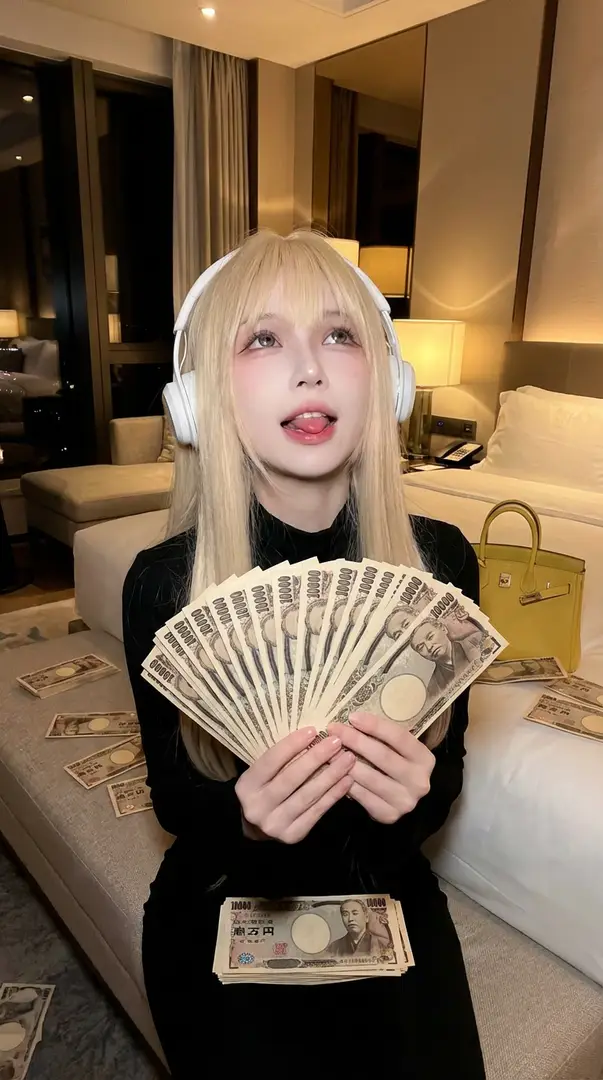
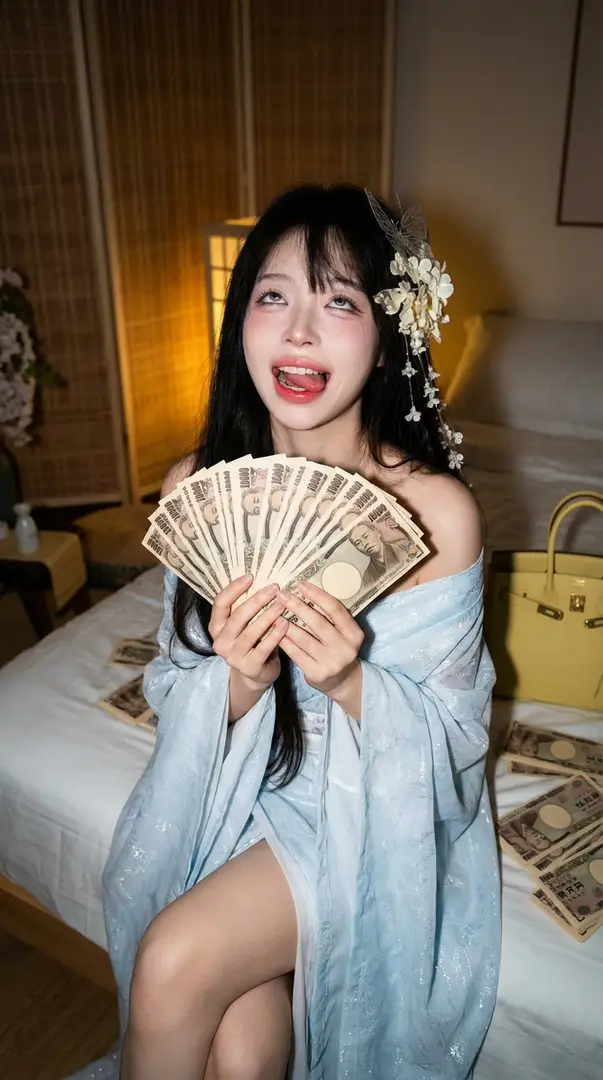
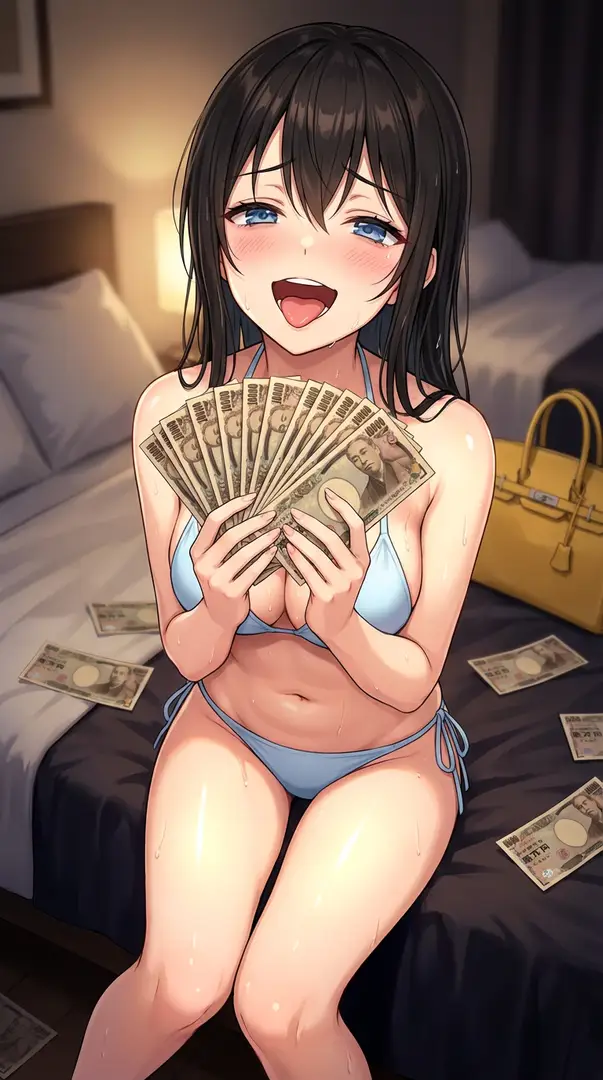
플래시 촬영에서의 화려한 현금 펀 포트레이터——고에너지 야간 라이프스타일 촬영플래시 촬영에서의 화려한 현금 펀 포트레이터——고에너지 야간 라이프스타일 촬영플래시 촬영에서의 화려한 현금 펀 포트레이터——고에너지 야간 라이프스타일 촬영플래시 촬영에서의 화려한 현금 펀 포트레이터——고에너지 야간 라이프스타일 촬영
Rising
10
Start Creating

플래시 촬영에서의 화려한 현금 펀 포트레이터——고에너지 야간 라이프스타일 촬영

밤의 플래시 촬영을 영감으로 받아, 고에너지의 화려한 라이프스타일 포트레이터를 제작합니다. 피사체는 침대 가장자리에 앉아, 일본 엔을 펼쳐진 채로 들고, 과장된 축하 표정으로 표정 짓습니다. 따뜻한 인공 조명, 디자이너 액세서리, 그리고 클로즈업 저각 플래시 설정이 생동감 있고 바라는 분위기를 전달하며, 참고 이미지와 엄격한 시각적 일관성을 유지합니다.

4mo ago
Create
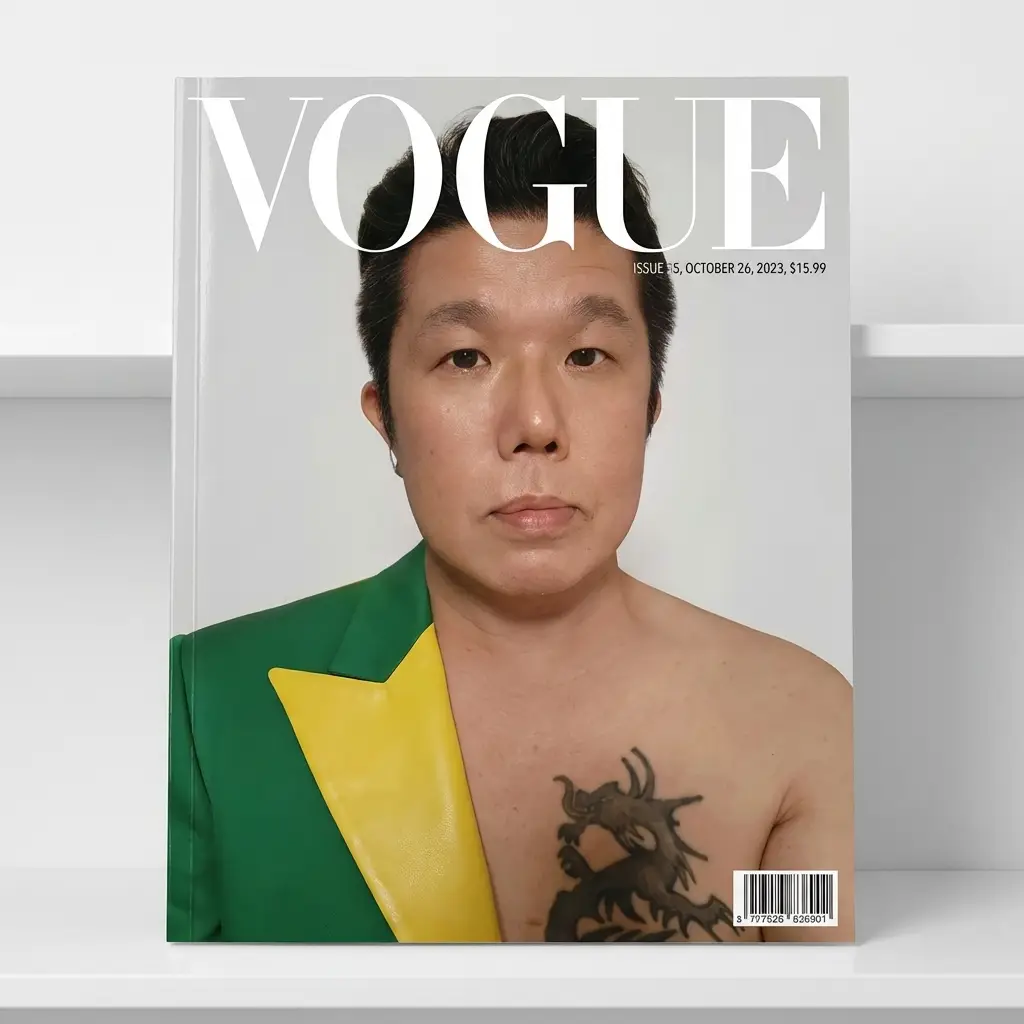
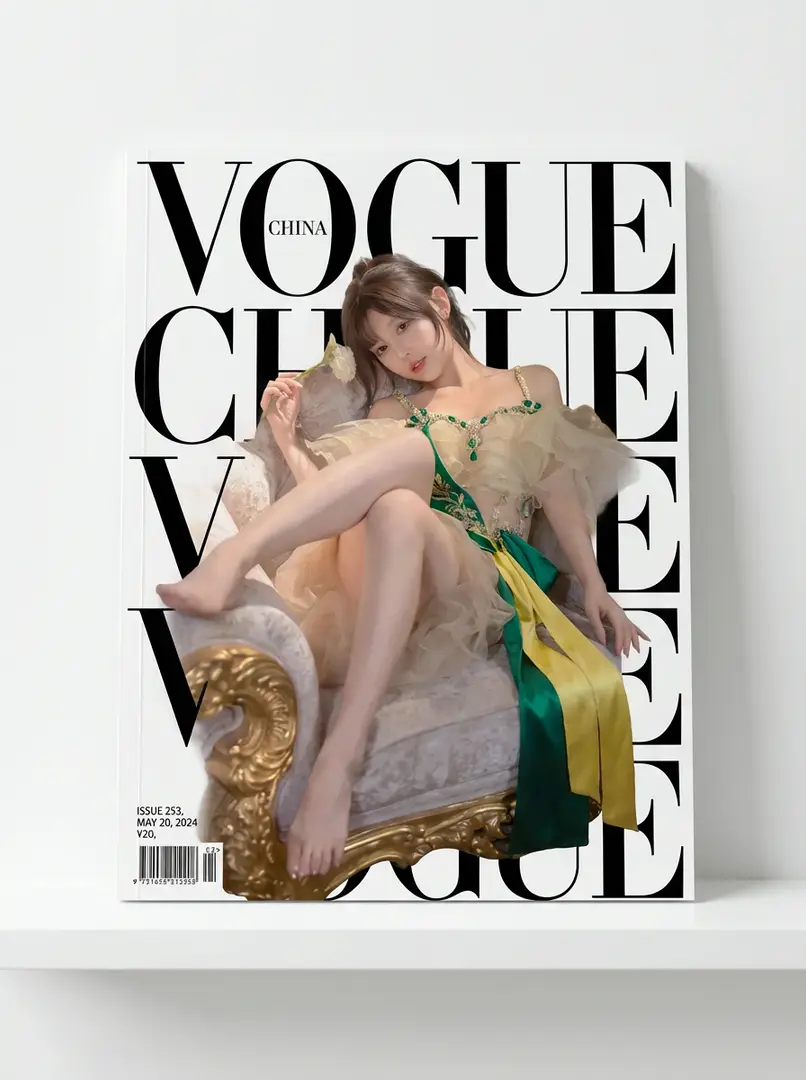
인물 잡지 표지 디자인인물 잡지 표지 디자인인물 잡지 표지 디자인인물 잡지 표지 디자인
New
5
Start Creating

인물 잡지 표지 디자인

참고 이미지의 인물을 주인공으로 삼아 얼굴 형태, 얼굴 특징, 머리스타일, 자세를 유지합니다. 의상과 메이크업은 원본 이미지를 참고하거나 초록과 노랑을 강조로 사용합니다. 잡지 표지에는 굵은 글씨가 있으며, 인물이 앞에 위치해 일부 글씨를 가립니다. 모서리에 발행번호, 날짜 등이 표시되며, 흰색 스탠드에 기대어 벽 전경에서 촬영합니다.

4mo ago
Create
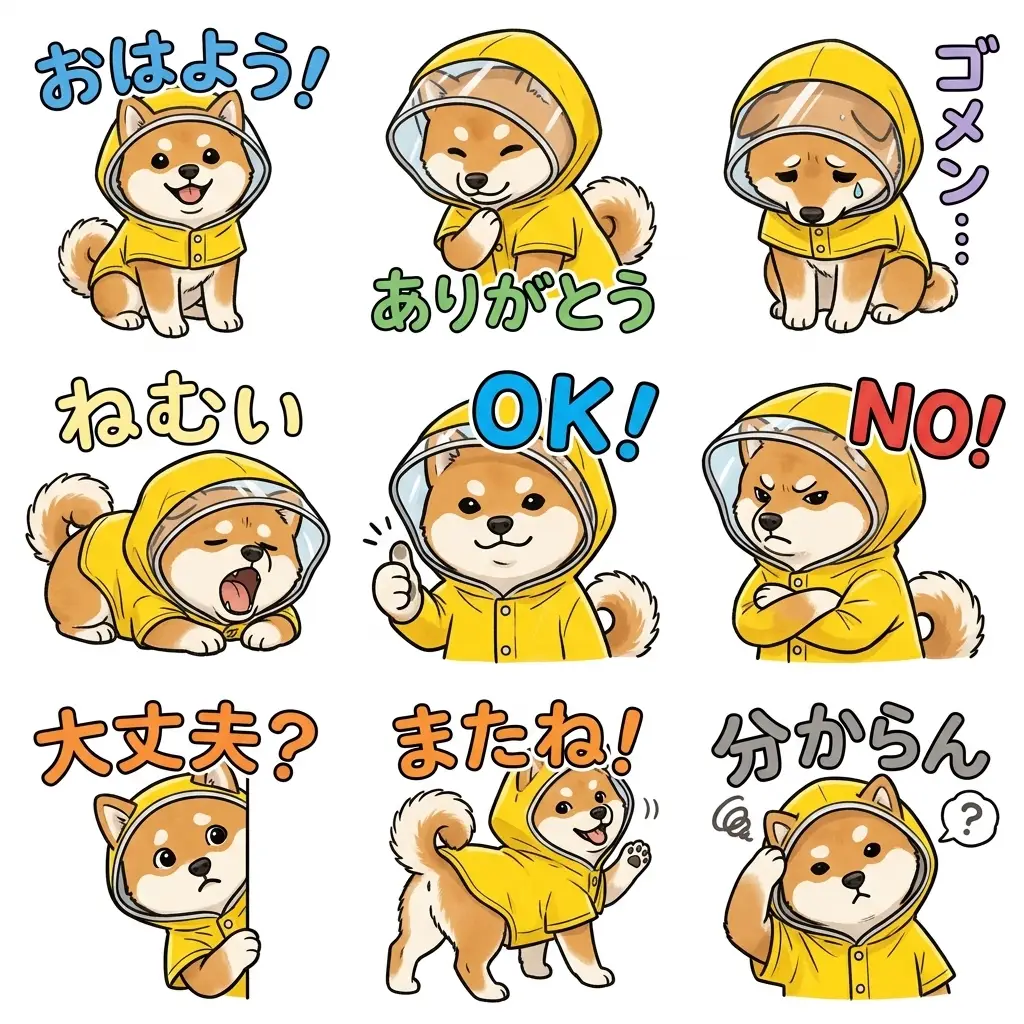
수기 LINE 스티커 9개수기 LINE 스티커 9개수기 LINE 스티커 9개수기 LINE 스티커 9개
Rising
13
Start Creating

수기 LINE 스티커 9개

[이미지 1]을 기반으로 통일感을 가진 수기 스타일의 LINE 스티커 9개를 생성합니다. 특징을 유지하며, 흰 배경, 굵은 글씨(흰색/검은 테두리), 자연스러운 표정·자세를 반영합니다.

4mo ago
Create
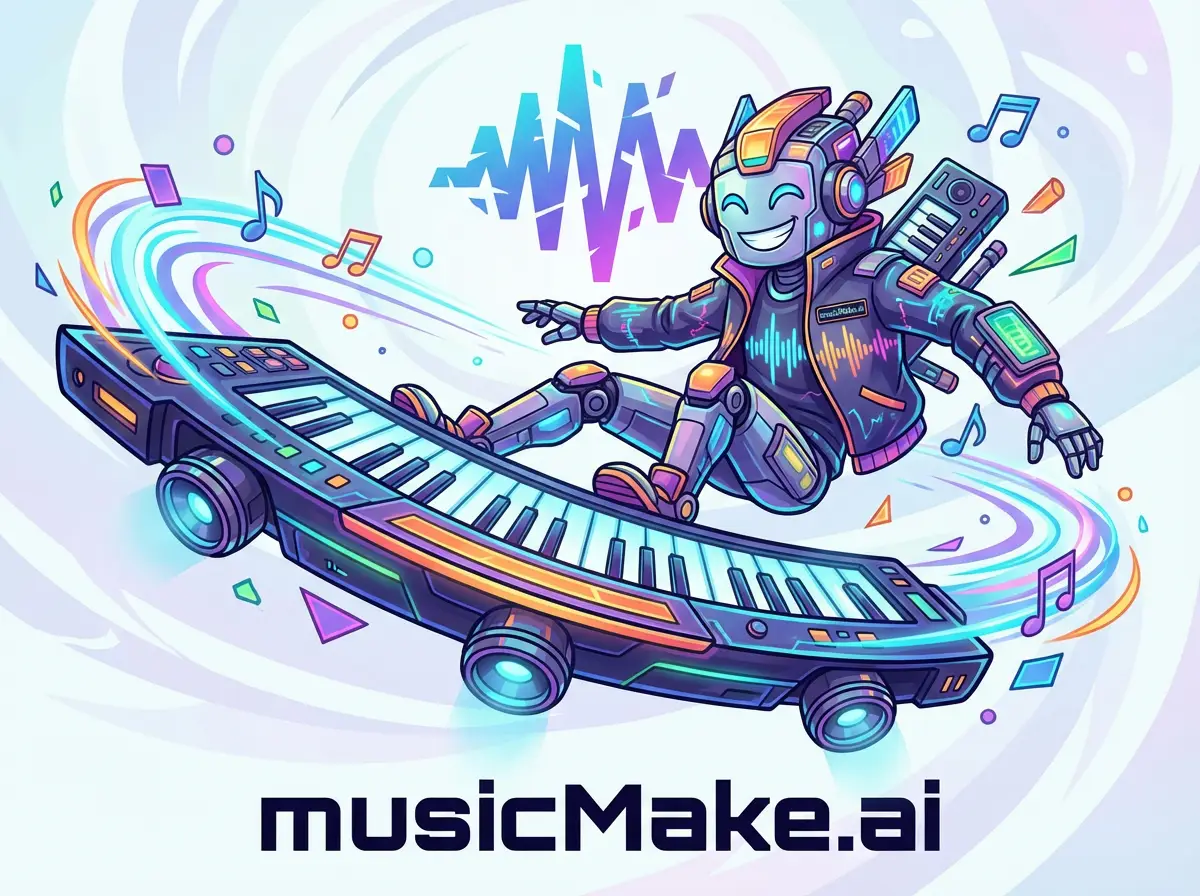
브랜드 제품 캐릭터 차량브랜드 제품 캐릭터 차량브랜드 제품 캐릭터 차량브랜드 제품 캐릭터 차량
New
4
Start Creating

브랜드 제품 캐릭터 차량

브랜드 제품 모양의 상상력 있는 캐릭터로, 브랜드 식별 의상을 입고, 초대형 브랜드 제품을 미래적 차량으로 운전하며, 스타일은 다이나믹하고 색감은 밝고, 배경에는 추상적인 브랜드 로고가 있습니다.

5mo ago
Create
브랜드 로고 달 표식 깃발브랜드 로고 달 표식 깃발브랜드 로고 달 표식 깃발
New
3
Start Creating

브랜드 로고 달 표식 깃발

텍스처가 있는 직물 깃발로 브랜드 로고를 재현하여 달 표면에 배치하며, NASA 스타일의 초현실적 달 착륙 장면에서 자연스러운 흔들림 효과를 가진다.

5mo ago
Create
실사 애니메이션 대조
New
1
Start Creating

실사 애니메이션 대조

실사와 애니메이션 캐릭터의 수직 콜라주, 흰색 배경에 공백을 두고, 매체 질감과 감정 대비를 강조하는 창의적 작품.

5mo ago
Create
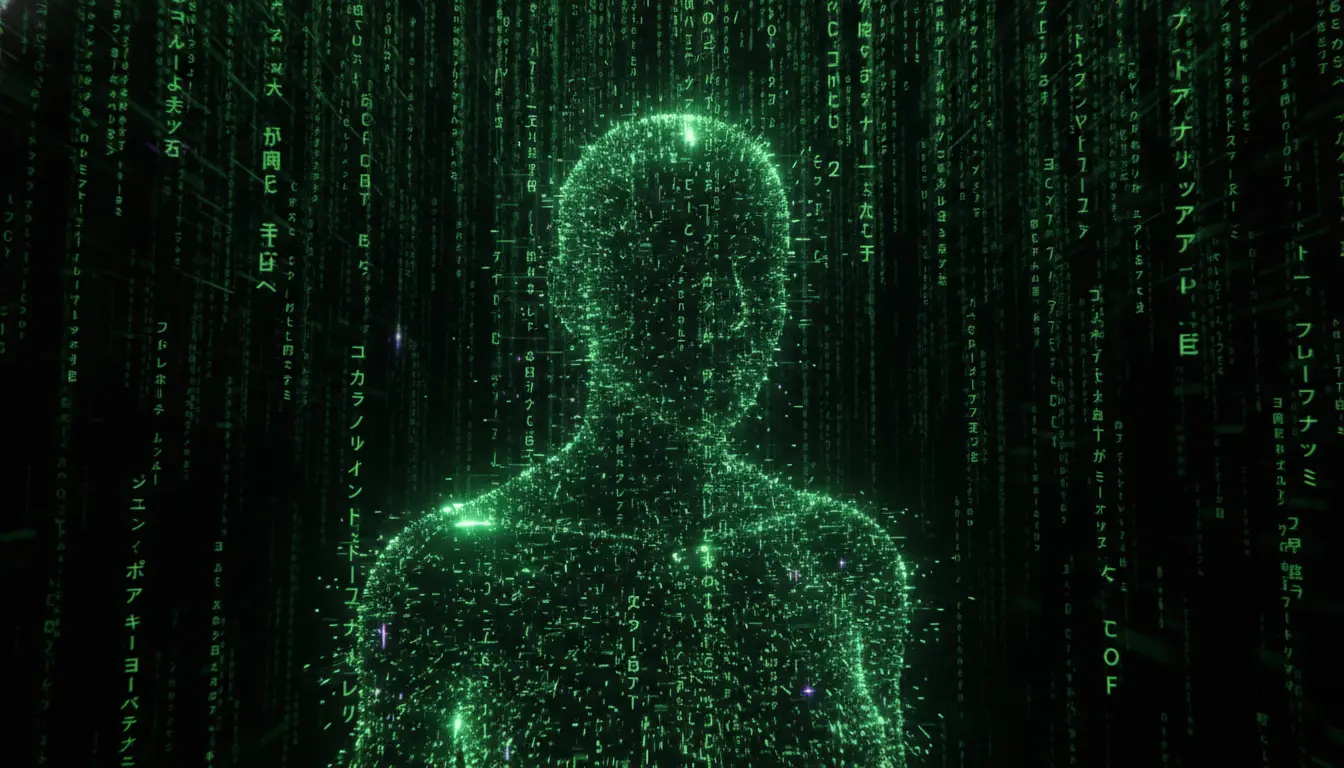
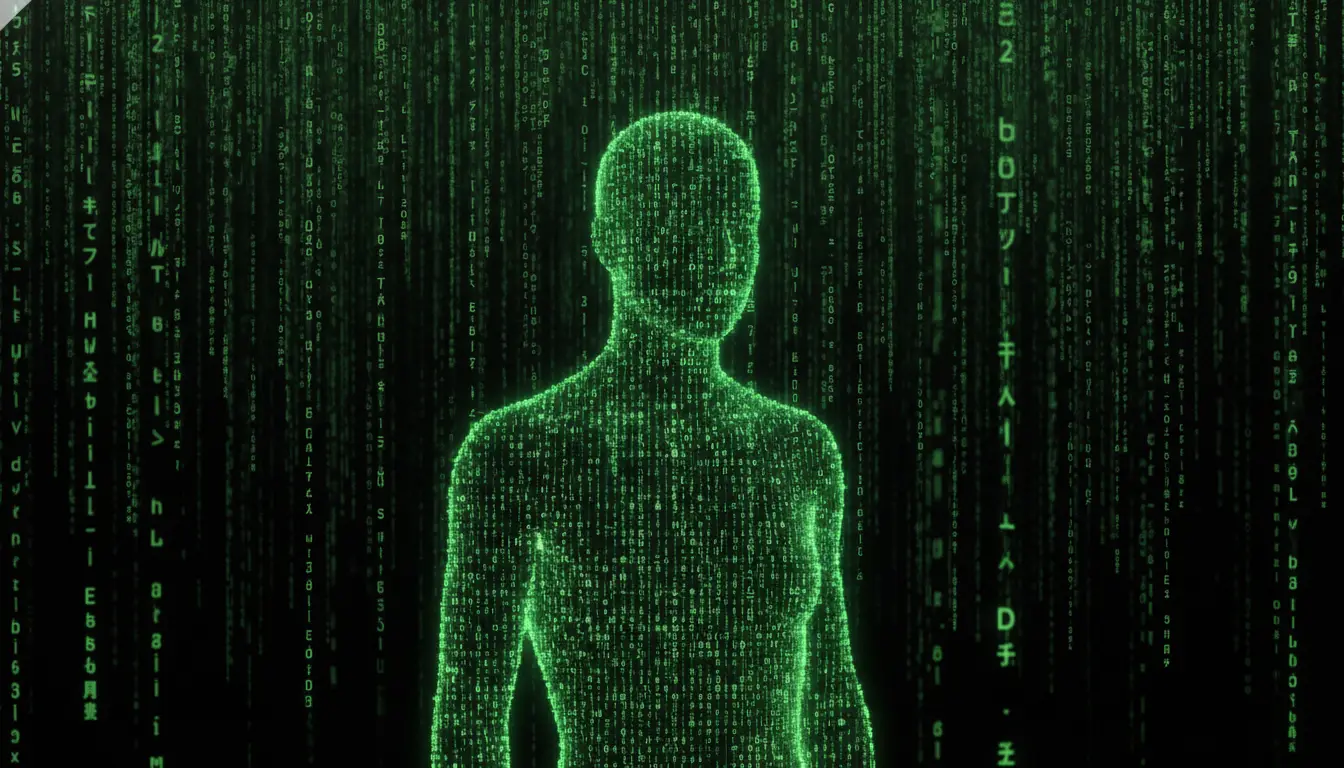
매트릭스 디지털 코드 씬매트릭스 디지털 코드 씬매트릭스 디지털 코드 씬매트릭스 디지털 코드 씬
New
4
Start Creating

매트릭스 디지털 코드 씬

검은 배경에 연이어지는 네온 그린 코드로, 발광하는 기호(카타카나, 숫자, 라틴 문자)를 포함하며, 모션 블러, 깊이감, 스크린 글로우를 통해 사이버펑크·하이테크 매트릭스 분위기를 연출

5mo ago
Create
1990년대 WWF 레슬링 피규어 패키지
New
1
Start Creating

1990년대 WWF 레슬링 피규어 패키지

1990년대 스타일 WWF 레슬링 피규어 패키지의 제품 촬영으로, 밝은 색상과 디테일한 레슬러를 백색 배경에 전문 스튜디오 조명으로 촬영했습니다.

5mo ago
Create
그리티 고릴라즈 도시 일러스트레이션
New
1
Start Creating

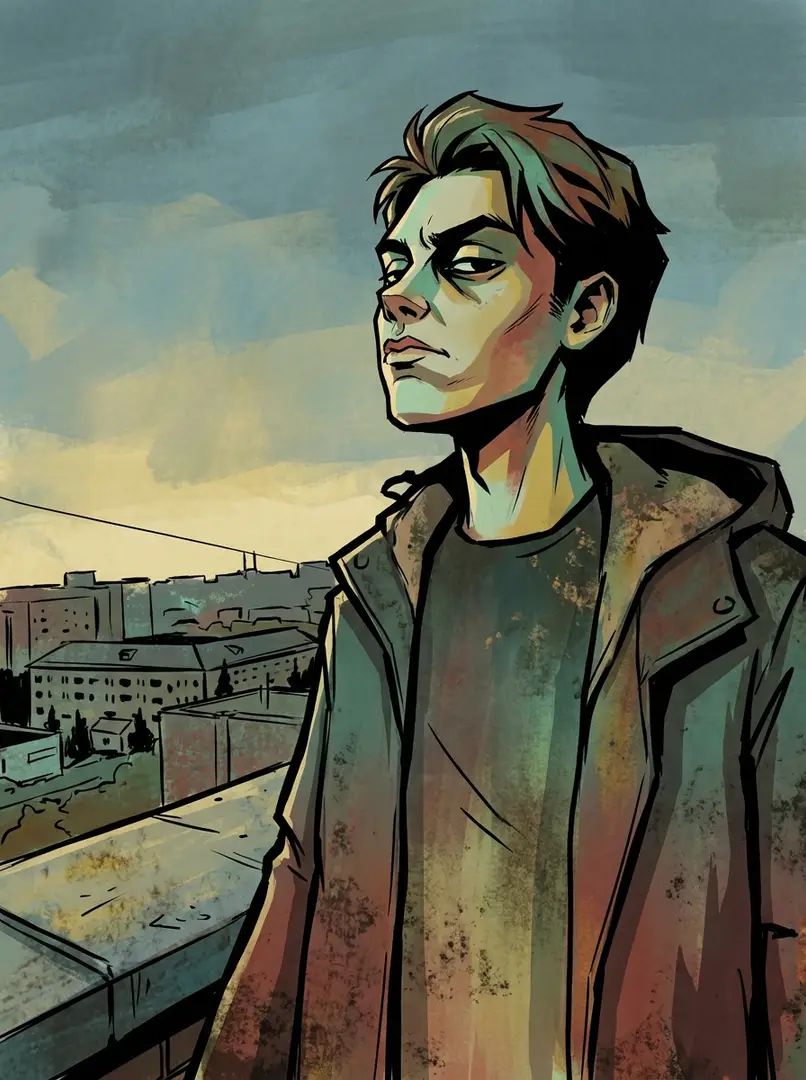
그리티 고릴라즈 도시 일러스트레이션

굵은 검은 윤곽선, 날카로운 가장자리, 그리고 평면적이고 표현력 있는 조명이 이 그리티한 고릴라즈 스타일의 일러스트레이션을 정의합니다. 약한 청록색, 녹색, 빨강색, 노랑색, 갈색이 생기 있는 그런지한 도시 분위기를 연출하며, 만화책의 평면성과 화풍적인 거친 느낌을 결합해, 반란적인 태도를 풍기고 있습니다.

5mo ago
Create
현대 UPA 카툰 스타일
New
1
Start Creating

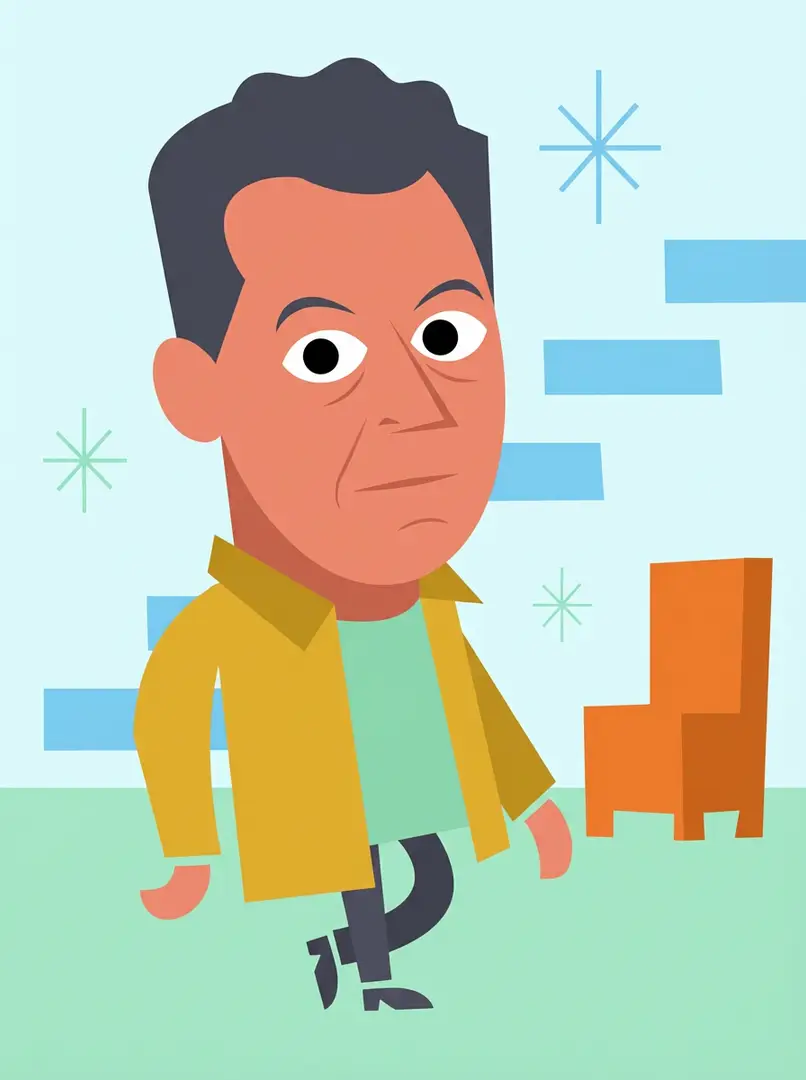
현대 UPA 카툰 스타일

UPA를 영감으로 한 현대 카툰 스타일의 스타일라이즈드 일러스트레이션으로, 플랫幾何학적 형태、제한된 패스텔/볼드 컬러、미니멀리스트 특징 및 상징적 배경을 사용하며, 1950년대~60년대 애니메이션을 연상시킵니다.

5mo ago
Create
레트로 일본 개그 만화 일러스트레이션
New
1
Start Creating

레트로 일본 개그 만화 일러스트레이션

고대비 흑백 스타일의 일본 개그 만화로, 굵은 선 드로잉, 스크린톤 음영, 과장된 표정, 만화 캐릭터 비율, 다이나믹한 액션 라인, 그리고 80~90년대 레트로 만화 미적을 특징으로 합니다.

5mo ago
Create
해변에 있는 활기찬 도시 캡슐해변에 있는 활기찬 도시 캡슐해변에 있는 활기찬 도시 캡슐
New
3
Start Creating

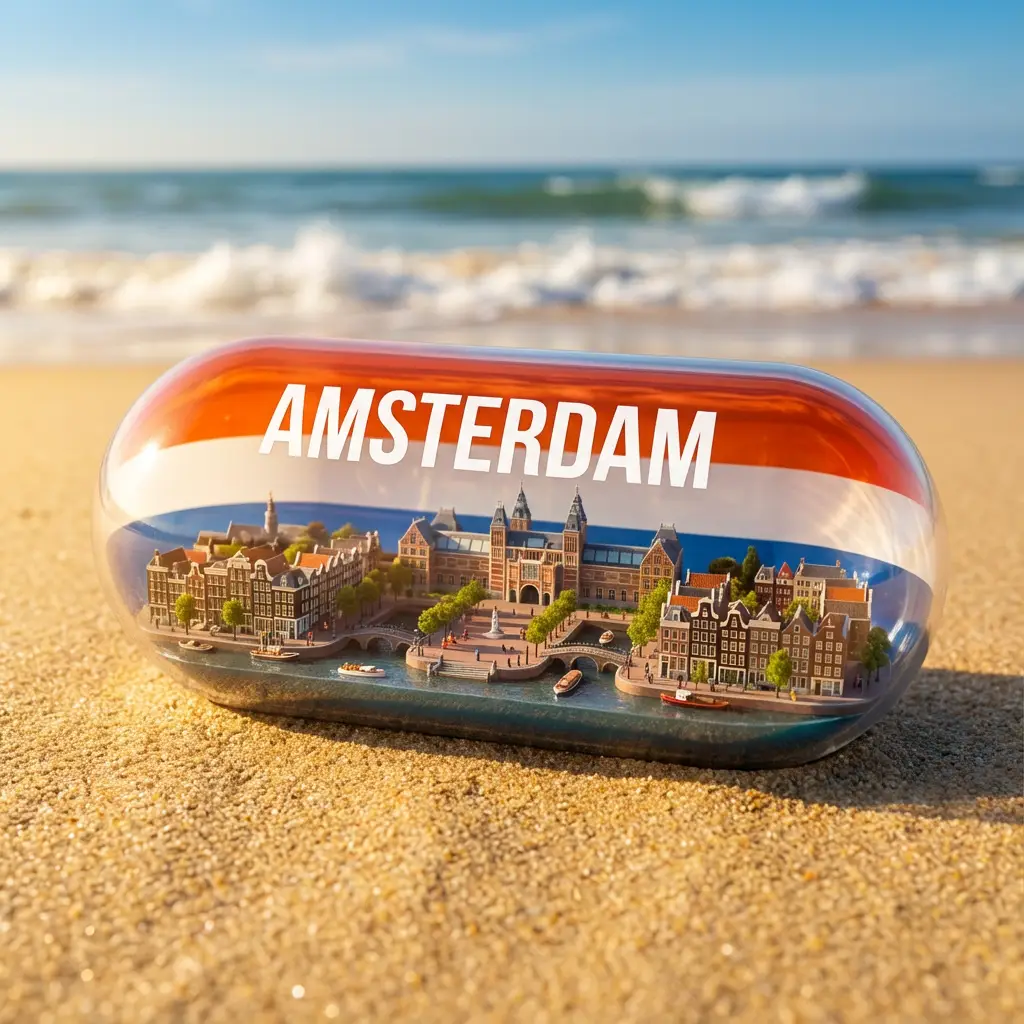
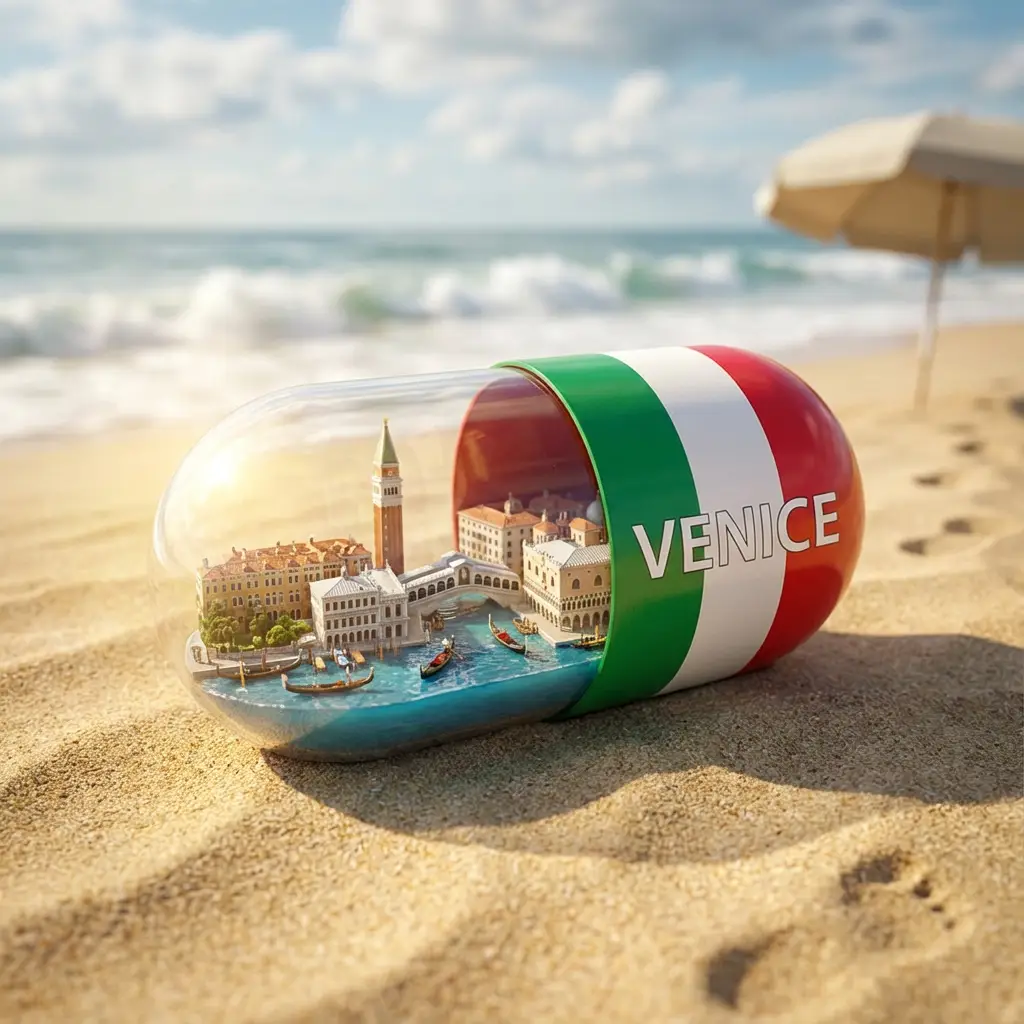
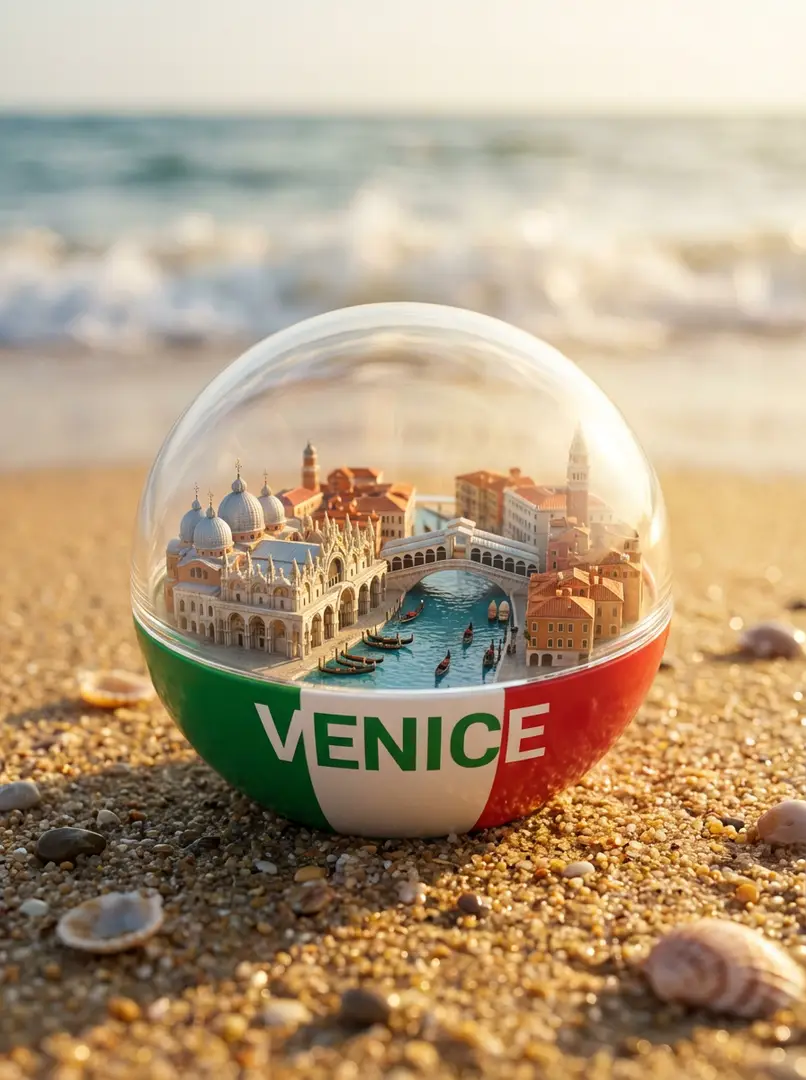
해변에 있는 활기찬 도시 캡슐

모래 비치에 있는 투명 캡슐 내에 있는 활기찬 초실감형 미니어처 도시, 반은 [COLOR] ([COUNTRY] 국기와 일치), [CITY] 텍스트, 상징적 랜드마크, 운하/거리, 배/차, 햇살 조명, 영화적 깊이 및 파도

5mo ago
Create
귀여운 치비 3D 스티커 팩귀여운 치비 3D 스티커 팩
New
2
Start Creating

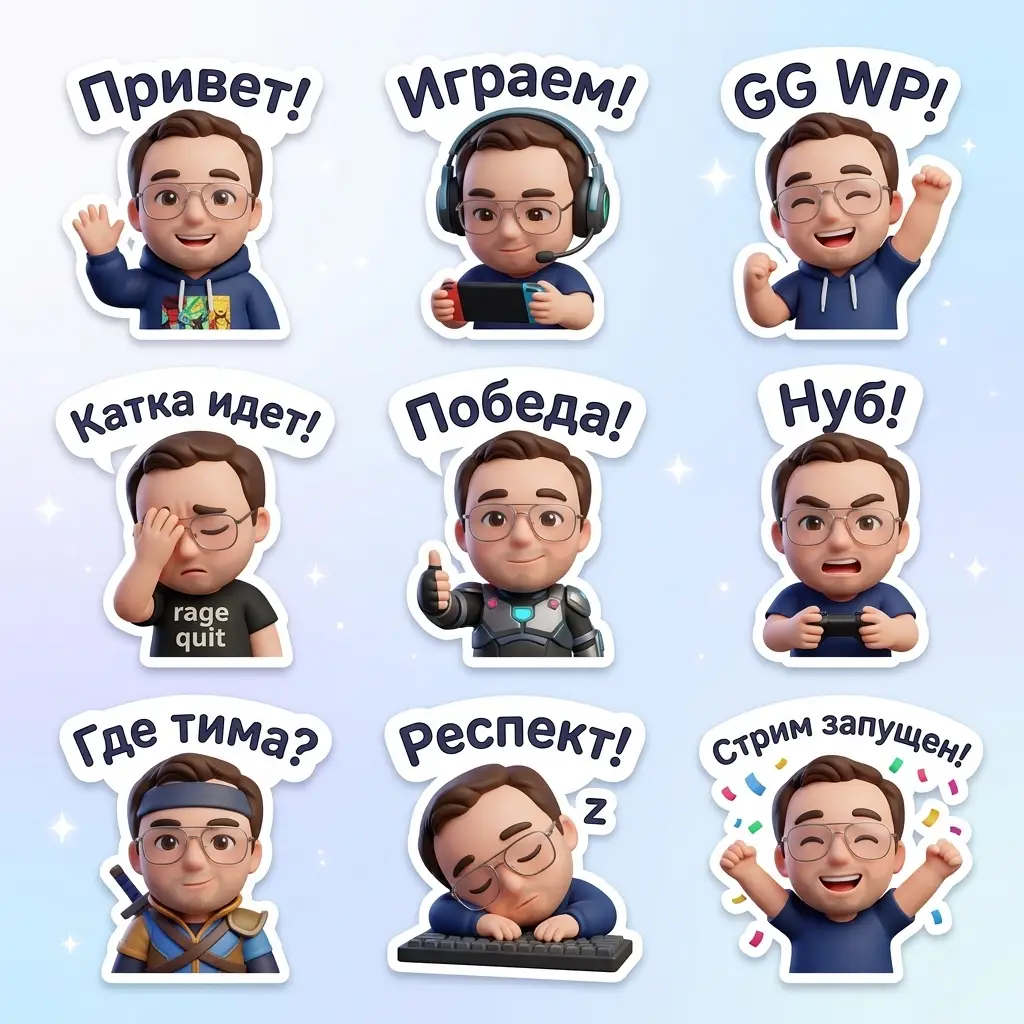
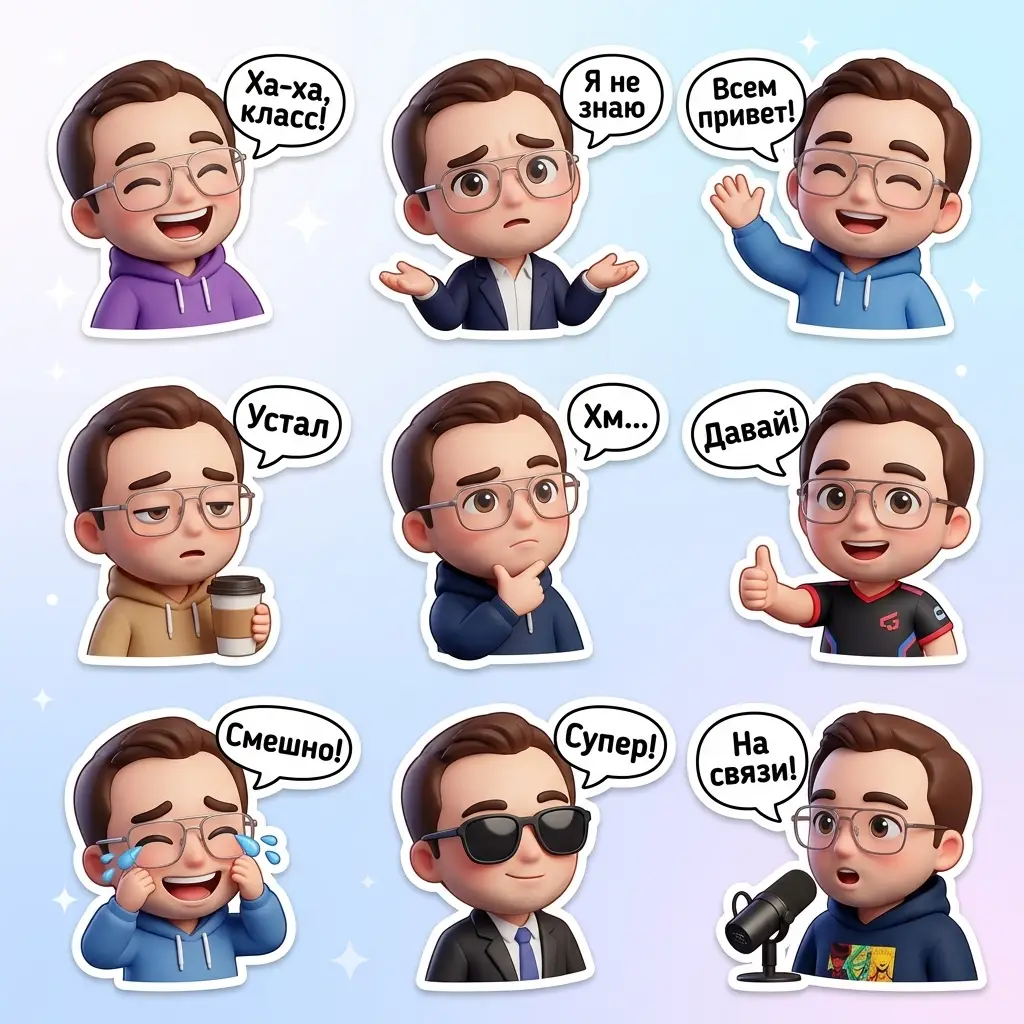
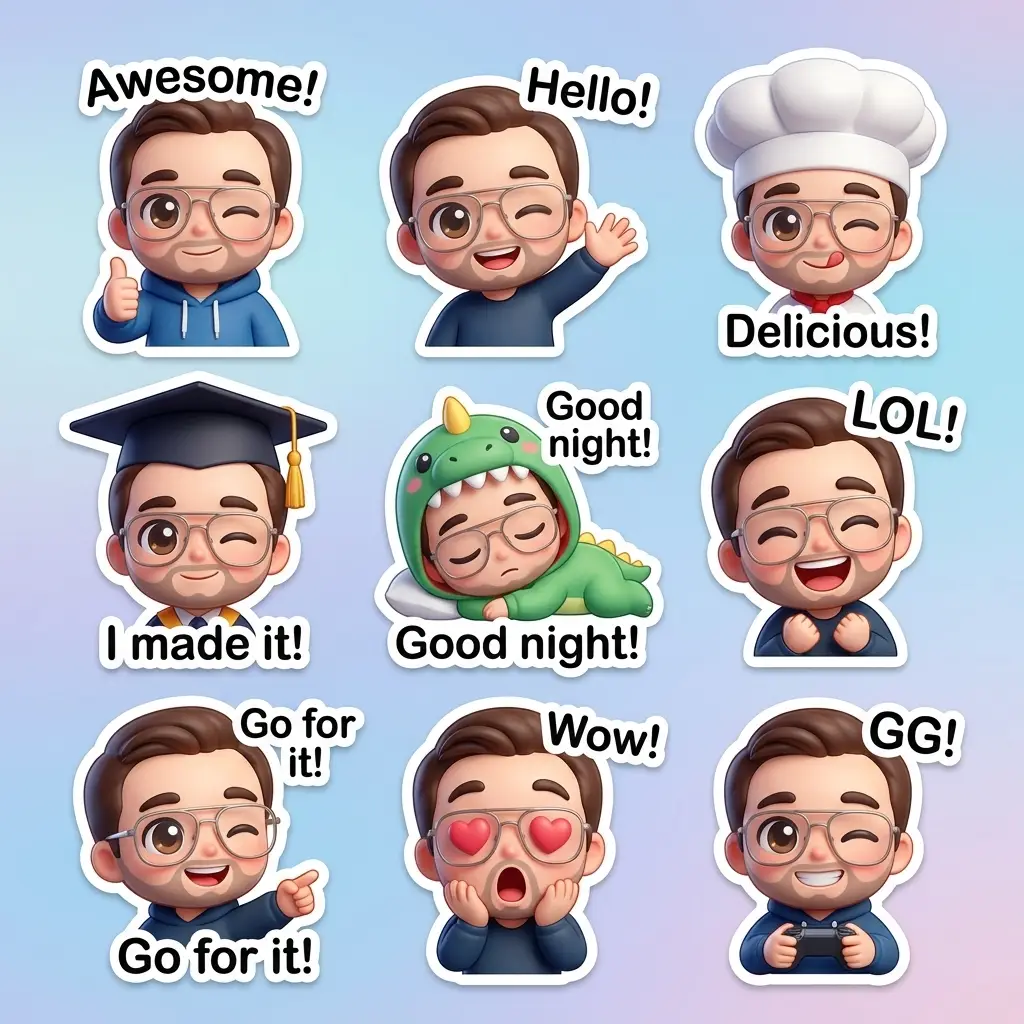
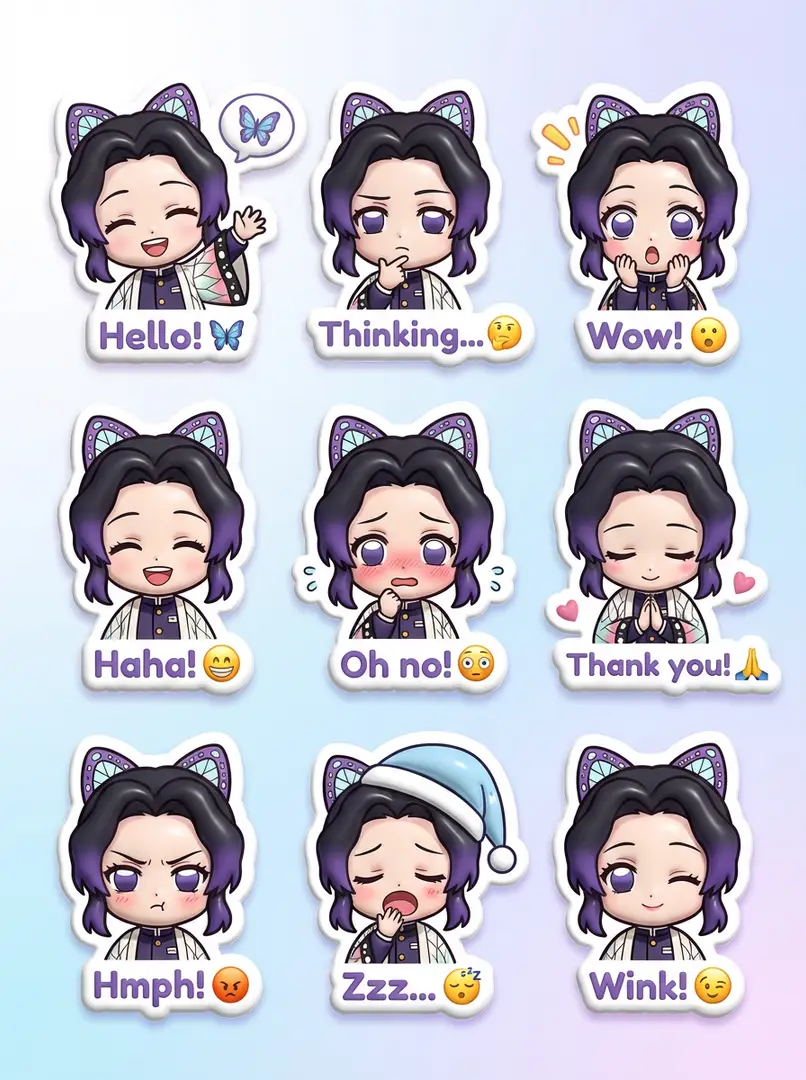
귀여운 치비 3D 스티커 팩

3D 귀여운 스티커 팩으로 9개의 치비 캐릭터가 다양한 복장, 자세, 표정으로 구성되어 있습니다. 각 캐릭터는 흰색 테두리와 문구가 들어간 대화상자를 가지며, 부드러운 흰색에서 파스텔 블루로 그라데이션 처리되어, 재미있고 긍정적인 WhatsApp 분위기를 연출합니다.

5mo ago
Create
플레이풀 디지털 카툰 포트레이터
New
1
Start Creating

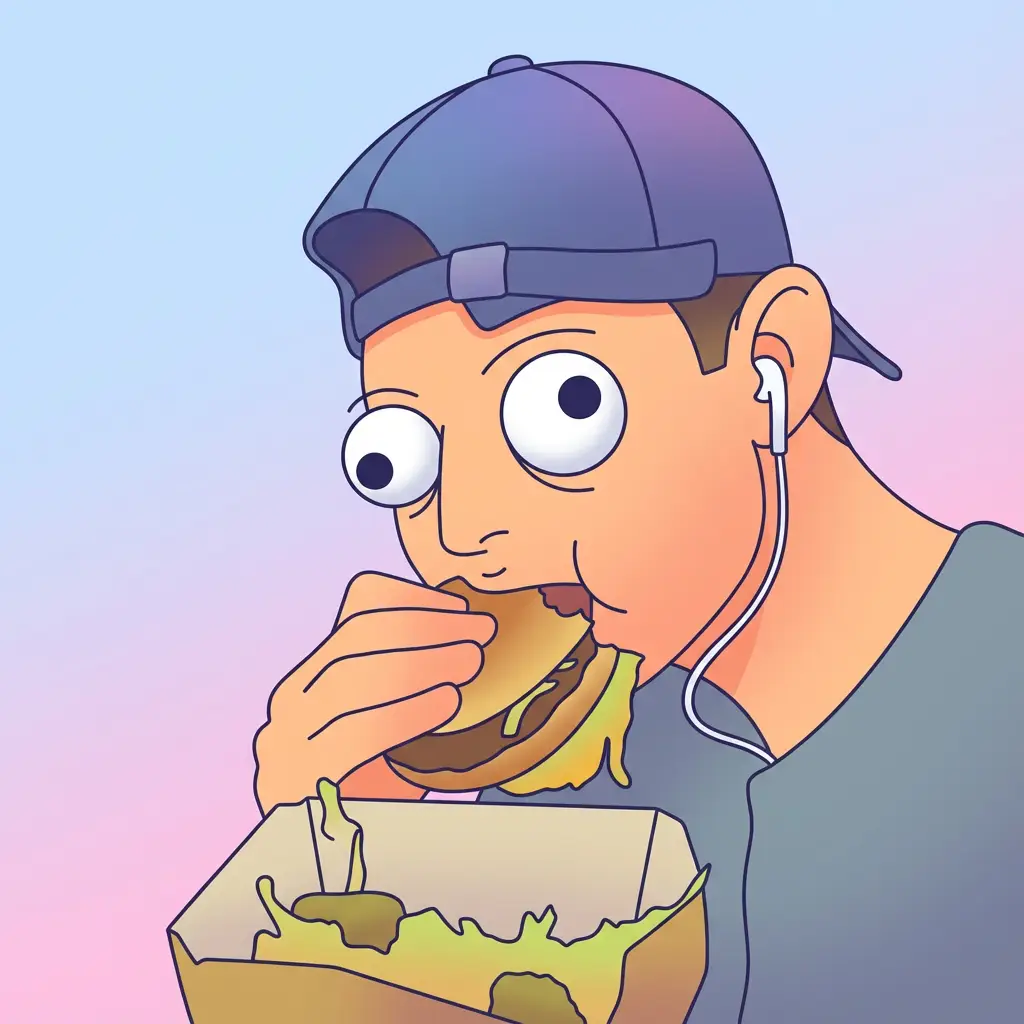
플레이풀 디지털 카툰 포트레이터

반신체 디지털 카툰 포트레이터로, 플레이풀 벡터 스타일, 청결한 선, 둥근 얼굴, 과대한 구글 눈, 부드러운 그라데이션 채우기, 정사각형 포맷。

5mo ago
Create
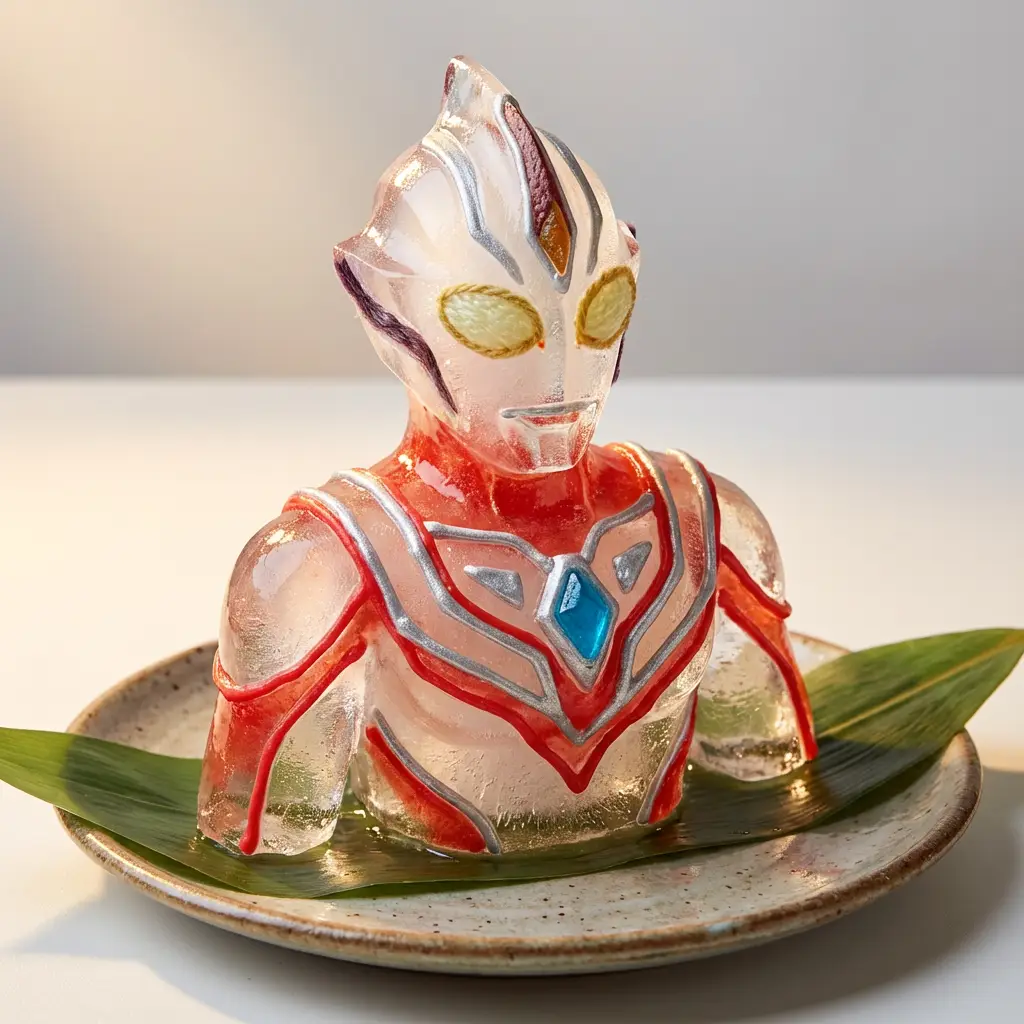
화려한 얼음 조각 예술
New
1
Start Creating

화려한 얼음 조각 예술

색감이 풍부한 수제 얼음 조각으로, 커스텀 모양을 가지며 시럽, 캔디 또는 과일 껍질로 장식되어 도자기 접시에 놓여 있고, 부드러운 조명 배경에서 음식 예술과 장난감 디자인을 결합해 유머러스한 예술로 표현됩니다.

5mo ago
Create
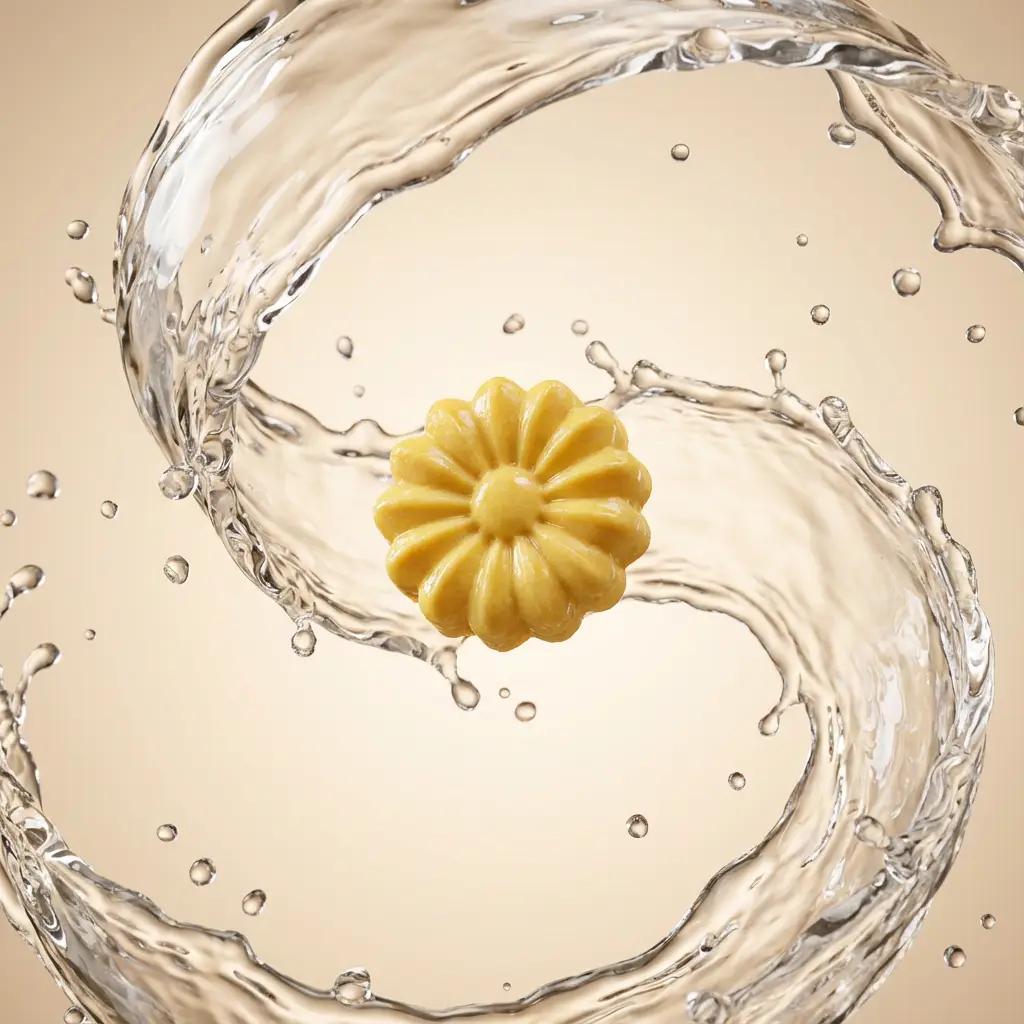
물소용돌이를 가진 부유 제품물소용돌이를 가진 부유 제품물소용돌이를 가진 부유 제품
New
3
Start Creating

물소용돌이를 가진 부유 제품

스튜디오 조명으로 공중에 부유하는 제품, 두껍고 동적인 물 소용돌이, 수정투명한 물방울, 고광택 마감, 그리고 극소 그라데이션 배경에 시네마틱한 조명

5mo ago
Create
초현실적 기발한 꿈 풍경
New
1
Start Creating

초현실적 기발한 꿈 풍경

초현실적 기발한 꿈 풍경으로, 꿈 같은 분위기를 가지며, 부드러운 톤, 부드럽고 공상적인 빛, 유화 질감, 그리고 과장된 표정적 특징을 특징으로, 고요하지만 불편한 분위기를 연출합니다.

5mo ago
Create
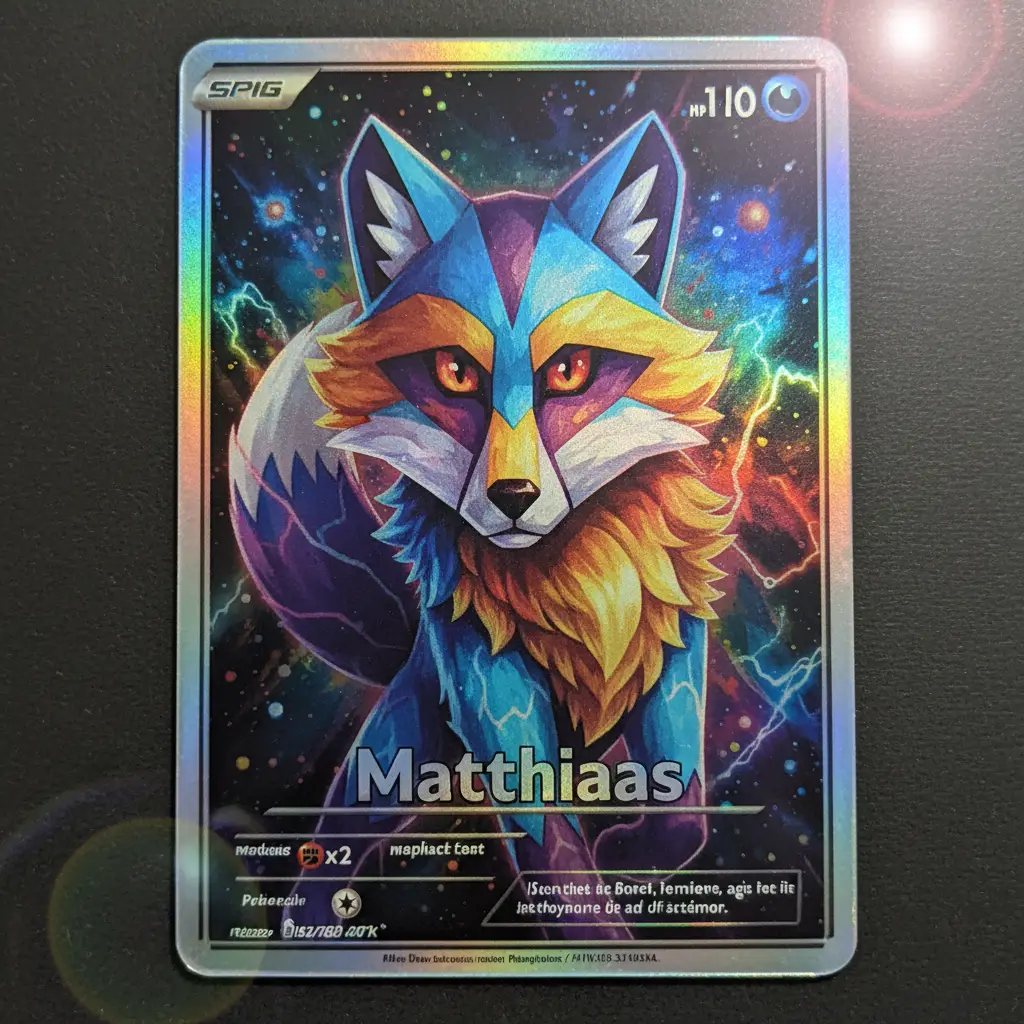
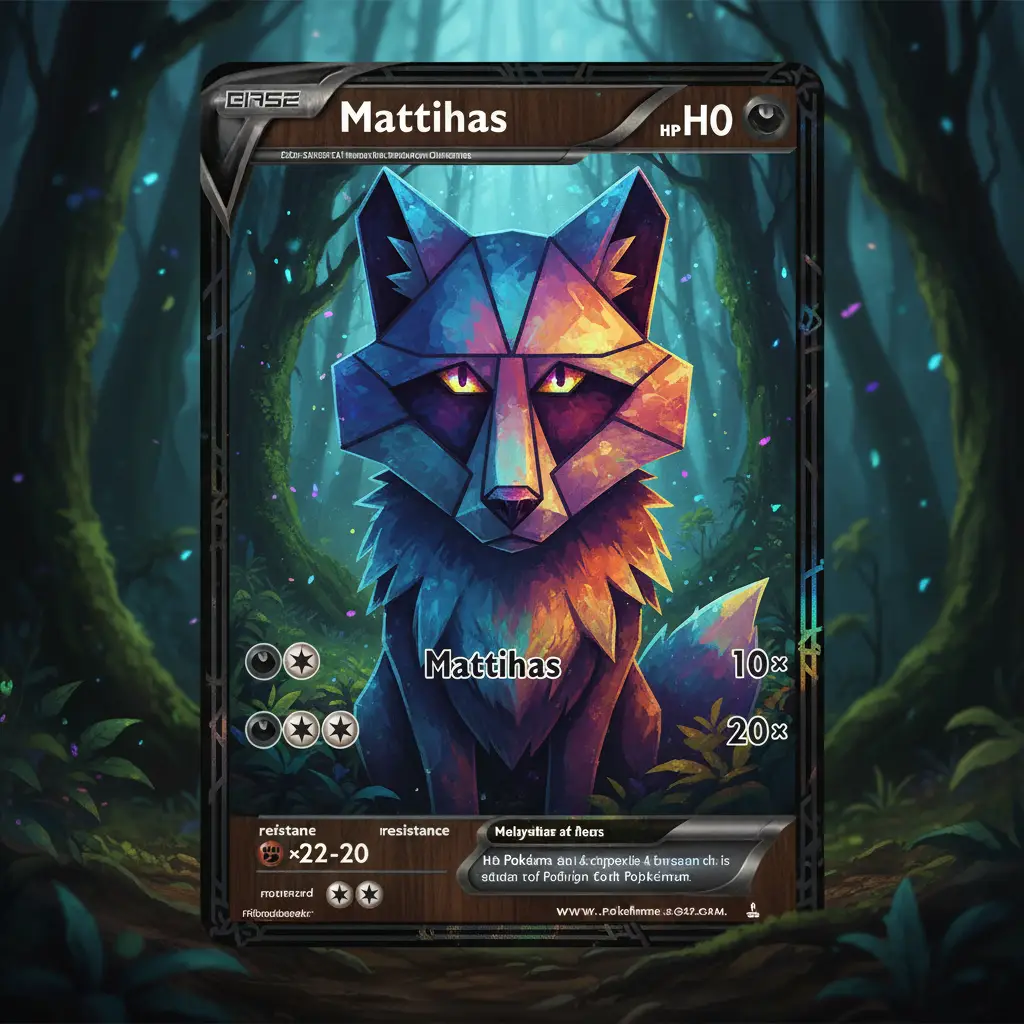
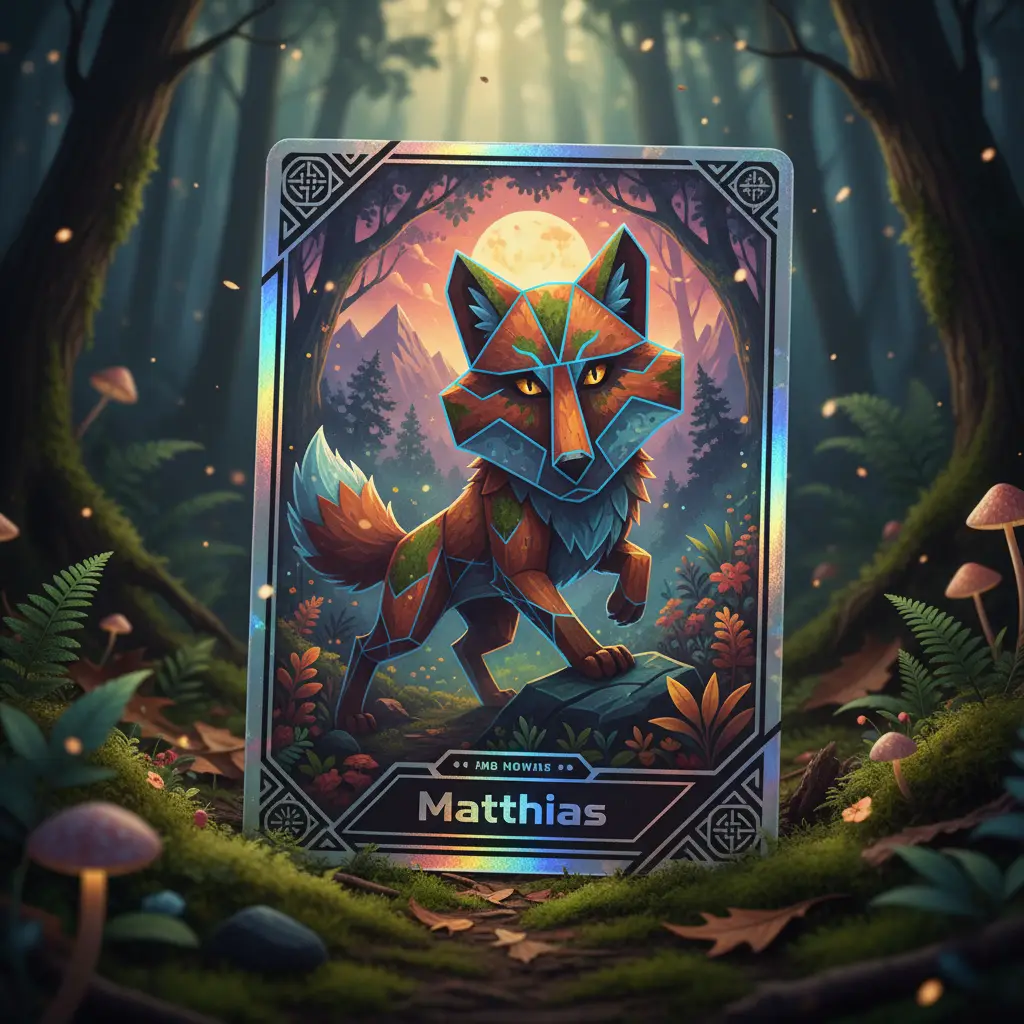
기하학적 동물 종이 포트레이트기하학적 동물 종이 포트레이트
New
2
Start Creating

기하학적 동물 종이 포트레이트

현대적 종이 콜라주 스타일로 제작된 기하학적 동물 머리 포트레이트로, 겹치는 텍스처, 그림자 깊이, 식물성 색상 팔레트, 그리고 미니멀 그라데이션 배경에서 볼드한 각진 컷을 특징으로 합니다.

5mo ago
Create
물결 렌즈 클로즈업 자기촬영
New
1
Start Creating

물결 렌즈 클로즈업 자기촬영

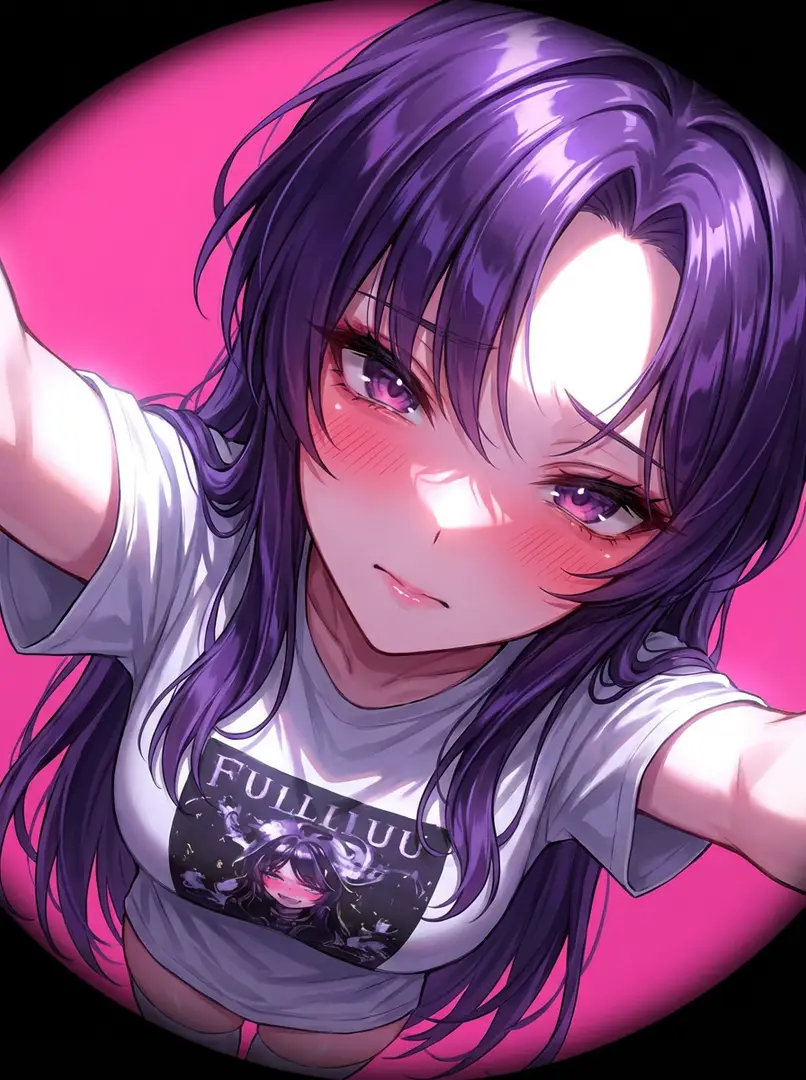
상체에서 얼굴까지를 친밀하게 프레임 잡은 극히 가까운 자기촬영 포트레이트. 팔 길이 내에서 물결 렌즈, 기울임 각도, 강한 플래시, POV(시점)으로 촬영, 배경 흐림 없음

5mo ago
Create
부유 유리 질감 네온 리텍스처부유 유리 질감 네온 리텍스처
New
3
Start Creating

부유 유리 질감 네온 리텍스처

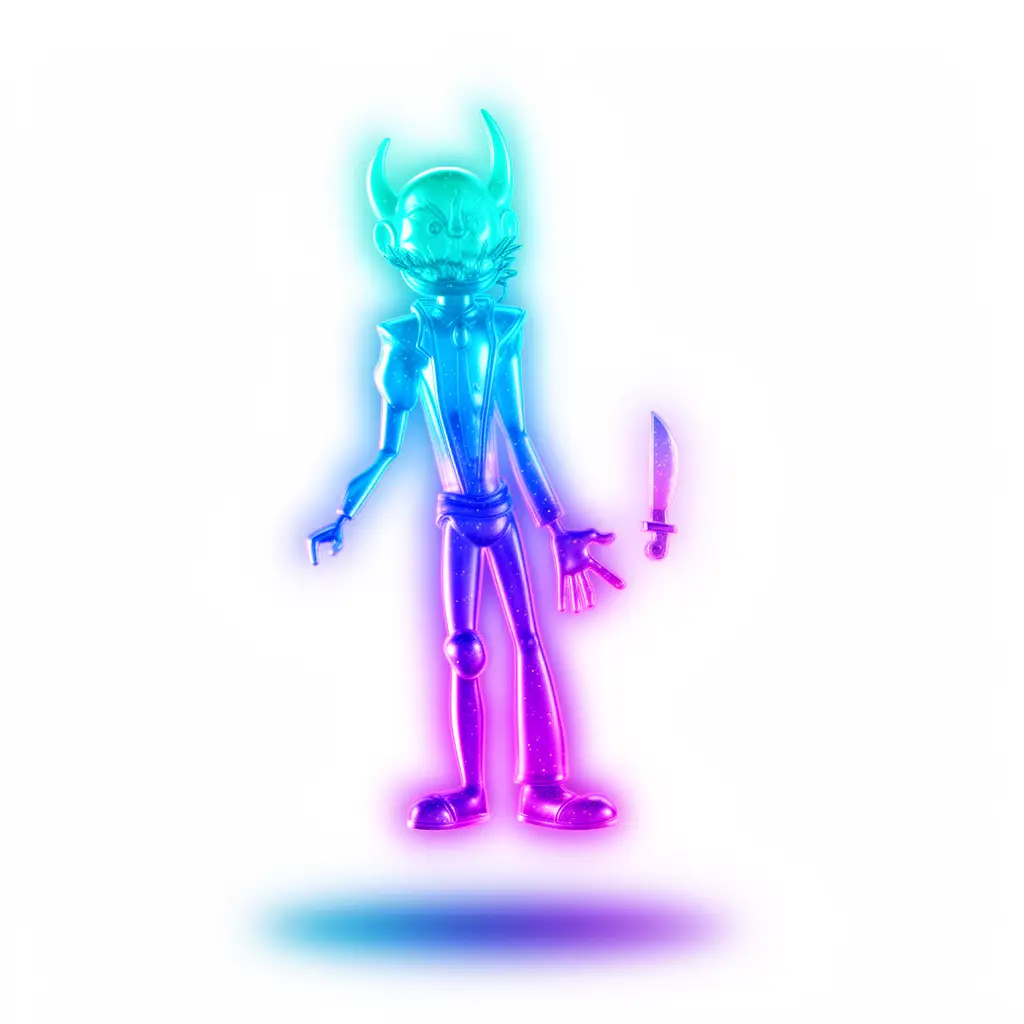
반투명 네온 유리 젤 재질, 부드러운 빛깔 가장자리, 물청-푸른-보라 그라데이션 및 소프트박스 HDRI 조명을 사용하여 이미지를 리텍스처화하여 부유 3D 효과를 연출합니다.

5mo ago
Create