NEWNew: Agent is live — chat to generate videos, no parameters neededTry Agent
LogoImage To Video AI
  • Create
  • Agent
  • AI Image
  • AI Video
  • Pricing
Logo
Resources
  • Blog
  • Create
  • Scenes
  • Works
  • Prompts
  • Image to Prompt
  • Batch Image to Prompt
Company & Legal
  • About
  • Contact
  • Privacy Policy
  • Terms of Service
  • Refund Policy
Image Models
  • Z-Image
  • GPT-4o
  • Flux 2
  • Flux 2 Pro
  • Flux 2 Klein
  • Qwen Image 2
  • Seedream 4.0
  • Seedream 4.5
  • Seedream 5.0
  • Grok Imagine
  • Nano Banana Pro
  • NanoBanana Flash
  • Nano Banana 2
Video Models
  • Google Veo 3.1
  • Google Veo 3.1 Lite
  • Google Veo 3.1 Pro
  • Seedance 1.5 Pro
  • Seedance Fast
  • Seedance Quality
  • Seedance 2.0
  • Hailuo 02
  • Kling v2.6
  • Kling v2.5 Turbo
  • Kling v2.1
  • Kling v2.1 Master
  • Kling O1
  • Kling v3.0
  • Kling v3.0 Pro
LogoImage To Video AI

Powered by Image To Video AI | Fast, flexible AI video creation for everyday workflows

TwitterX (Twitter)DiscordEmail

This website is an independent AI video generation platform. We provide access to multiple state-of-the-art image-to-video AI models. All model names and trademarks belong to their respective owners.

© 2026 Image To Video AI All Rights Reserved. DREAMEGA INFORMATION TECHNOLOGY LLC

[email protected]
Now fully launched and available for all public community usersNovember 2025

AI Image Generator and Editing Workspace

Create images from a prompt or reference photo, then switch models when you need sharper text, a different style, or stronger image guidance. Use the general image workspace when you want to compare models before choosing a dedicated model page.

Loading...

Prompt:

auto

1:1

2:3

3:2

3:4

4:3

4:5

5:4

9:16

16:9

21:9

Model:
Resolution

Loading...

Scene Examples 1
Image generation workflow

Choose a model, write a clear brief, and generate images

Start with your visual goal, add reference images when needed, and compare model outputs without rebuilding the same prompt from scratch.

01

Define Your Visual Goal

Start by outlining your subject, layout, and intended use case—from product photography, event posters, social media graphics, to concept art.

02

Upload Reference Images for Enhanced Accuracy

Add one or more reference photos whenever product identity, exact framing, unique style, or text placement calls for more intentional, targeted control over your final output.

03

Generate Drafts and Switch Models Seamlessly

Create your initial draft, then switch to another model family if you need sharper text, a specific realism level, or more powerful editing tools.

Core Benefits of This Image Creation Workspace

Create AI Images Without Committing to One Model Too Early

Use this workspace when your visual goal is clear but you’re unsure which image model will deliver the best results. Create quickly, compare outputs smoothly, and explore more detailed options only once you’ve found a model that fits your exact requirements.

Unified Generator for Top Image Model Families

Switch between GPT-4o, Nano Banana, Seedream, Flux, Qwen, and Z-Image without restarting your full generation workflow.

Compare supported image model families in one workspace.
Switch models quicker when an initial output doesn’t meet your standards.
Stick to practical model choices, rather than just theoretical alternatives.

Text-Only and Reference-Driven Workflows in One Central Hub

Start with a prompt, or add reference photos when exact shape, framing, or product identity needs extra creative control.

Use text-to-image for a sharp, unguided initial draft.
Use image-to-image once you have a clear visual direction.
Make sure your prompt and reference photos work together smoothly.

Ideal for Layout, Text, and Campaign Design

Some projects need clear, easy-to-read text or strict prompt compliance, while others call for a cinematic or highly polished visual tone.

Choose GPT-4o for text-focused visual projects.
Pick Seedream or Flux for varying levels of visual polish.
Compare model families before locking in your campaign creative vision.

Hosted Simplicity First, Advanced Model Tools Later On

If a specific image model fits your needs, you can head to its dedicated page for more detailed prompt examples, validation, and customized workflow support.

Stay focused on flexibility when speed is your highest priority.
Refine your workflow later when model-specific accuracy is most critical.
Keep your initial generation process simple and intuitive.
Key Creative Use Cases

Core Creative Use Cases for This All-In-One AI Image Generation Tool

These are the most commonly used AI image generation tasks for creators who opt for a unified workspace over single-model standalone tools.

Product & Packaging Imagery

Build product hero shots, retail mockups, e-commerce still lifes, and core campaign visuals.

Posters & Social Media Graphics

Design launch posters, ad layouts, and platform-specific graphics where text readability and intentional layout are your highest priorities.

Reference-Driven Image Edits

Start with one or more reference photos and refine style, materials, color palette, framing, or background to fit your creative vision.

Concept Boards & Art Direction

Use multiple models to compare mood, finish, and visual tone before locking in your core creative vision.

Prompt examples

Prompt Templates for Common AI Image Creation Tasks

Use these prompts as starting points for your AI image creation, then switch models if your output needs sharper text, adjusted realism, or more powerful editing tools.

Product Photography

Prompt fit

Ideal for sharp product still lifes and high-end e-commerce visuals.
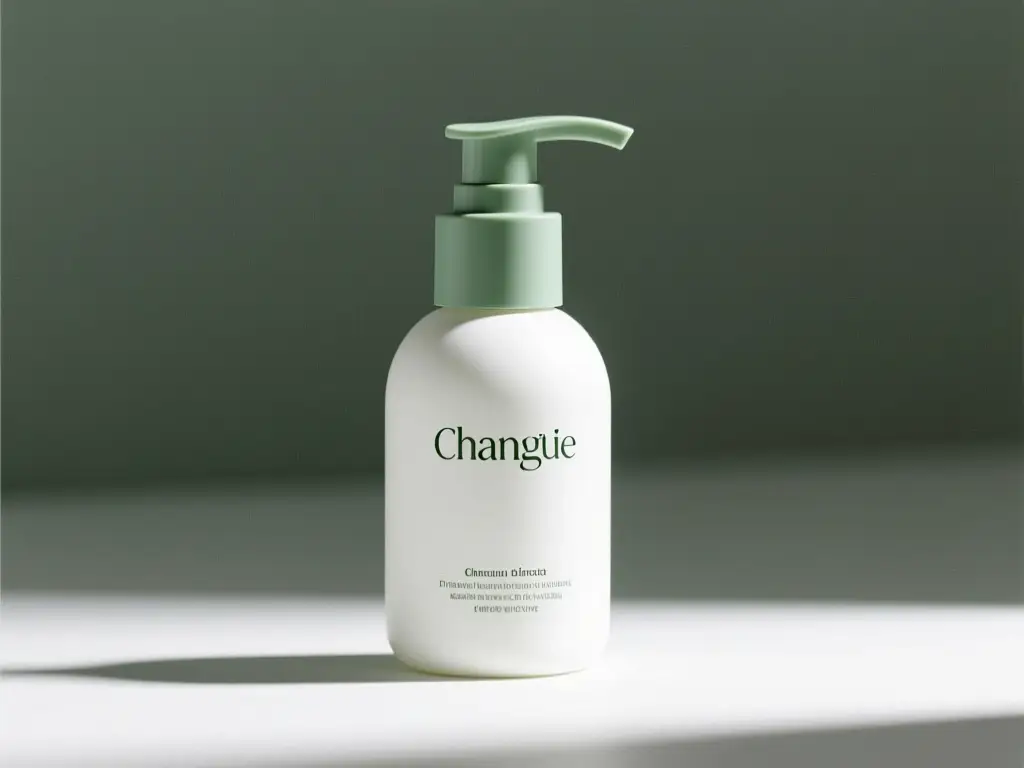
Luxury Packaging Hero Shot

Luxury Packaging Hero Shot

Prompt formula

[product] + [surface/background] + [lighting] + [finish] + [usage context]

View prompt detailsShow full breakdown

Full prompt

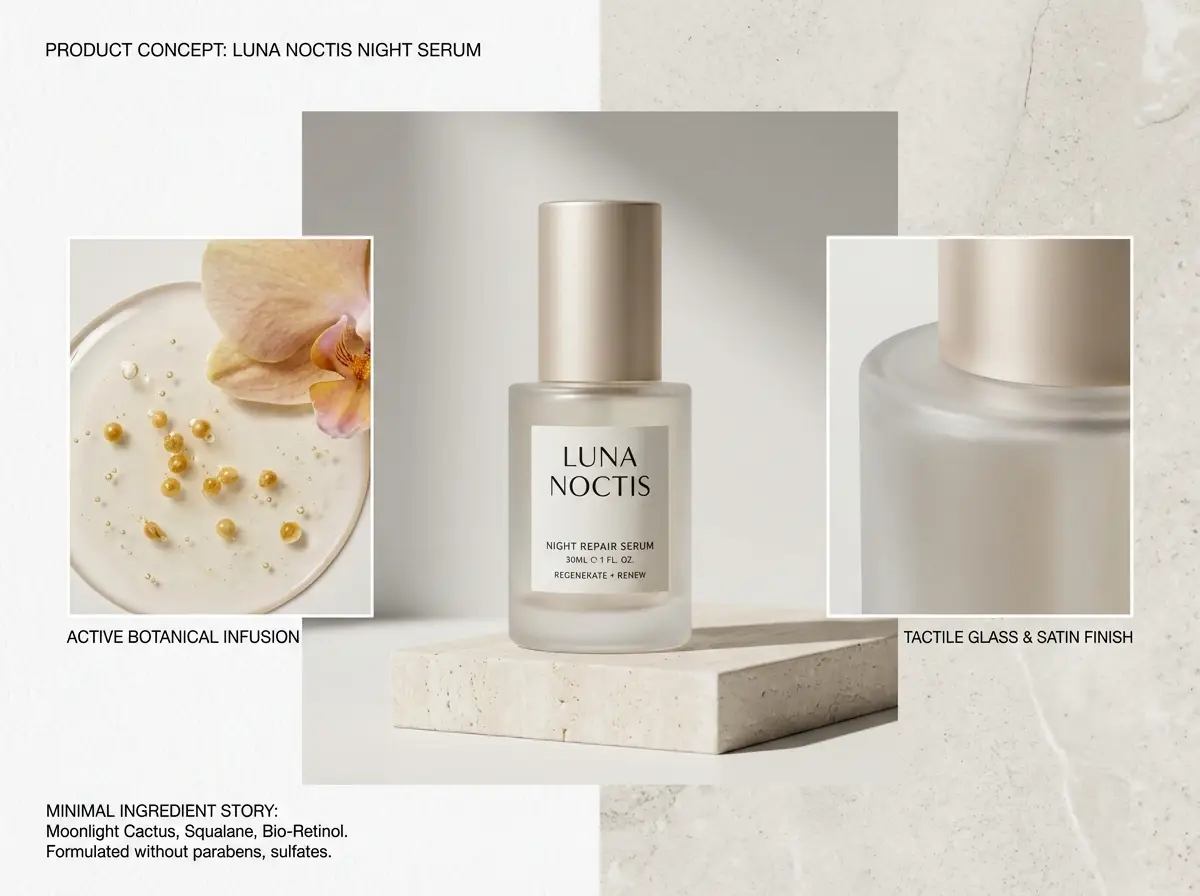
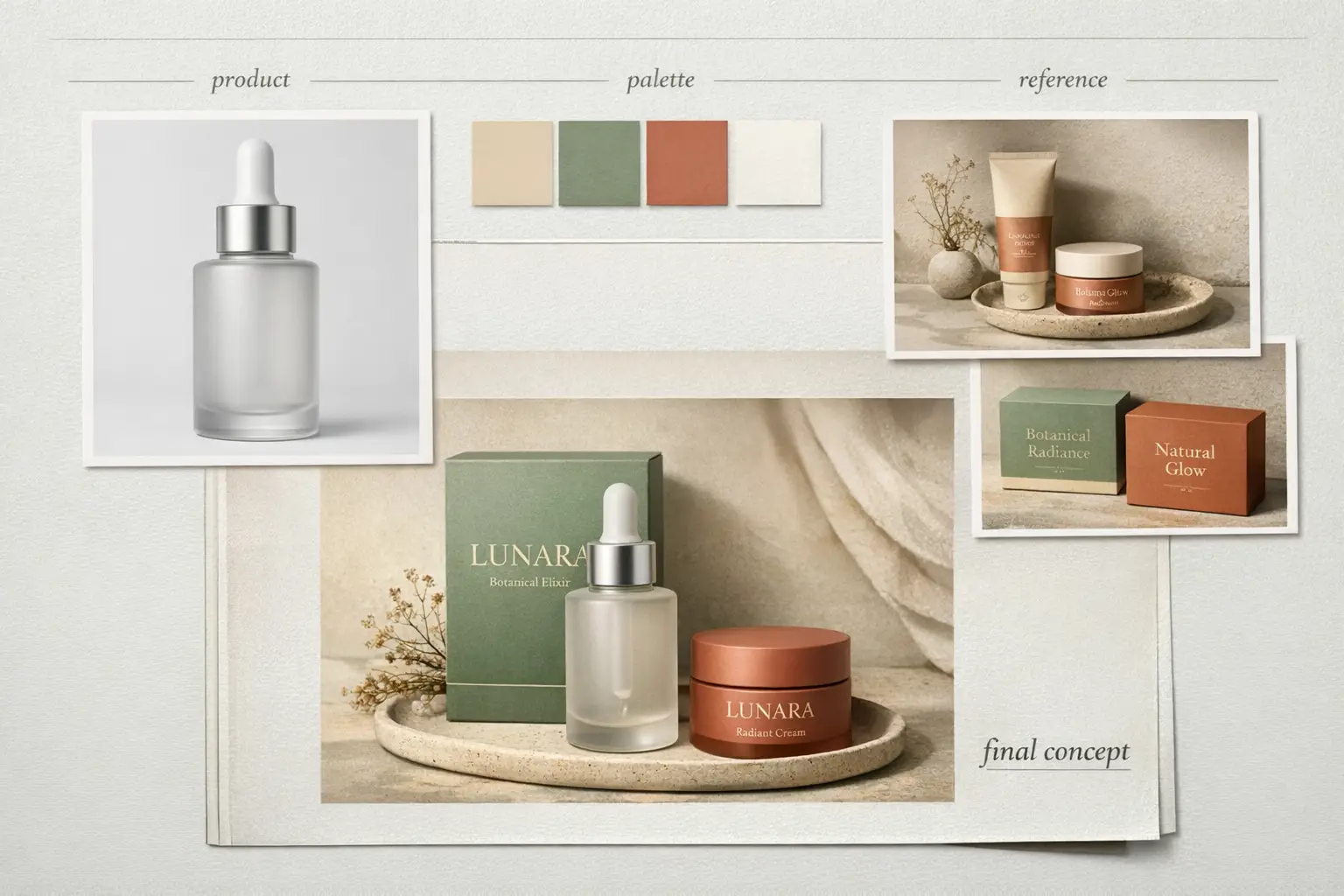
A luxury skincare bottle resting on a warm stone plinth, soft directional studio lighting, subtle shadow gradient, clean e-commerce hero shot, realistic surface reflections, modern luxury packaging, minimalist background, polished commercial photography finish

Why this prompt works

This prompt is detailed, material-focused, and clear about lighting and commercial finish requirements.

Target output

A polished product shot ideal for a landing page hero, product detail page, or ad mockup.

Prompt tips

  • Pinpoint your product and surface first before setting the overall mood.
  • Add material-specific terminology like glass, matte, brushed metal, or paper stock.
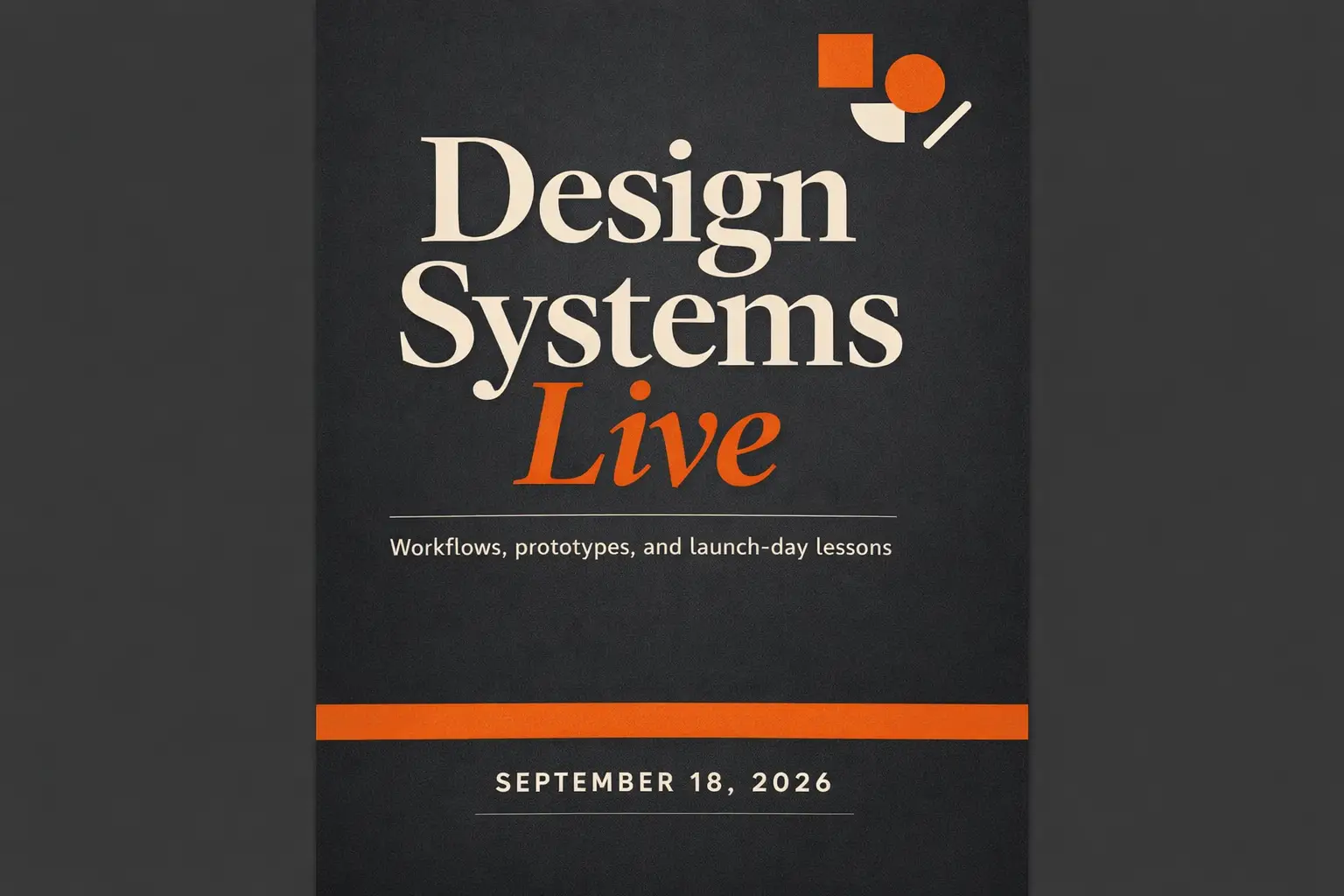
Text-Heavy Poster

Prompt fit

Perfect when your headline, text hierarchy, and poster layout are equally important to the visual artwork.

Conference Launch Poster with Sharp, Easy-to-Read Headline

Conference Launch Poster with Sharp, Easy-to-Read Headline

Prompt formula

[subject] + [headline text] + [layout hierarchy] + [background style] + [poster intent]

View prompt detailsShow full breakdown

Full prompt

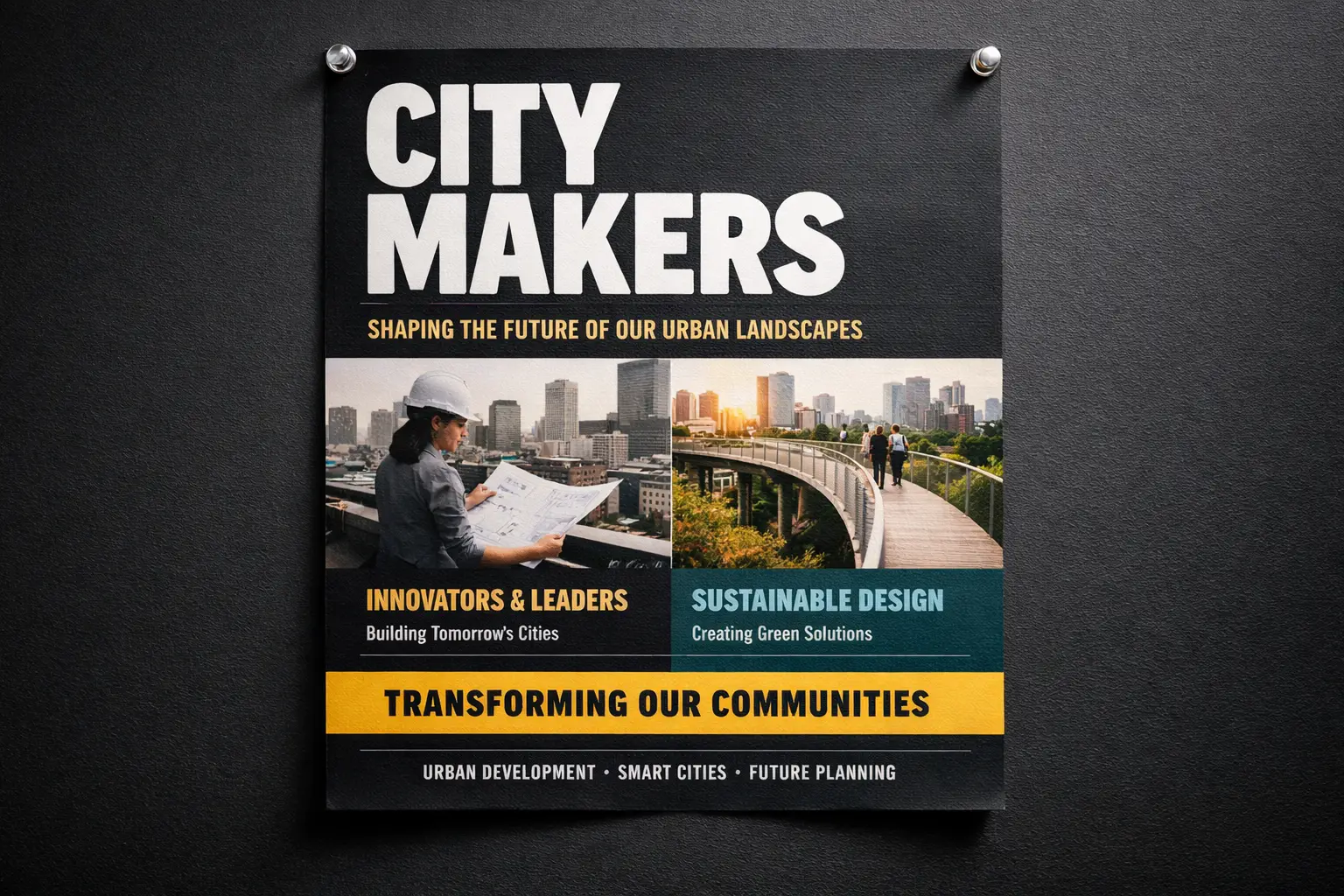
Modern design conference launch poster, bold headline "Design Shift 2026", smaller subhead "Creative Systems for Teams", prominent centered text hierarchy, black background with neon cyan and silver accents, premium editorial poster layout, easy-to-read typography, balanced spacing

Why this prompt works

This prompt breaks down poster content, text hierarchy, and visual treatment instead of grouping all details into generic style language.

Target output

A text-focused poster concept with tighter layout guidance and sharper typography.

Prompt tips

  • Add exact text in quotation marks when wording is critical to your project.
  • Map out text hierarchy separately from colors and overall tone.
Image-to-Image Edit

Prompt fit

Ideal for targeted edits where your base object or layout needs to stay instantly recognizable.

Reference-Driven Packaging Refresh

Reference-Driven Packaging Refresh

Prompt formula

[what stays] + [what changes] + [new style/material/color direction]

View prompt detailsShow full breakdown

Full prompt

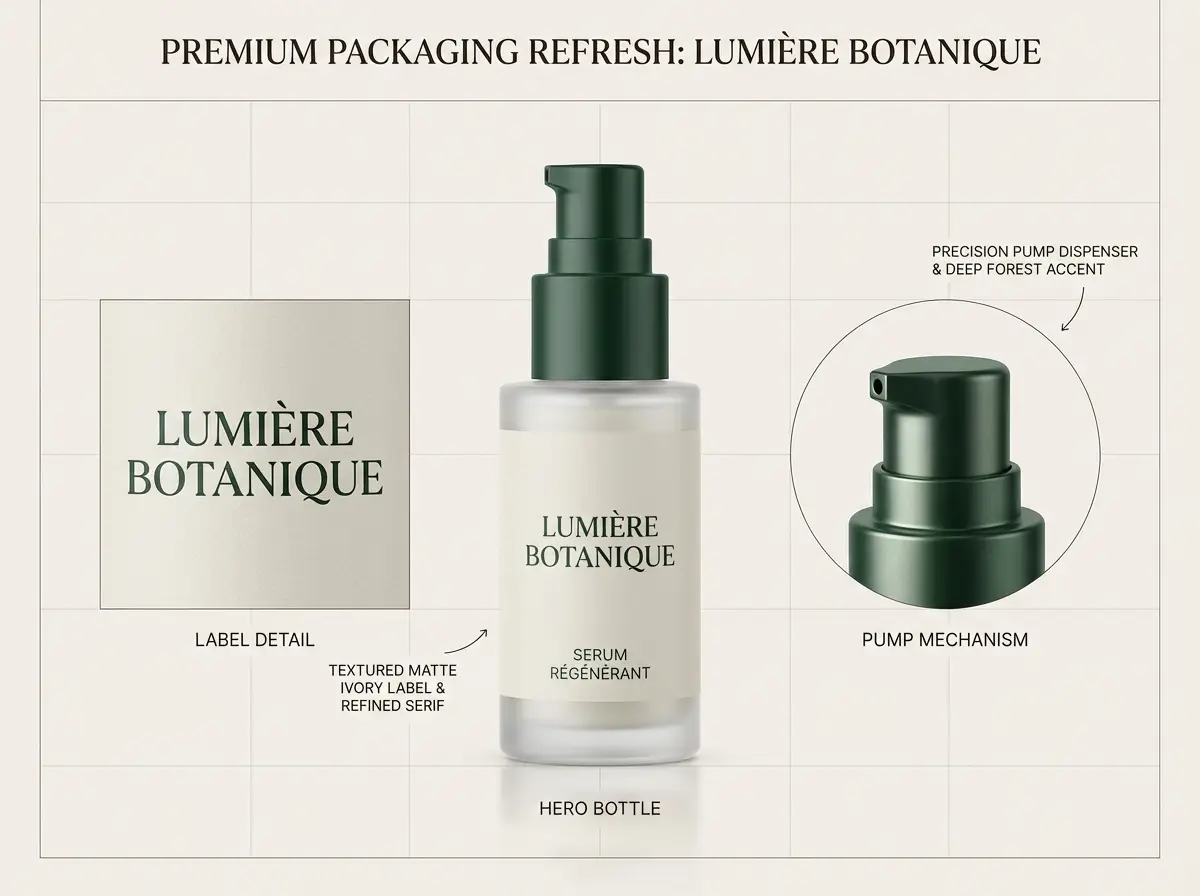
Keep the bottle shape, front-facing layout, and cap structure from the reference photo. Tweak the packaging to matte white with desaturated sage accents, softer editorial studio lighting, elevated premium skincare branding, cleaner retail presentation, and subtle shadow control

Why this prompt works

This prompt first lists which elements need to stay consistent before requesting the edit, reducing unintended visual adjustments.

Target output

A targeted refresh that preserves product identity intact while upgrading the overall visual system.

Prompt tips

  • Prioritize consistent elements first in your prompt.
  • Write your edit request with greater detail than your initial creative concept.
Campaign Creative

Prompt fit

Perfect for polished editorial campaigns where mood, finish, and styling shape the overall visual impact.

Luxury Fashion Campaign Shot

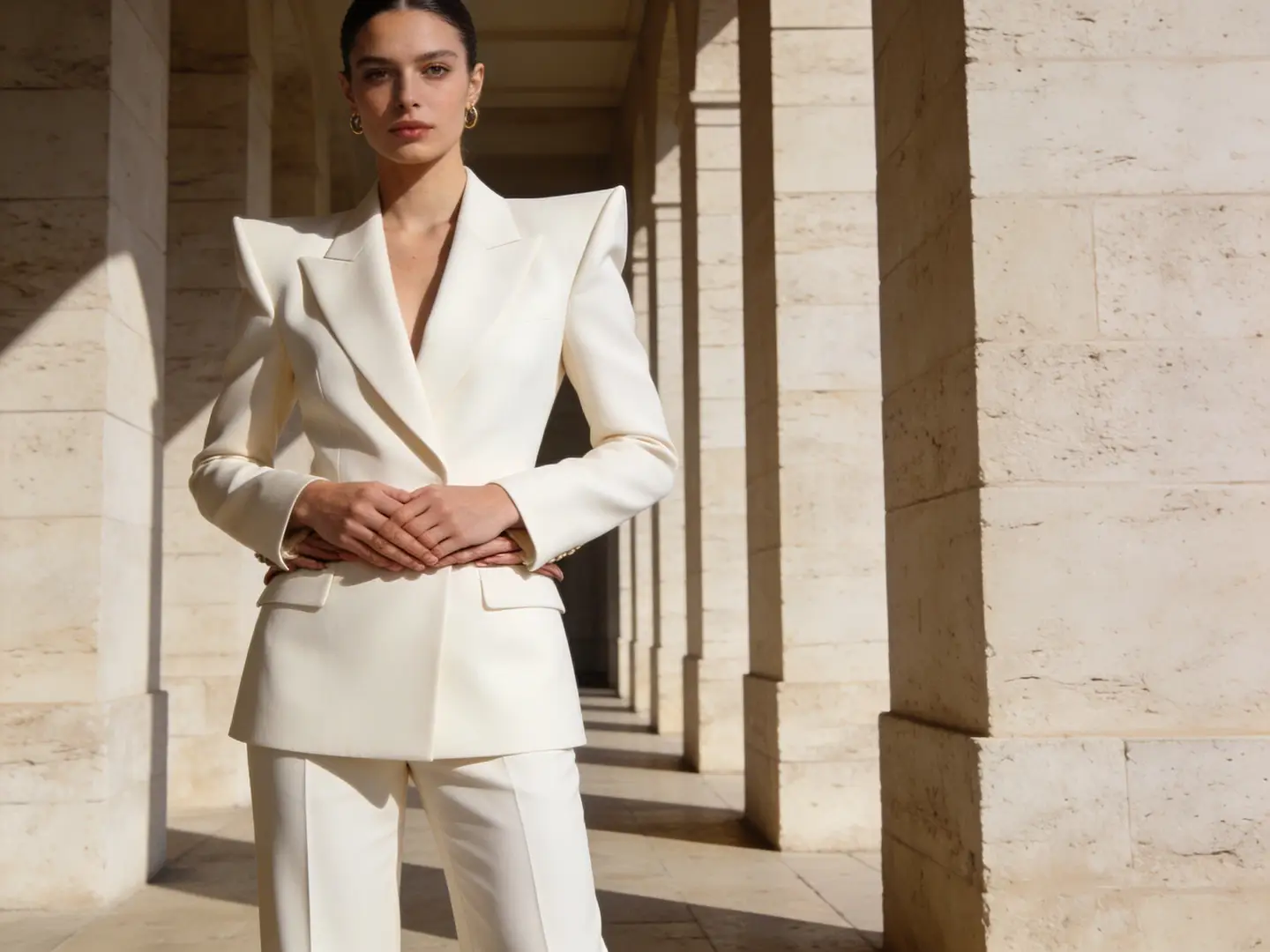
Luxury Fashion Campaign Shot

Prompt formula

[subject] + [styling] + [camera feel] + [lighting] + [campaign finish]

View prompt detailsShow full breakdown

Full prompt

Editorial fashion campaign shot, self-assured model in structured cream tailoring, medium frame, luxury boutique lighting, subtle shadow falloff, glossy magazine-grade finish, premium styling, muted color palette, high-resolution campaign image for a luxury brand launch

Why this prompt works

This prompt gives the model a clear editorial use case, limited color palette, and premium finish goal.

Target output

A polished campaign-style shot you can repurpose for lookbooks, ads, or hero banners.

Prompt tips

  • Focus on one strong fashion or commercial context instead of multiple overlapping ideas.
  • Stick to a limited color palette for a luxurious, cohesive final output.
When to Use This Image Creation Workspace

Use This Workspace to Compare Models & Create Images Quickly

Use this workspace when your workflow is clear but you’re unsure which model will deliver the best results. Start with a broad approach, then narrow your focus once a model family fits your exact requirements.

Use This Workspace for Unified AI Visual Generation

Perfect if you want to switch between text-to-image and image-to-image quickly, compare multiple model families, and keep a streamlined workflow.

Use a Dedicated Model Page Once You’ve Picked Your Tool

Head to a model-specific page when you’ve already settled on using GPT-4o, Z-Image, Seedream, Flux, or Seedance and need more detailed prompt templates or model-specific validation.

Creator Community Insights

Community Examples & Model Talks for AI Image Generation

These videos, X posts, and Reddit threads show how creators compare image models in real-world workflows, instead of just reviewing technical specification documents.

Video examples

Creator posts from X

Reddit discussions

FAQs

FAQ

Answers about image-to-video generation, credits, models, and outputs

What can I generate here?

You can create text-to-image and image-to-image assets in one workspace, then switch models if you need sharper text, a different style, better prompt following, or stronger reference-image guidance.

Which image models are available?

Choose from model families such as GPT-4o, Nano Banana, Seedream, Flux, Qwen Image, Z-Image, and other supported image models. Availability can change as providers update their APIs.

Can I use reference images here?

Yes. Supported models can use reference images when your layout, product design, character direction, or subject identity needs more control than a text-only prompt.

How do I choose the right model?

Start with GPT-4o or Nano Banana when text clarity and prompt following matter, Seedream or Flux for visual style exploration, Qwen Image for general image synthesis, and Z-Image when an open model workflow fits your needs.

Do all models support the same ratios and inputs?

Absolutely not. This platform will only show aspect ratios, image upload limits, and resolution presets that your currently selected model natively supports.

When should I use this page instead of a dedicated model page?

Choose this page if you want to jump straight into generation and compare multiple image models without extra hassle. Head to a dedicated model page once you’ve settled on a specific tool and want more detailed prompt examples and customized, model-specific guidance.

Still have questions? Our support team is ready to help.

Join Discord
Key Navigation Options

Top Dedicated Image Model Portal Pages

Head to a dedicated image model page once a specific family fits your creative goals.

GPT-4o AI Visual Generation Tool

Ideal for projects where text readability, diagram generation, and precise prompt compliance are critical.

Explore related AI models

Seedance Pro

Ideal for high-end hosted visual generation and powerful multi-image editing tools.

Explore related AI models

Seedance 2

Perfect for grounded generation or when you need more detailed, richer visual context.

Explore related AI models

Seedream 4 AI Visual Generation Tool

Perfect for polished, campaign-ready visuals and a unique hosted visual generation experience.

Explore related AI models

Z-Image AI Visual Generator

Ideal for open-source model workflows and when you want to switch to self-hosted implementation later on.

Explore related AI models

Flux 2 AI Visual Generation Tool

Perfect if you want an alternative path to polished art direction and prompt-led visual generation.

Explore related AI models

Start Your AI Visual Generation Today

Choose a model, add a prompt or reference photo, and create your first draft right above.

Explore More AI Image Styles

Discover 90 artistic styles for AI image generation, with different models and prompts as your creative partner

Trending Styles

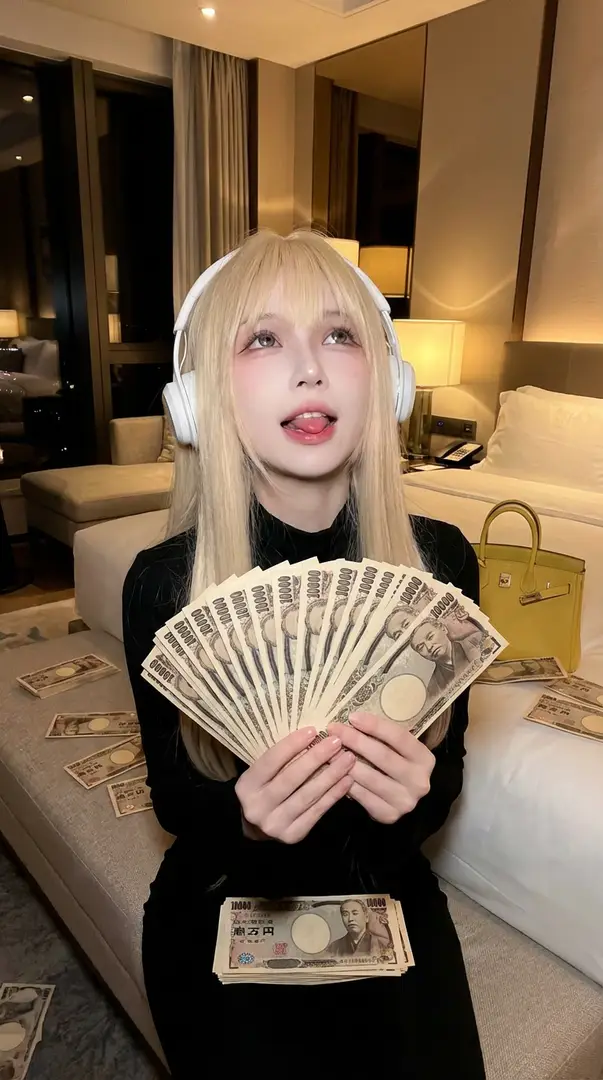
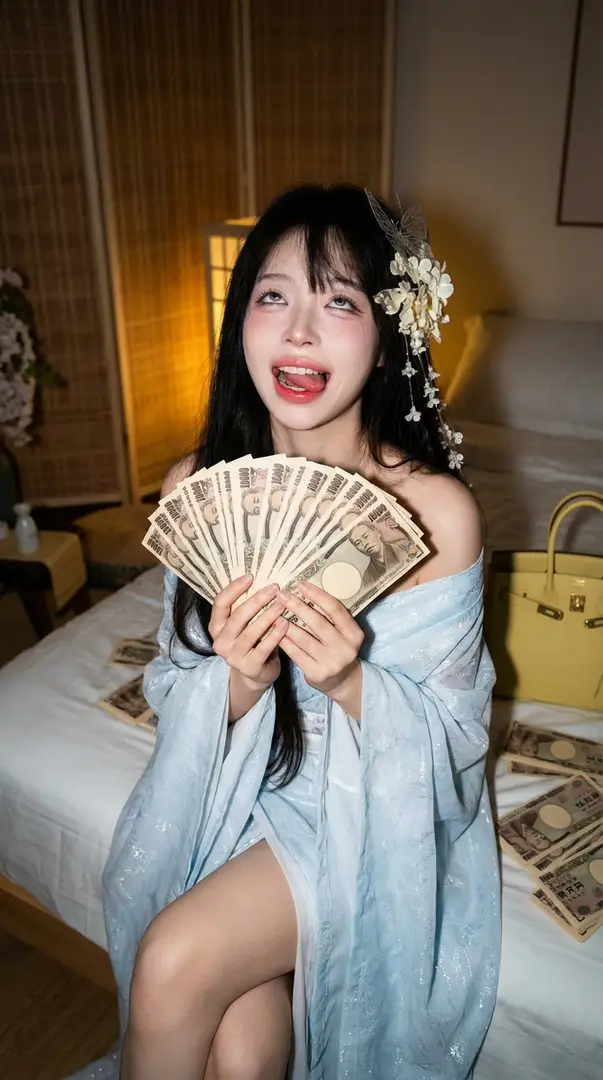
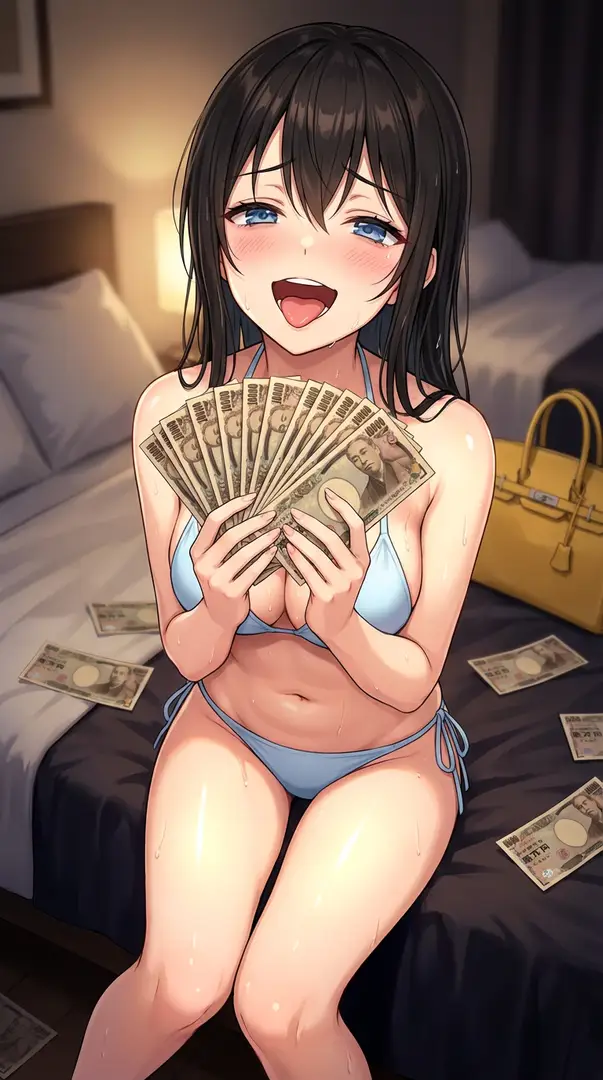
Luxurious Cash-Fan Portrait in Flash Photography – Energetic Night Lifestyle ShotLuxurious Cash-Fan Portrait in Flash Photography – Energetic Night Lifestyle ShotLuxurious Cash-Fan Portrait in Flash Photography – Energetic Night Lifestyle ShotLuxurious Cash-Fan Portrait in Flash Photography – Energetic Night Lifestyle Shot
Rising
10
Start Creating

Luxurious Cash-Fan Portrait in Flash Photography – Energetic Night Lifestyle Shot

Create a high-energy luxury lifestyle portrait inspired by night-time flash photography. The subject sits on a bed ledge, holding a fanned stack of Japanese yen with an exaggerated celebratory expression. Warm artificial lighting, designer accessories, and a close-up low-angle flash setup deliver a vivid, aspirational mood with strict visual consistency to the reference image.

5mo ago
Create
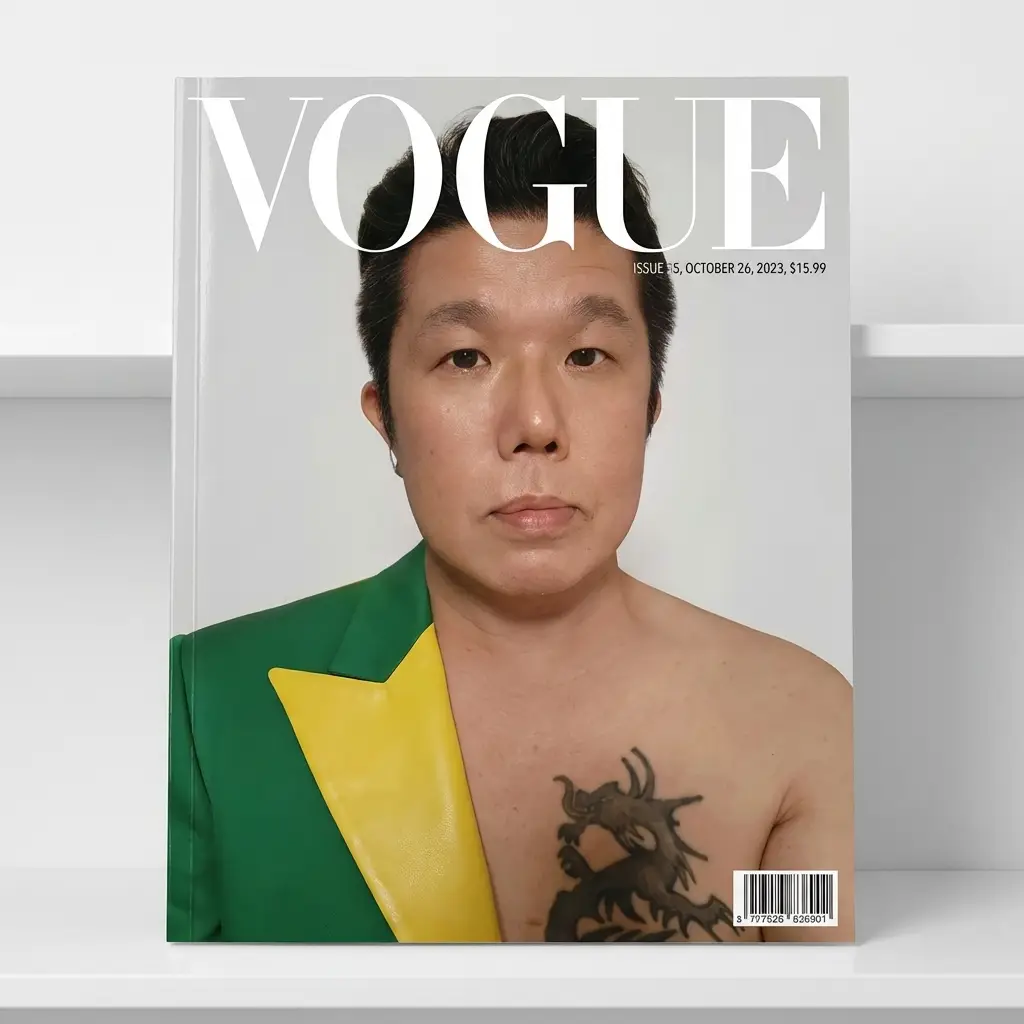
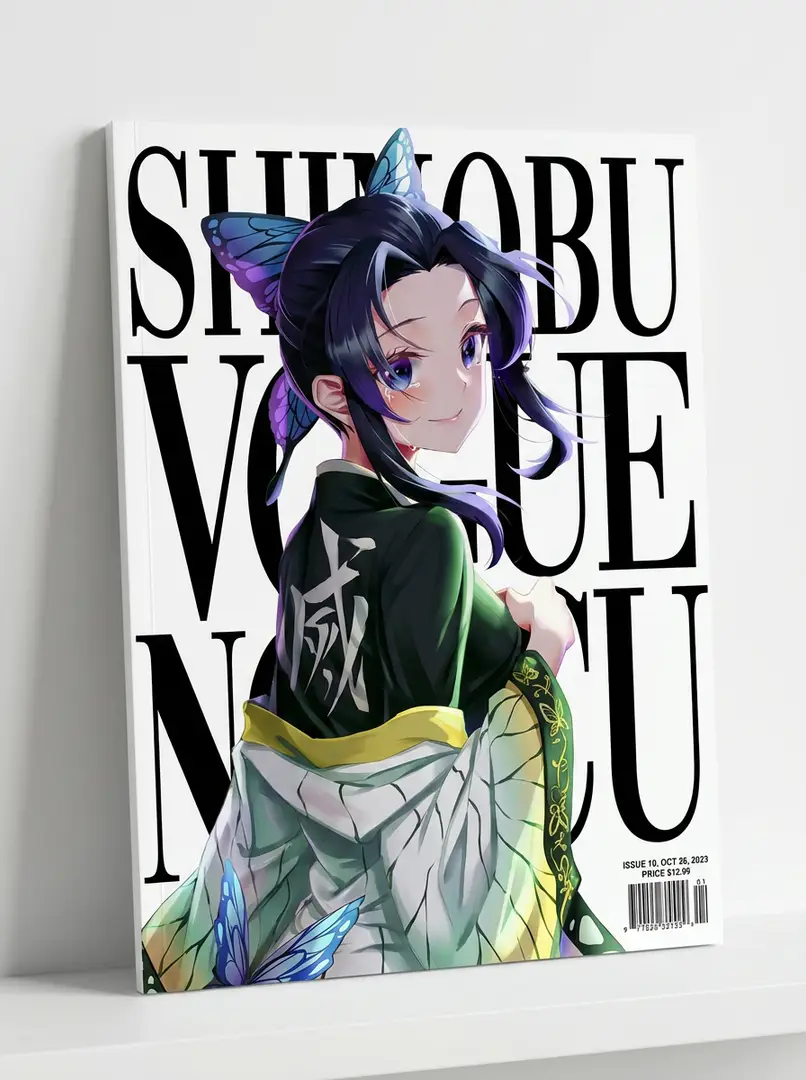
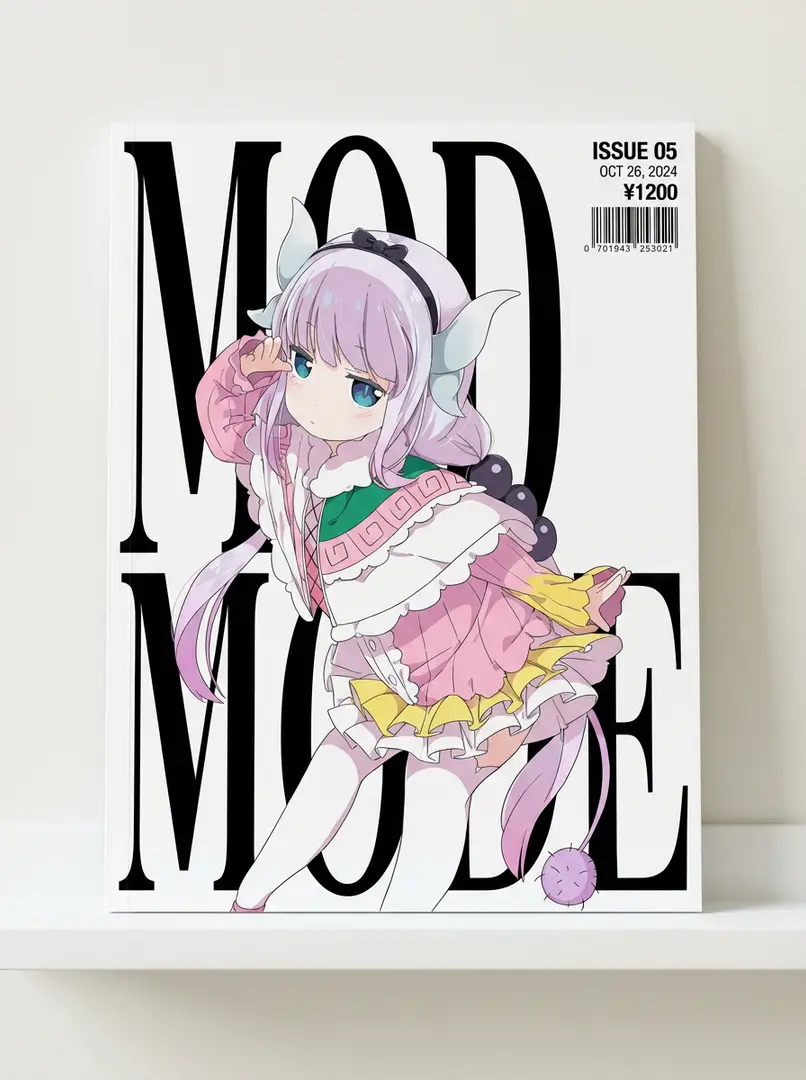
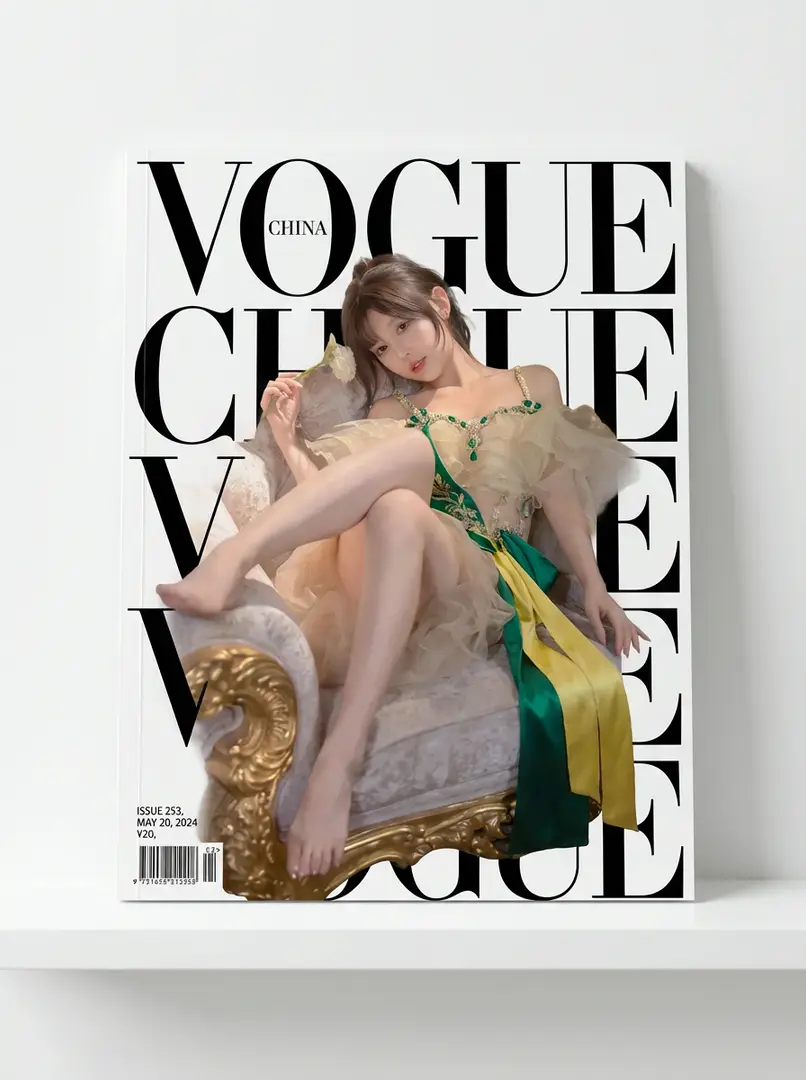
Character Magazine Cover DesignCharacter Magazine Cover DesignCharacter Magazine Cover DesignCharacter Magazine Cover Design
New
5
Start Creating

Character Magazine Cover Design

Featuring the reference image character as the main subject, retaining the face shape, facial features, hairstyle, and posture; clothing and makeup reference the original image or include green and yellow accents. The magazine cover has bold text, with the character in front partially obscuring the text, and issue number, date, etc., in the corner. Shot against a wall with a white stand.

5mo ago
Create
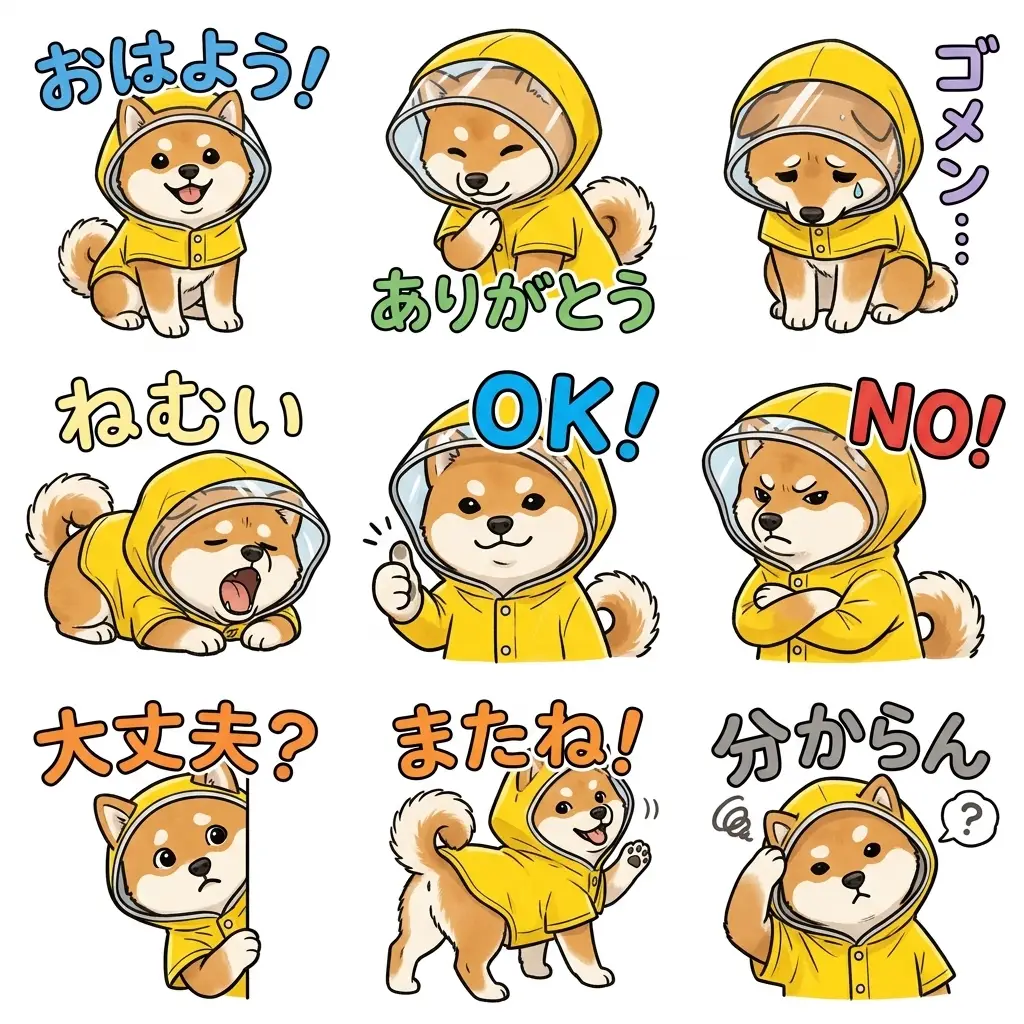
9 Handwritten LINE Stickers9 Handwritten LINE Stickers9 Handwritten LINE Stickers9 Handwritten LINE Stickers
Rising
13
Start Creating

9 Handwritten LINE Stickers

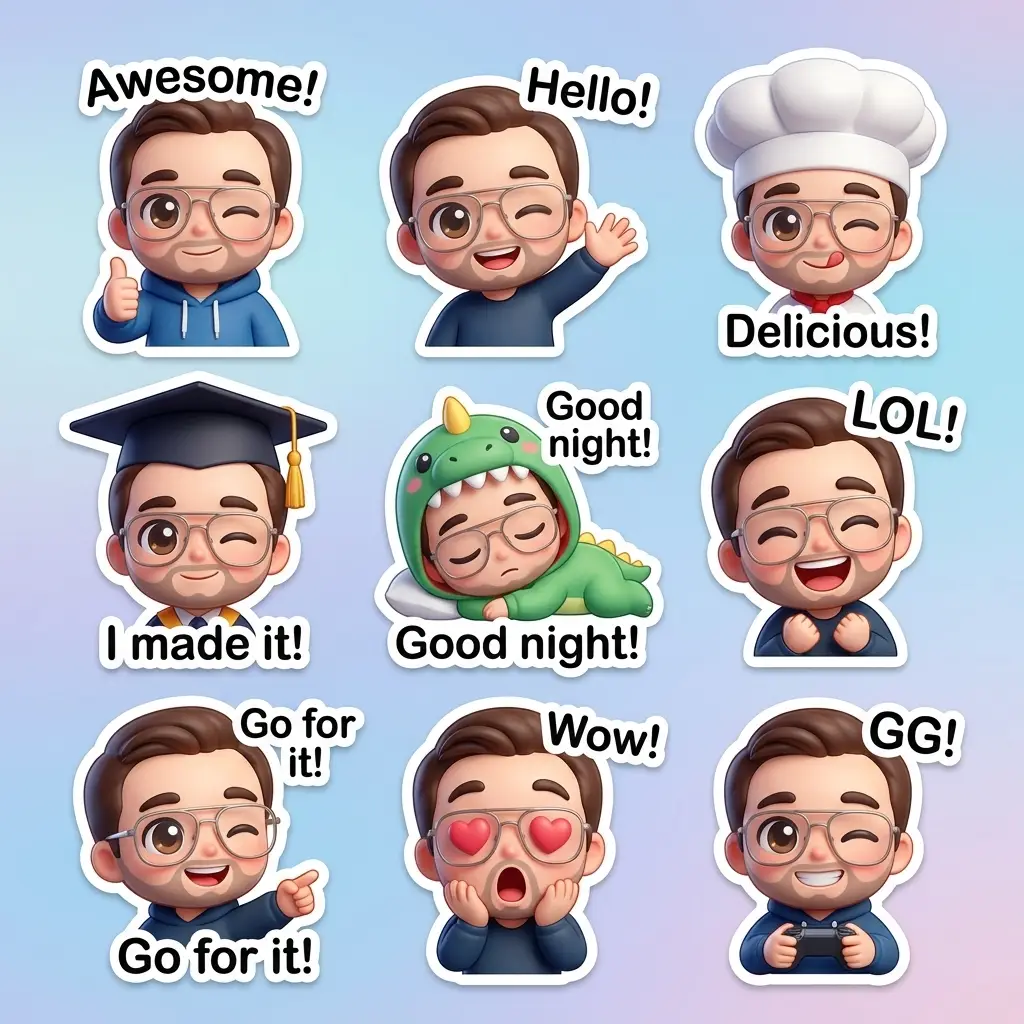
Based on [Image 1], 9 handwritten-style LINE stickers with a sense of unity are generated. Maintains features, white background, bold text (white/black outline), and reflects natural expressions and poses.

5mo ago
Create
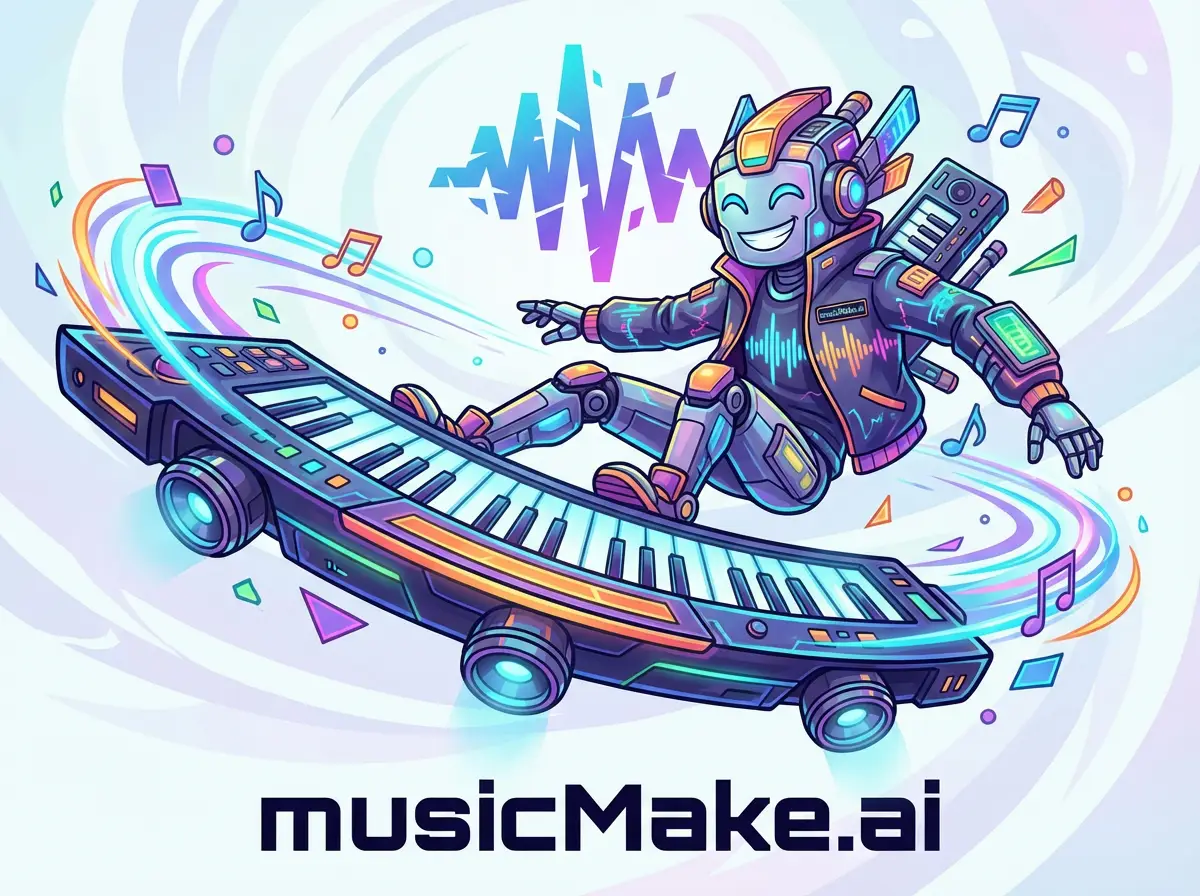
Brand Product Character VehicleBrand Product Character VehicleBrand Product Character VehicleBrand Product Character Vehicle
New
4
Start Creating

Brand Product Character Vehicle

A fictional character shaped like a brand product, wearing brand-identity clothing, riding an oversized brand product as a futuristic vehicle with dynamic style, vibrant colors, and abstract brand logo in the background.

5mo ago
Create
Brand Logo Lunar FlagBrand Logo Lunar FlagBrand Logo Lunar Flag
New
3
Start Creating

Brand Logo Lunar Flag

Recreated brand logo as a textured woven flag on the lunar surface, in a hyperrealistic NASA-style moon landing scene with natural waving motion.

5mo ago
Create
真人动画对照
New
1
Start Creating

真人动画对照

真人与动画人物垂直拼贴,纯白背景留白,突出媒介质感与情绪对比的创意作品。

5mo ago
Create
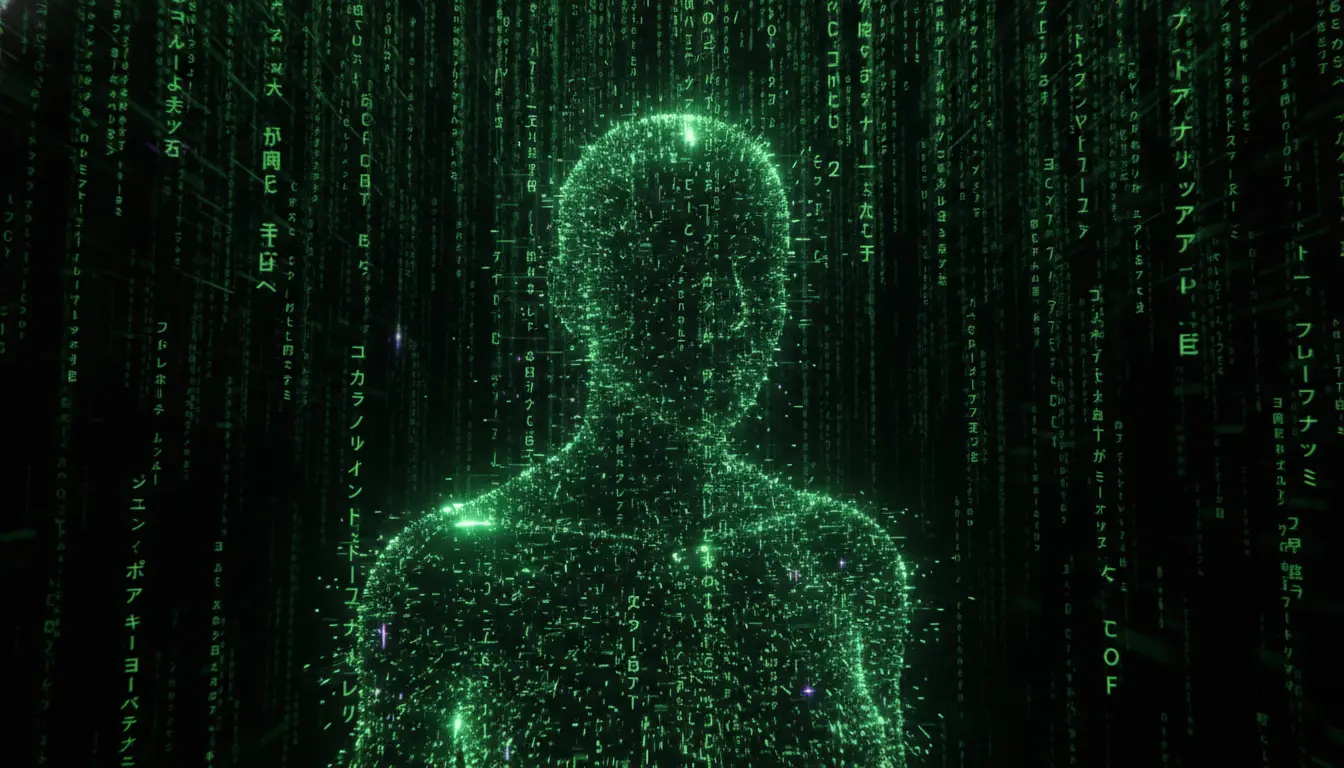
Matrix Digital Code SceneMatrix Digital Code SceneMatrix Digital Code SceneMatrix Digital Code Scene
New
4
Start Creating

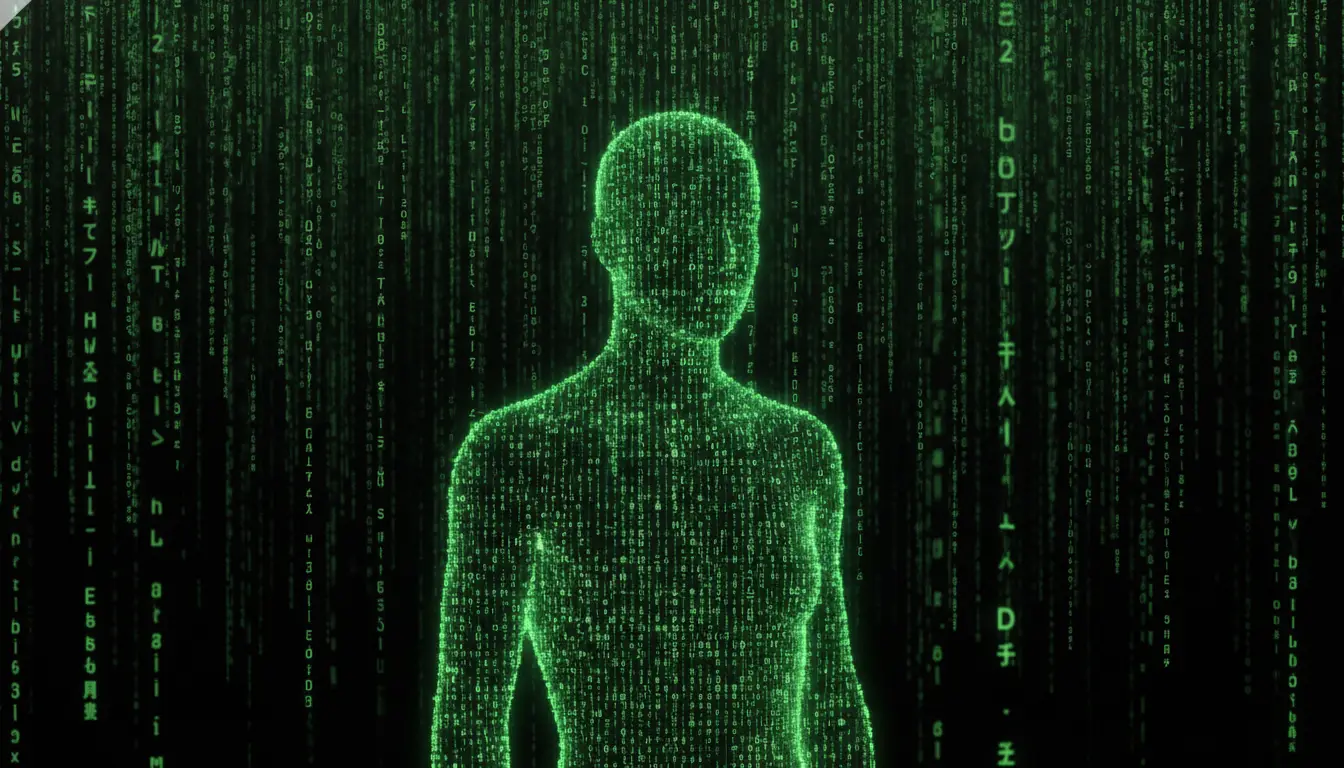
Matrix Digital Code Scene

Cascading neon green code on black backdrop with glowing symbols (katakana, numbers, Latin letters), motion blur, depth, and screen glow for cyberpunk high-tech Matrix atmosphere

5mo ago
Create
1990's WWF Wrestling Figurine Package1990's WWF Wrestling Figurine Package1990's WWF Wrestling Figurine Package1990's WWF Wrestling Figurine Package
Rising
21
Start Creating

1990's WWF Wrestling Figurine Package

Product photography of a 1990's style WWF Wrestling Figurine package featuring a detailed wrestler with bright colors, set against a white background with professional studio lighting.

5mo ago
Create
Gritty Gorillaz Urban IllustrationGritty Gorillaz Urban Illustration
New
2
Start Creating

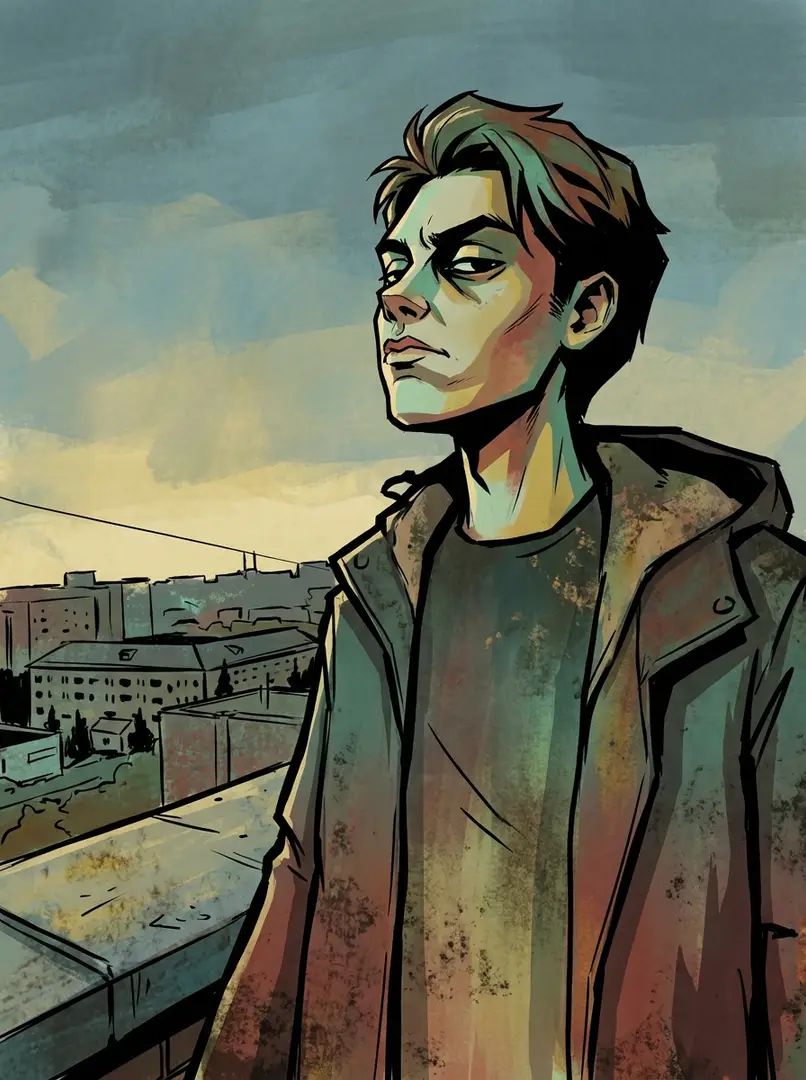
Gritty Gorillaz Urban Illustration

Bold black outlines, sharp edges, and flat expressive lighting define this gritty Gorillaz-style illustration. Muted teals, greens, reds, yellows, and browns create a raw grungy urban vibe with comic book flatness and painterly grit, exuding rebellious attitude.

5mo ago
Create
Modern UPA Cartoon Style
New
1
Start Creating

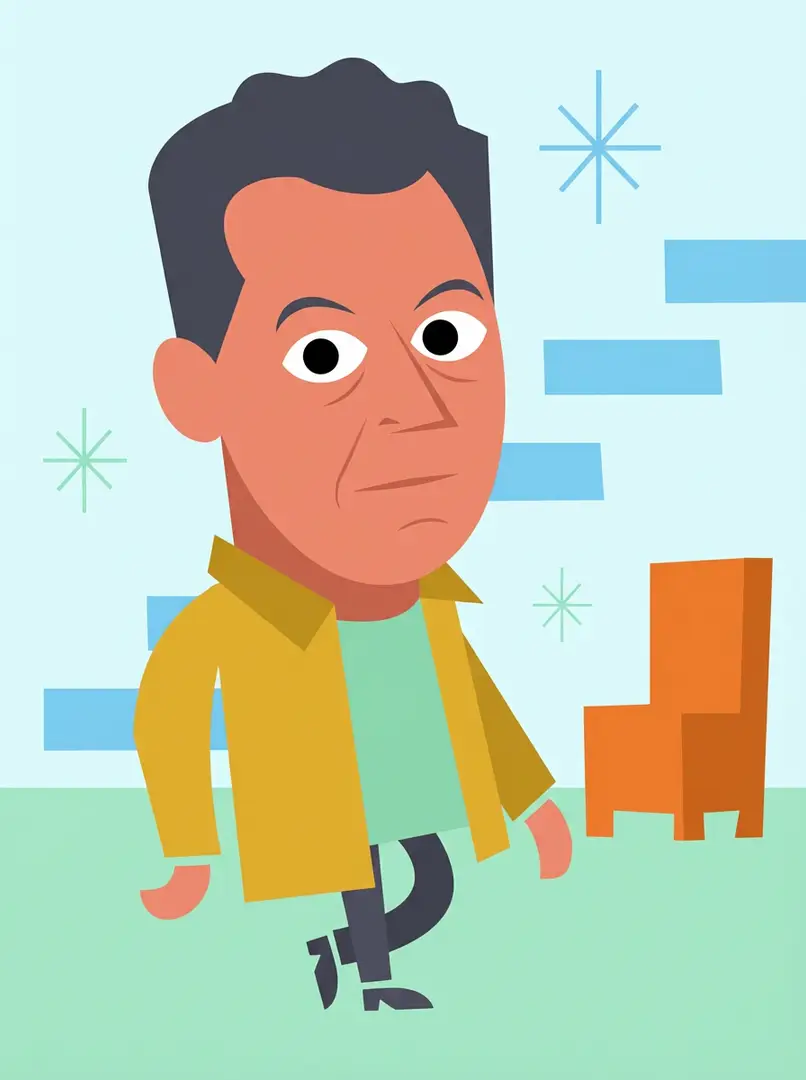
Modern UPA Cartoon Style

Stylized illustration in UPA-inspired modern cartoon style with flat geometric shapes, limited pastel/bold colors, minimalist features, and symbolic background, evoking 1950s-60s animation.

5mo ago
Create
Retro Japanese Gag Manga Illustration
New
1
Start Creating

Retro Japanese Gag Manga Illustration

High-contrast black-and-white Japanese gag manga style with bold linework, screentone shading, exaggerated expressions, cartoonish proportions, dynamic action lines, and retro 80s-90s manga aesthetic.

5mo ago
Create
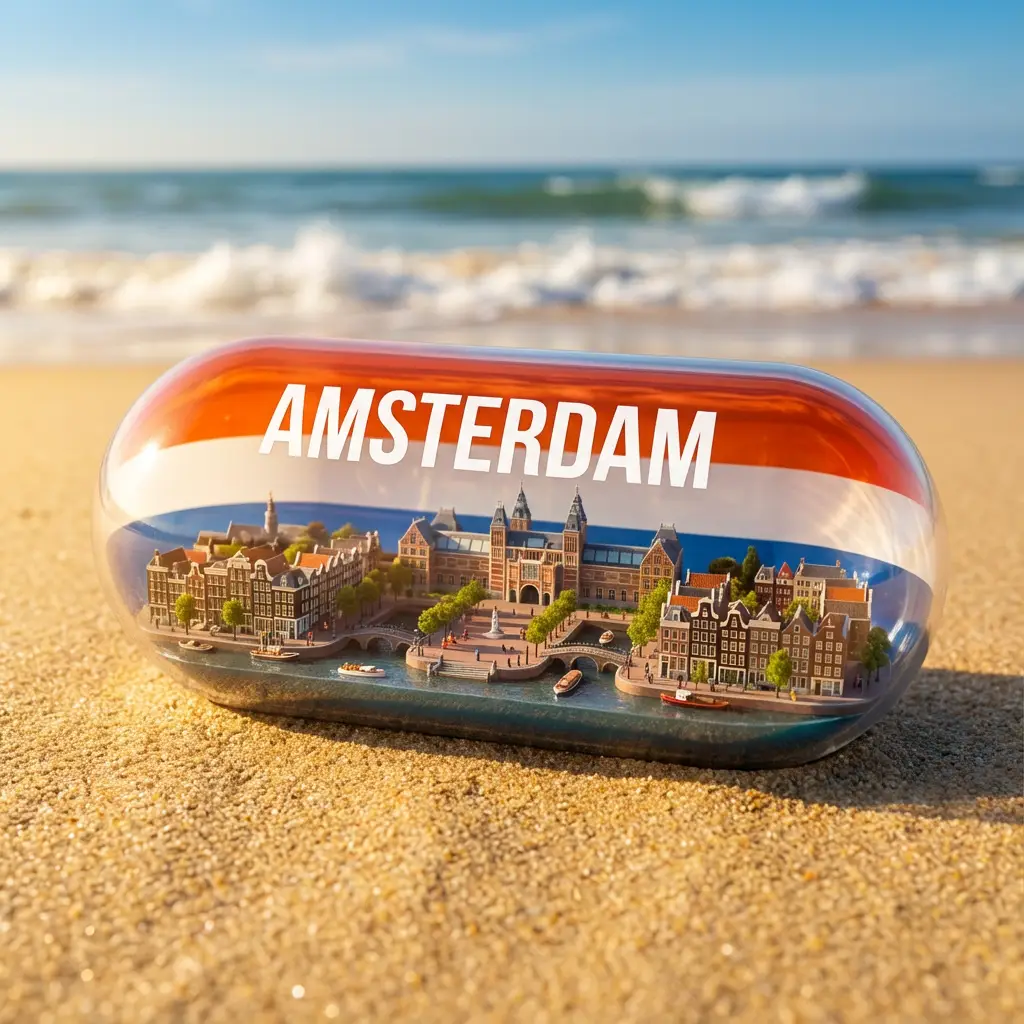
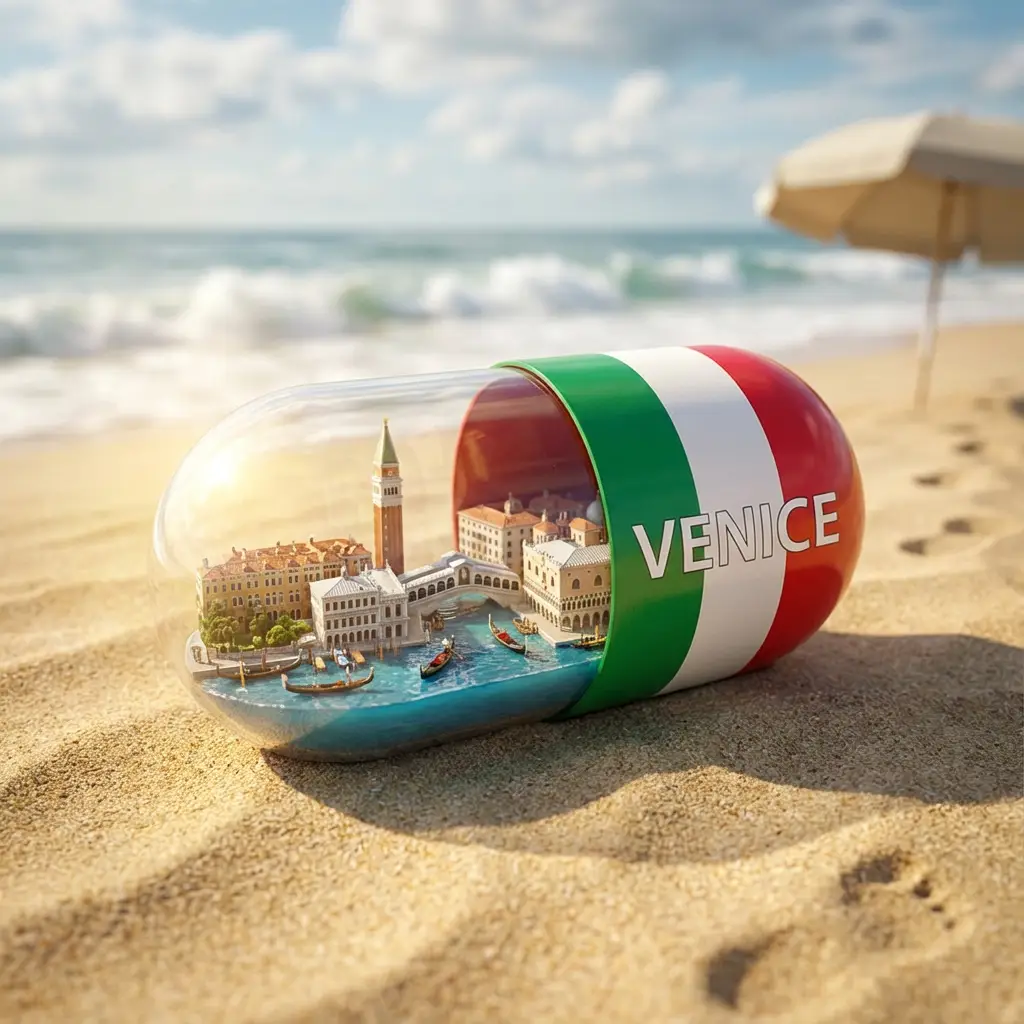
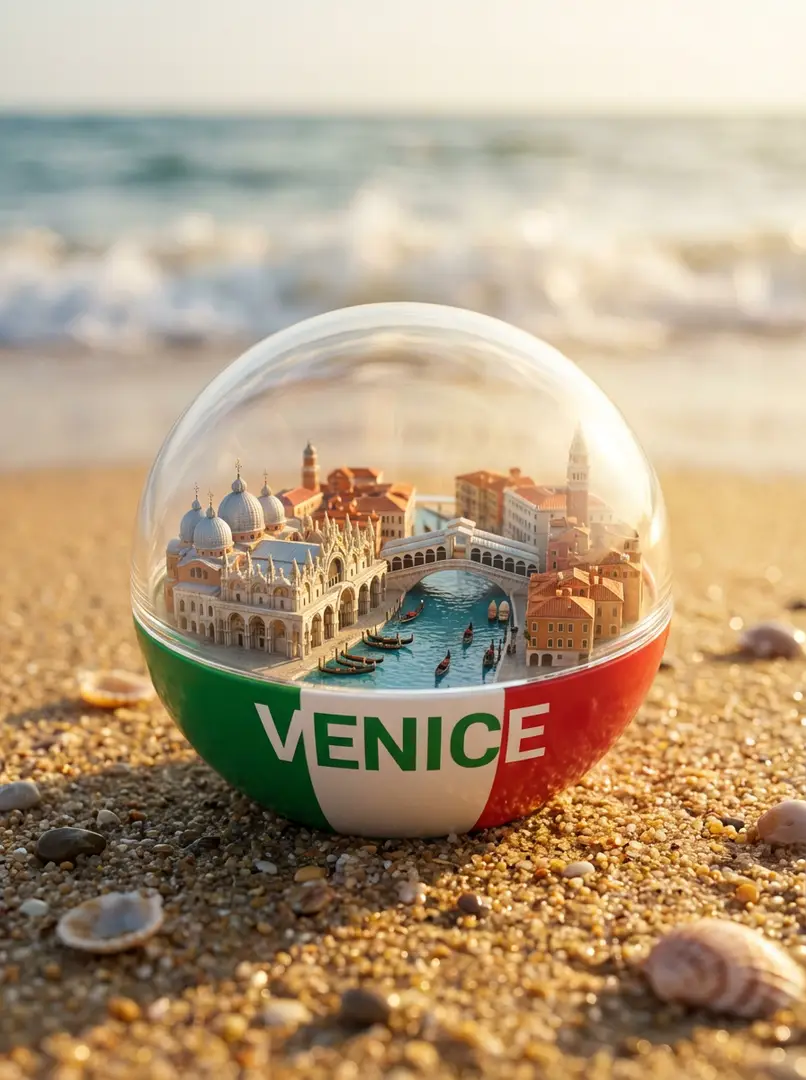
Vibrant City Capsule on BeachVibrant City Capsule on BeachVibrant City Capsule on Beach
New
3
Start Creating

Vibrant City Capsule on Beach

A vibrant hyper-realistic miniature city inside a transparent capsule on a sandy beach, half [COLOR] (matching [COUNTRY] flag), with [CITY] text, iconic landmarks, canals/streets, boats/cars, sunny lighting, cinematic depth, and ocean waves.

5mo ago
Create
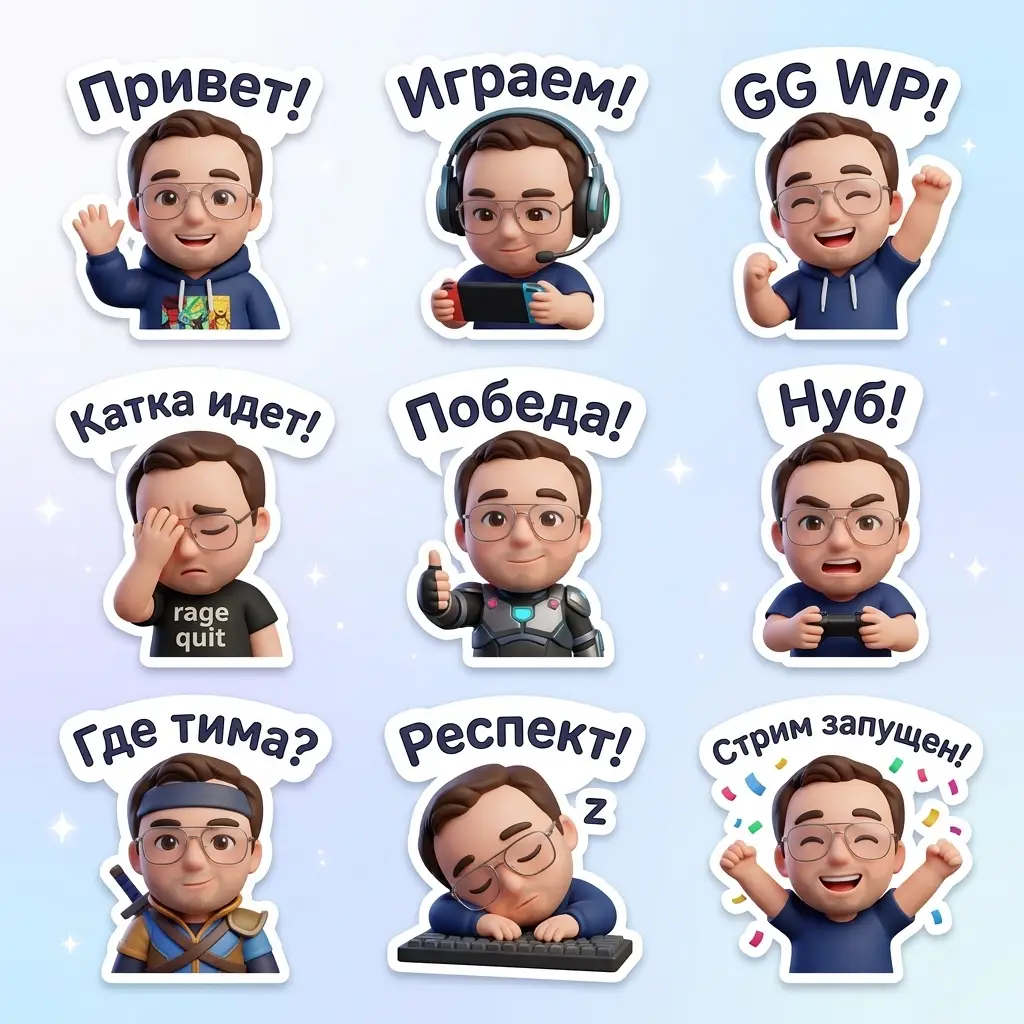
Kawaii Chibi Sticker PackKawaii Chibi Sticker Pack
New
2
Start Creating

Kawaii Chibi Sticker Pack

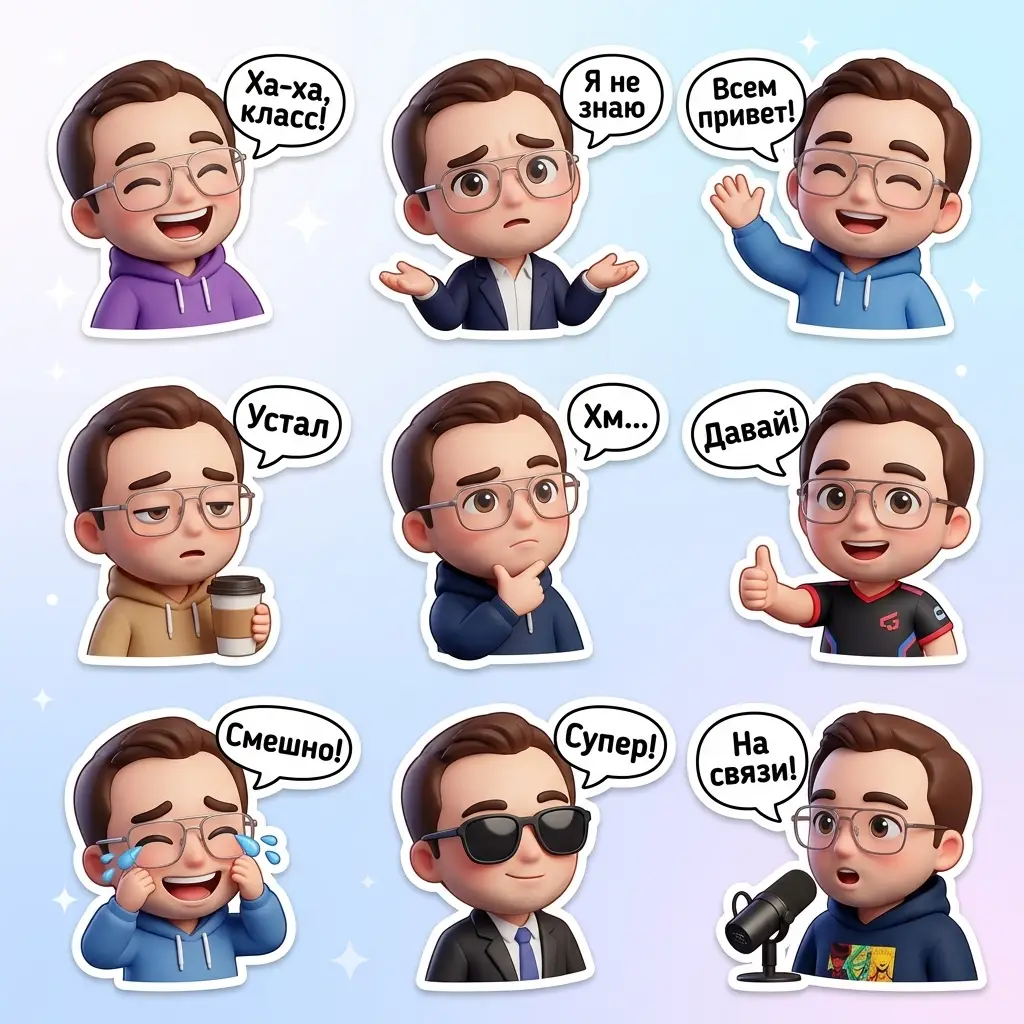
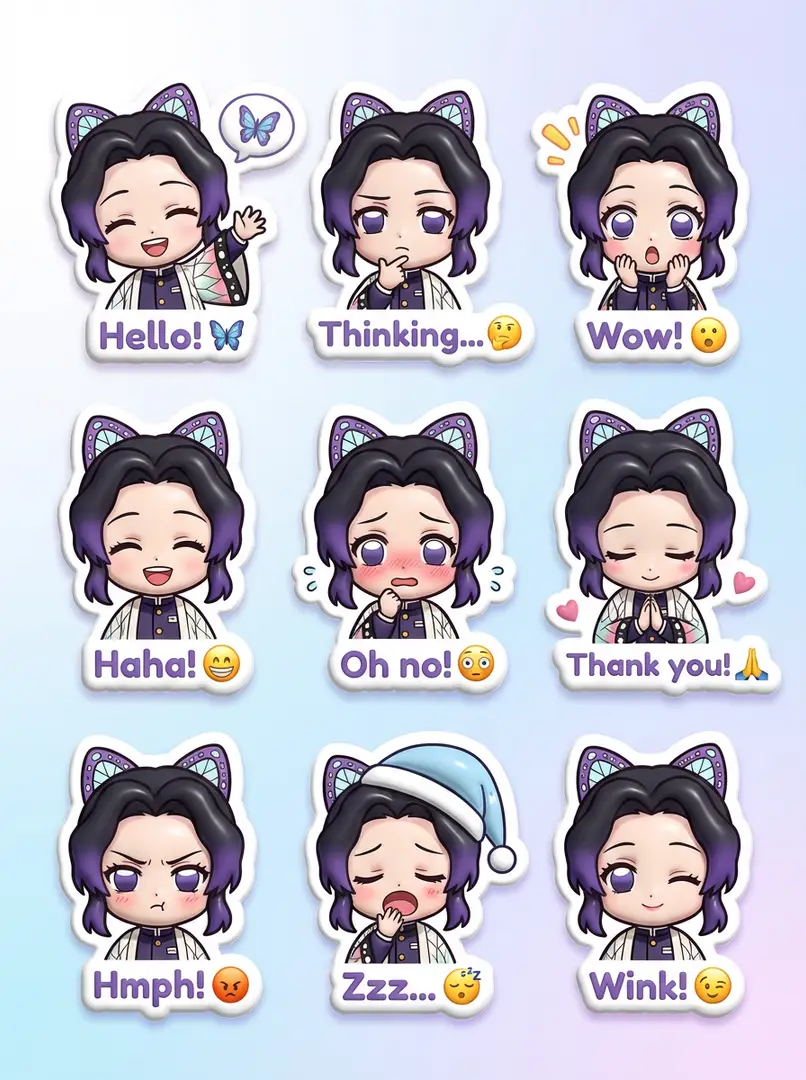
3D kawaii sticker pack with nine chibi characters in various outfits, poses, and expressions. Each has a white border and speech bubble with phrases, on a soft white-to-pastel blue gradient for a fun, positive WhatsApp vibe.

5mo ago
Create
Playful Digital Cartoon Portrait
New
1
Start Creating

Playful Digital Cartoon Portrait

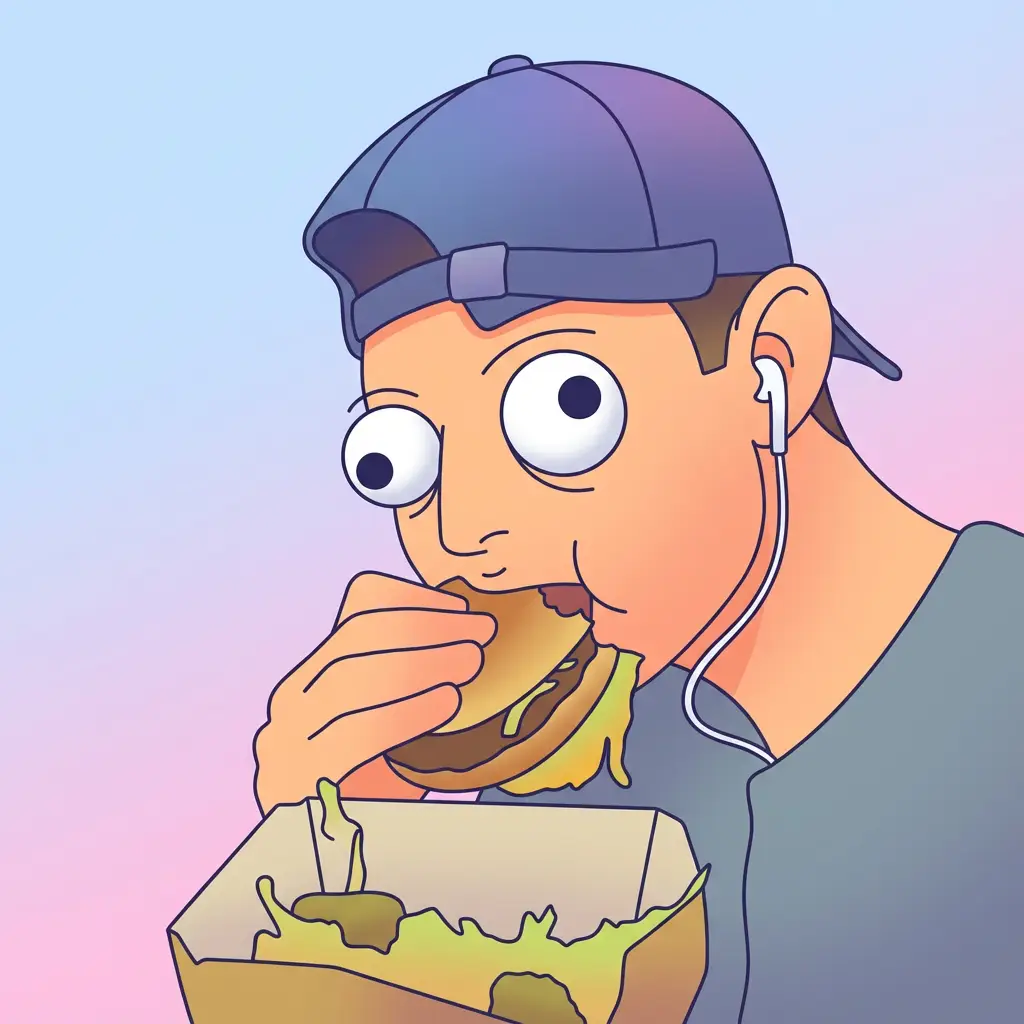
Half-body digital cartoon portrait with playful vector style, clean lines, rounded face, oversized googly eyes, smooth gradient fills, and square format.

5mo ago
Create
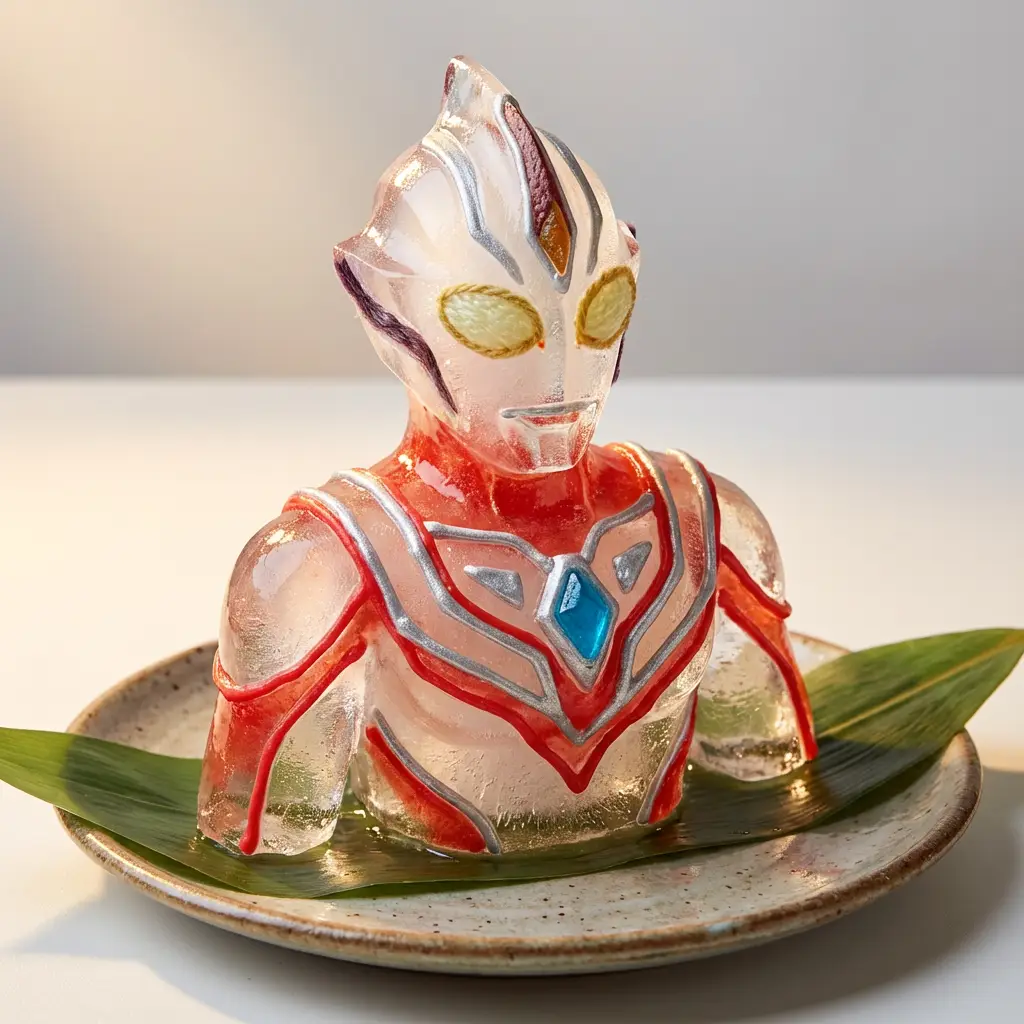
Colorful Ice Sculpture Art
New
1
Start Creating

Colorful Ice Sculpture Art

A colorful handcrafted ice sculpture with custom shapes, accented by icing, candy, or fruit skin, placed on a ceramic plate with a softly lit background, blending food art and toy design into playful art.

5mo ago
Create
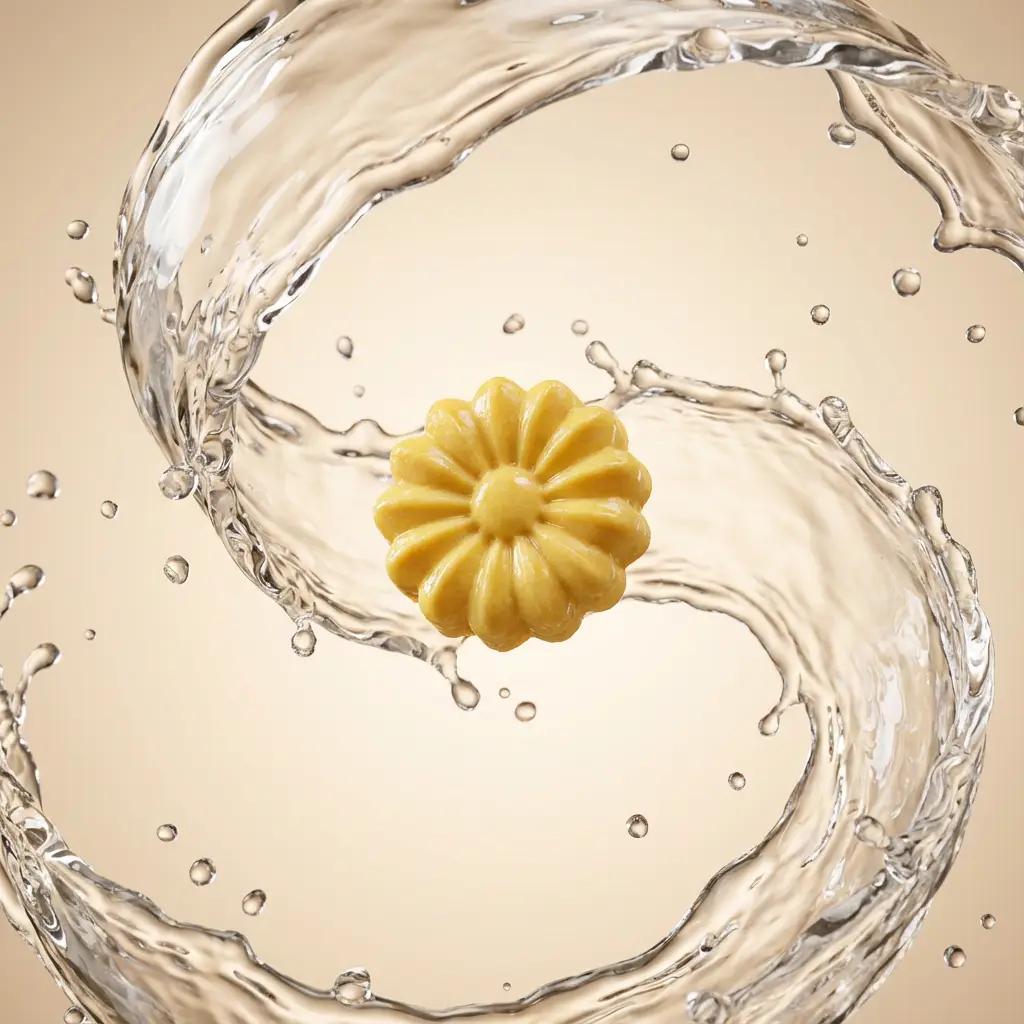
Suspended Product with Water SwirlsSuspended Product with Water SwirlsSuspended Product with Water Swirls
New
3
Start Creating

Suspended Product with Water Swirls

Studio-lit product suspended mid-air with thick dynamic water swirls, crystal-clear droplets, high-gloss finish, and cinematic lighting on a minimal gradient background.

5mo ago
Create
Surreal Whimsical Dreamscape
New
1
Start Creating

Surreal Whimsical Dreamscape

A surreal illustration with a whimsical, dream-like vibe featuring muted tones, soft ethereal light, oil-painting textures, and exaggerated expressive features for a serene yet uncanny atmosphere.

5mo ago
Create
Geometric Animal Paper Portrait
New
2
Start Creating

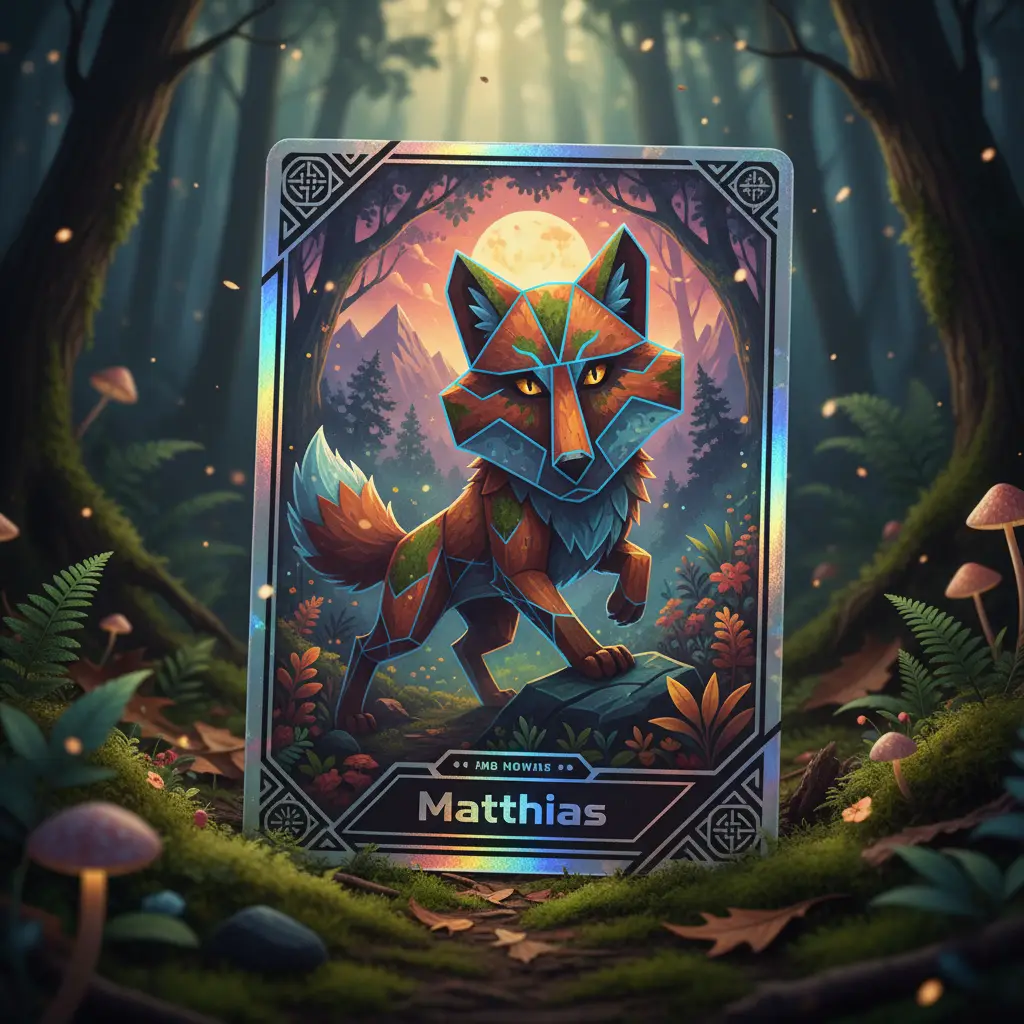
Geometric Animal Paper Portrait

A geometric animal head portrait crafted in contemporary paper collage style, featuring overlapping textures, shadow depth, botanical color palettes, and bold angular cuts against a minimalist gradient backdrop.

5mo ago
Create
Fisheye Close-Up Selfie
New
1
Start Creating

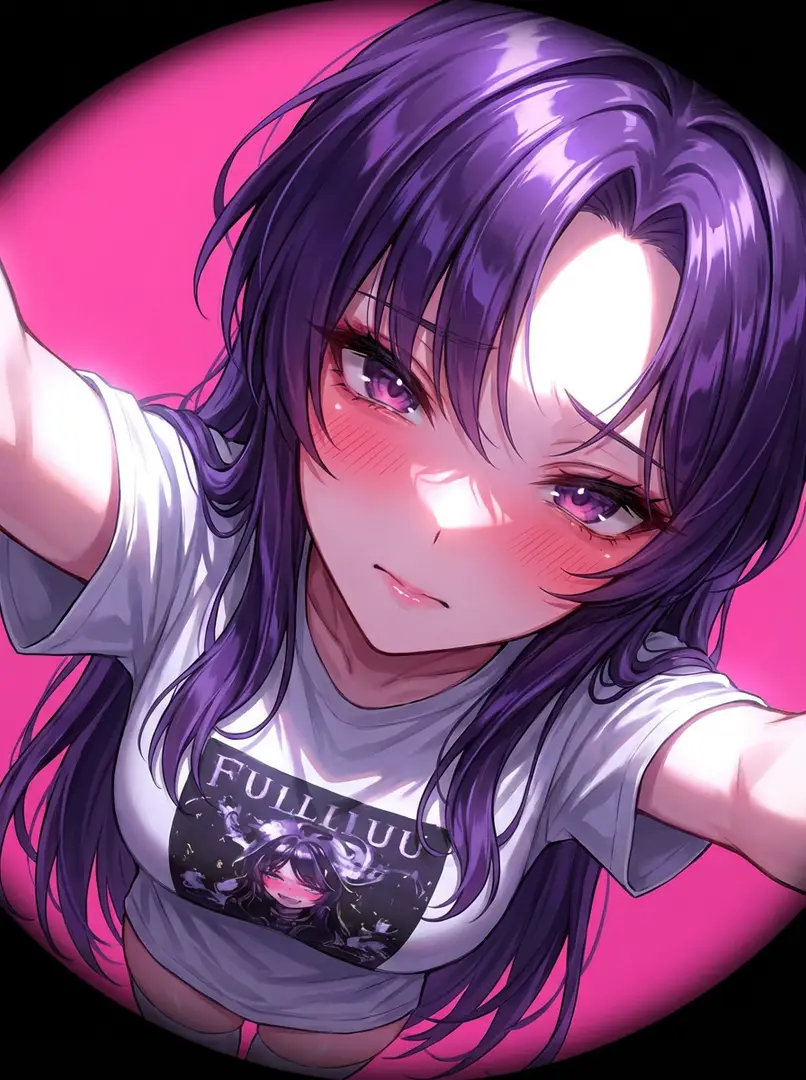
Fisheye Close-Up Selfie

Extremely close-up selfie portrait with intimate upper-chest to face framing, shot within arm’s length using fisheye lens, oblique angle, strong flash, and POV perspective, no background blur.

5mo ago
Create
Floating Glassy Neon RetextureFloating Glassy Neon Retexture
New
3
Start Creating

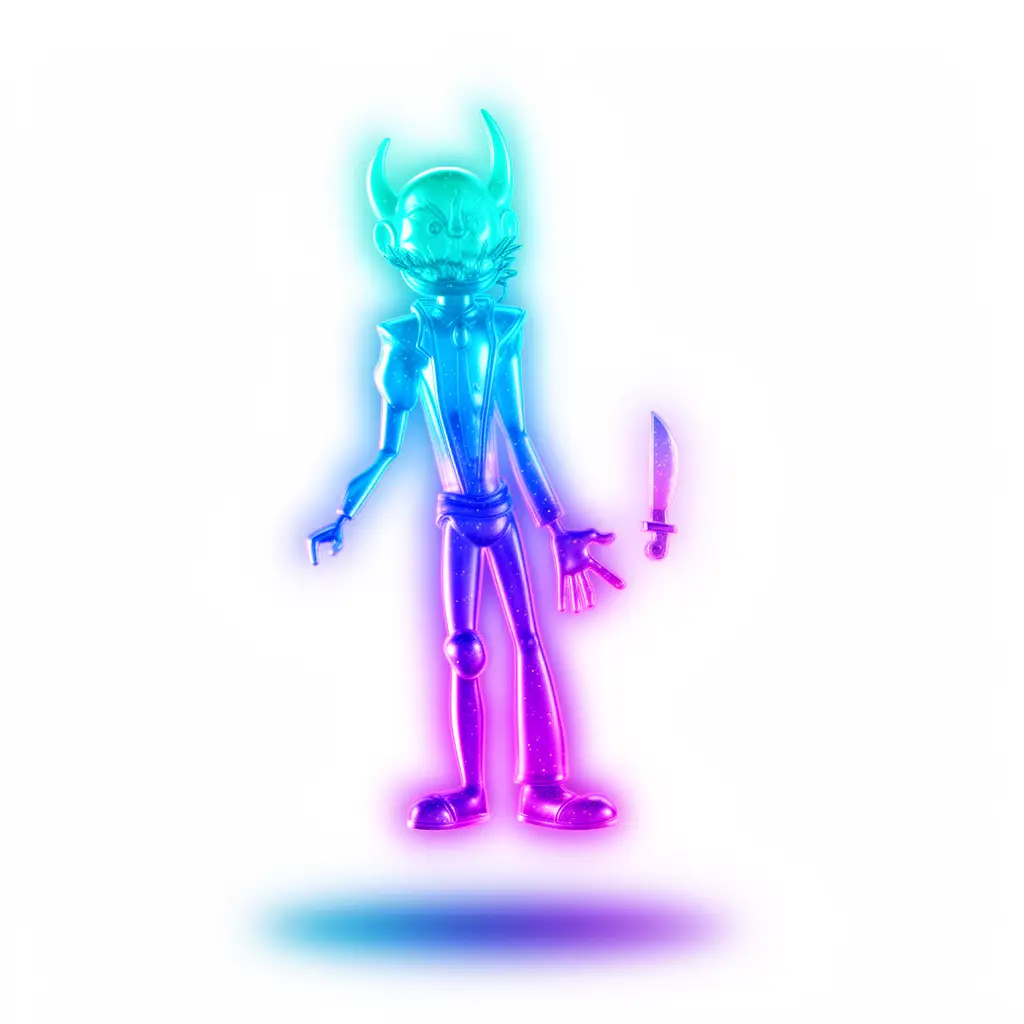
Floating Glassy Neon Retexture

Retexture image with translucent neon glass-gel material, soft glow edges, aqua-blue-violet gradient, and softbox HDRI lighting for a floating 3D effect.

5mo ago
Create